WEBINAR October 8th 10:30 am EDT / 3:30 pm BST • What support agents told us they need to do their best work Register now

Simplify Team Communication

Shared inbox software that ends email chaos

Get shared inbox software that turns emails into tickets, routes messages to the right team members, and supports internal collaboration.

Bring structure to email management

When teams work out of a single Gmail or Outlook inbox, manual triaging creates bottlenecks, managers have no visibility into workloads, and team members can’t tell if someone else is responding to the same message at the same time. Deskpro provides shared inbox software that triages messages based on your rules, helps managers balance workloads, and lets team members collaborate without duplicating each other’s efforts.  

Features that simplify support

Work smarter with snippets and personalization

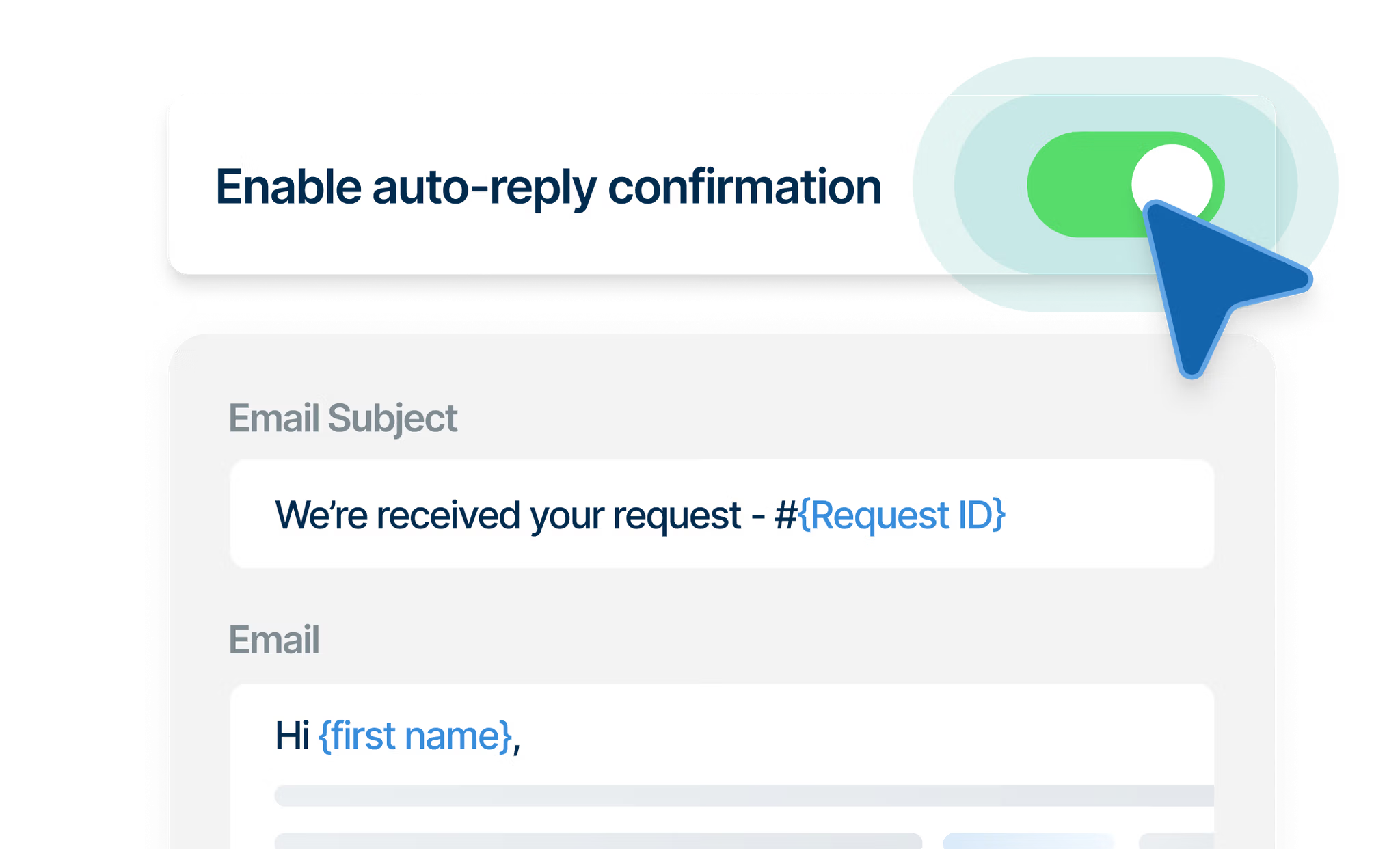
Create templated responses with dynamic fields so team members can respond quickly to common requests, automatically personalize messages with ticket details, and minimize human error. 

Learn more about snippets

Route requests to the right team the first time

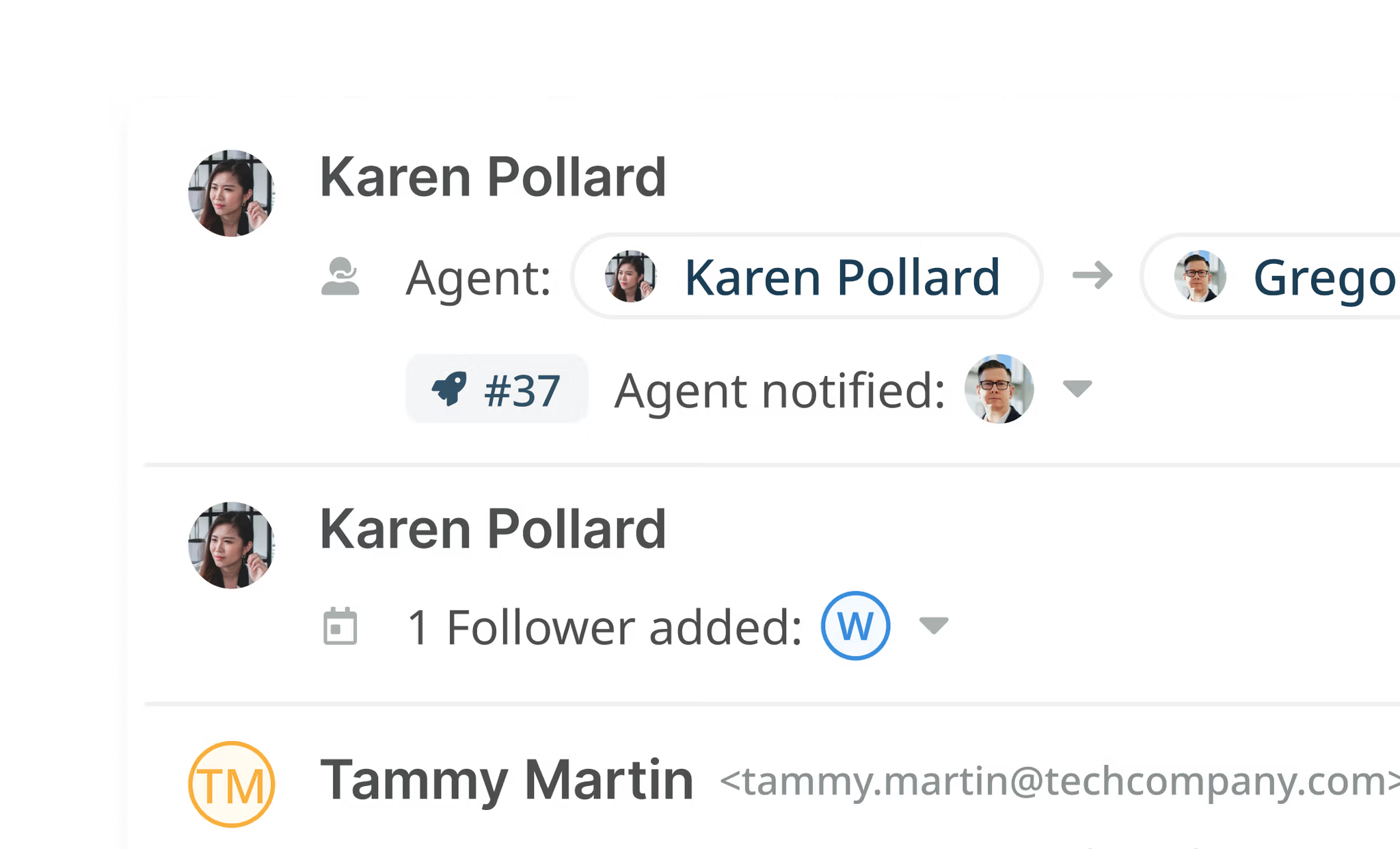
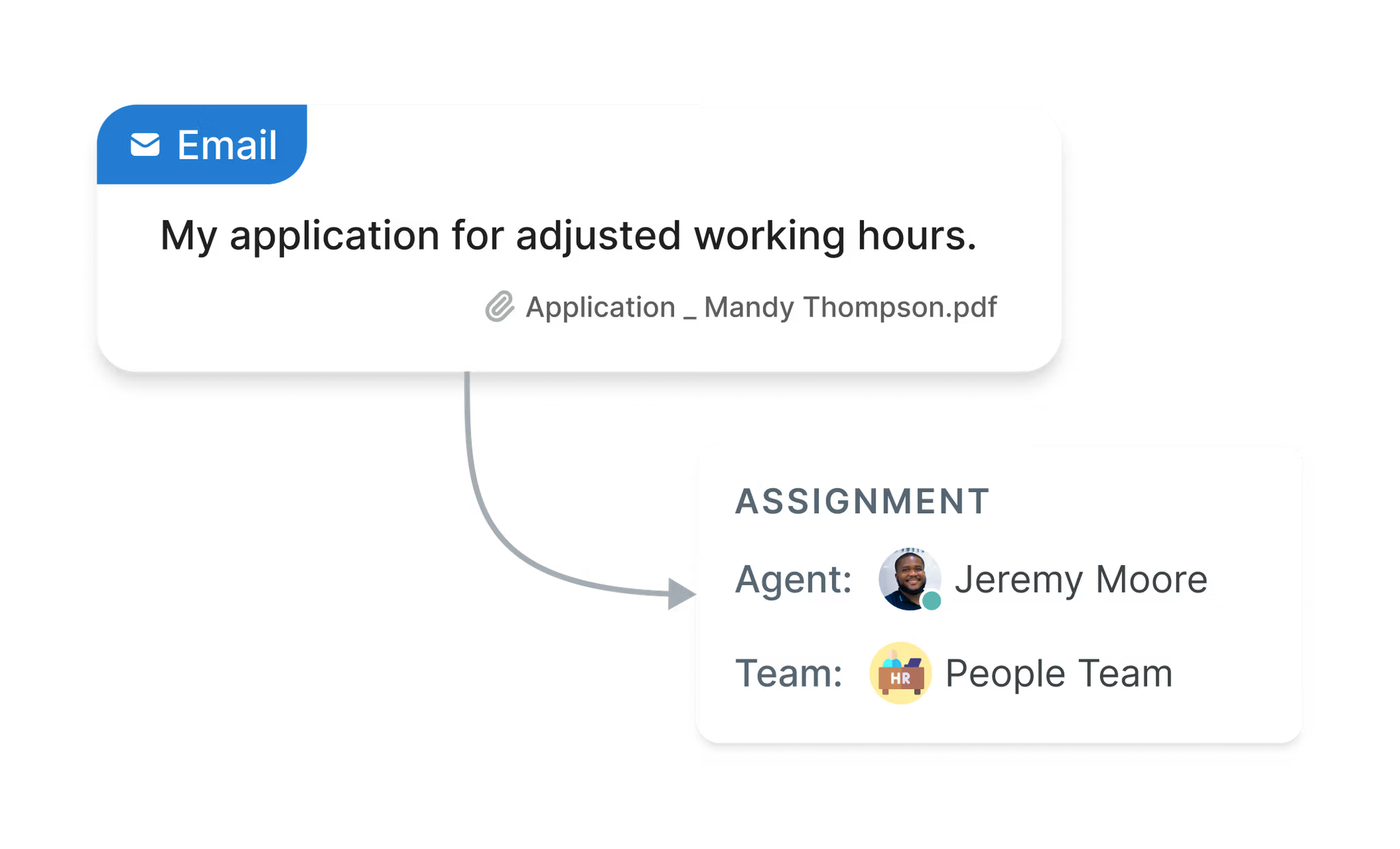
Set up triggers to automatically assign incoming tickets to specific queues, departments, teams, or agents based on your criteria. With clear assignment and notifications, everyone knows who is responsible for each ticket and when their attention is required.

Learn more about automation

Connect your favorite tools for a smoother workflow

Integrate your help desk with all your favorite tools. Deskpro lets you centralize your current tools in one platform for simplified communication.

Case Study

FROSCH improves 10-minute SLA accountability with Deskpro

After realizing that Outlook was not providing its customer care team with adequate tools, FROSCH Travel decided to look for a customizable help desk software solution to fulfill its needs.

Upgrade your team inbox management

Take a look at how Deskpro's unified inbox can enhance your team's collaboration.

Frequently Asked Questions

Why use shared inbox software instead of a shared Gmail or Outlook mailbox?

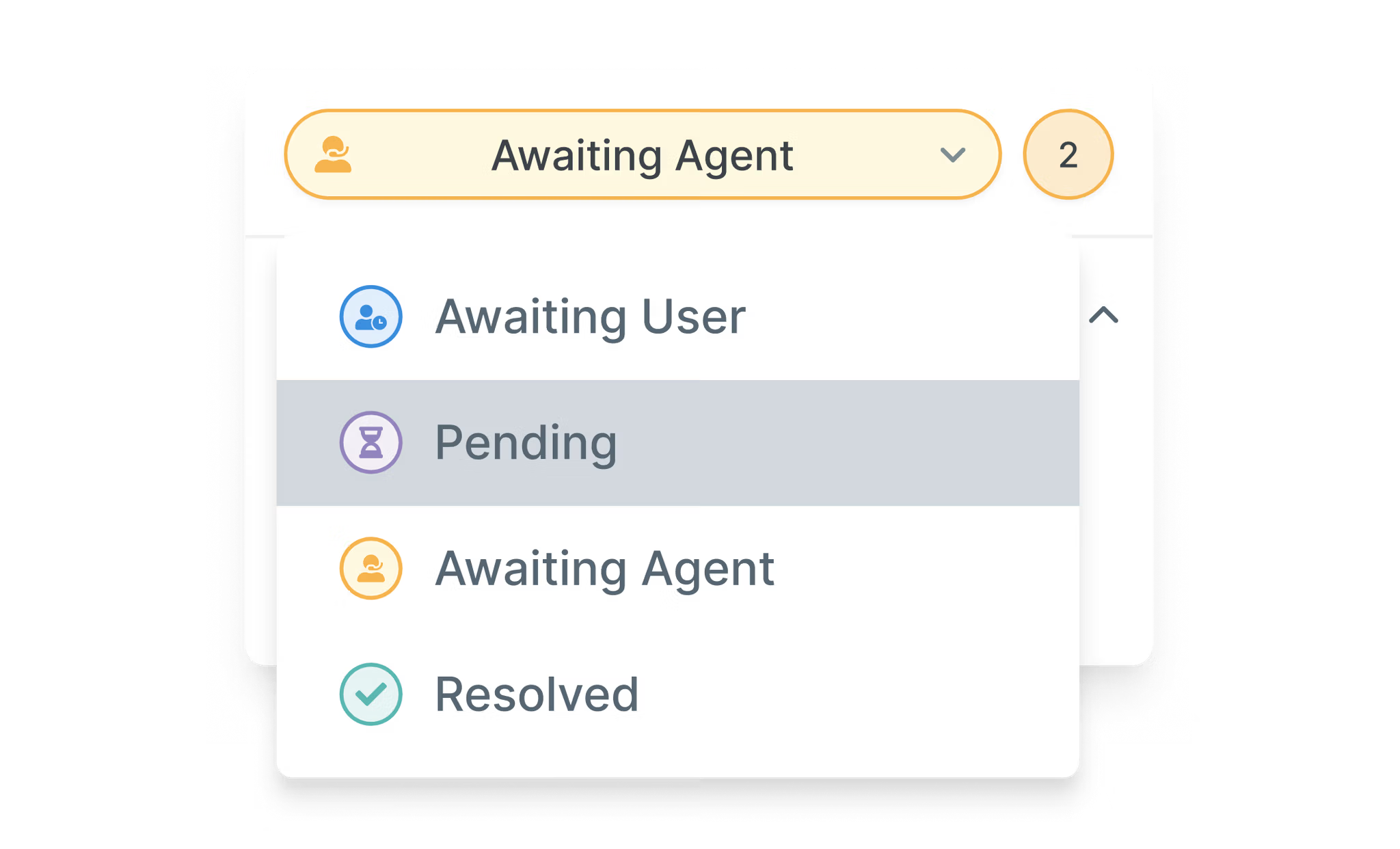
Shared mailboxes in Gmail and Outlook can't automatically assign emails, show who is handling each message, or report on how quickly your team responds. Shared inbox software like Deskpro turns each email into a ticket with an owner and a status, and adds automated routing, Service Level Agreements (SLAs) and reporting. 

What's the difference between a shared inbox and a distribution list?

A distribution list sends a copy of each email to everyone on the list, so no one can tell who owns a message or whether it's been answered. Shared inbox software like Deskpro turns each email into a ticket with an owner, a status and a full history, so your team can work from one queue without sending duplicate replies.

How do I create a shared inbox?

To create a shared inbox in Deskpro, add your team's support address (for example, support@yourcompany.com) as an email account in the admin interface, or forward it to your Deskpro address. Each incoming email becomes a ticket that your whole team can see, assign and work on together. You can set up triggers to send emails to the right department, team or agent automatically. 

Can I manage multiple email addresses in one shared inbox?

Yes. Deskpro doesn't limit how many email accounts and aliases you can create, so addresses like support@, hr@ and it@ can all come into one platform and go to the right team.

What is the best way to manage a shared inbox?

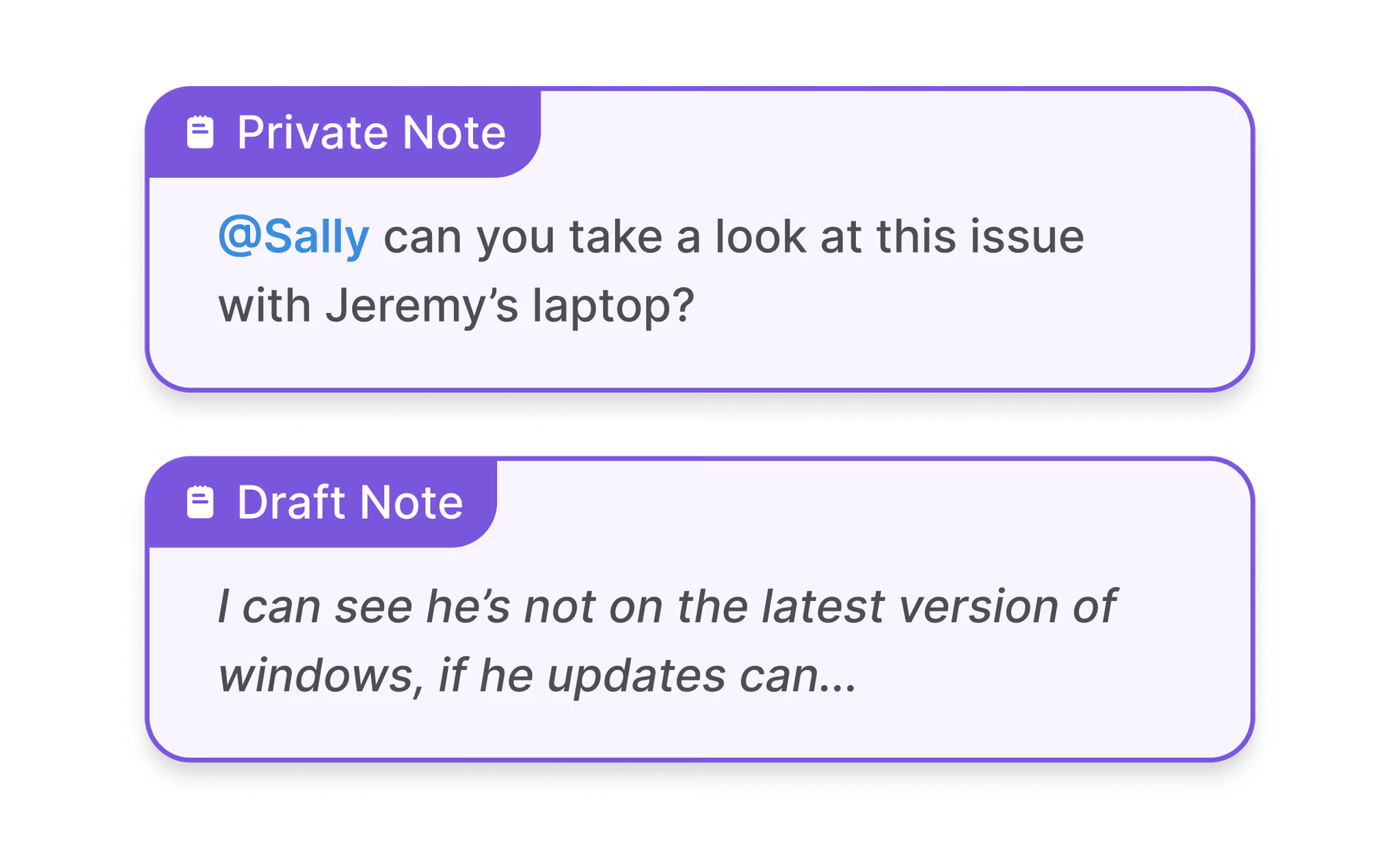
The best way to manage a shared inbox is to give every email one clear owner and let rules do the sorting. With Deskpro, triggers automatically assign incoming tickets to the right team or agent, and statuses and collision detection show who is handling each message. Internal notes, @mentions and snippets let your team work together and reply quickly without forwarding emails or doubling up on replies.