
One system, every team
HR, IT, Facilities, Procurement, and EHS requests live in one platform with multiple workspaces. Case types and routing differ, but the system doesn’t have to.
Eliminate the chaos of scattered requests and overlapping tools: get a unified help desk for Facilities, Procurement, Shared Services, and any other internal support teams. Give each team its own workspace and permissions, and give leadership better visibility with reporting that spans functions.
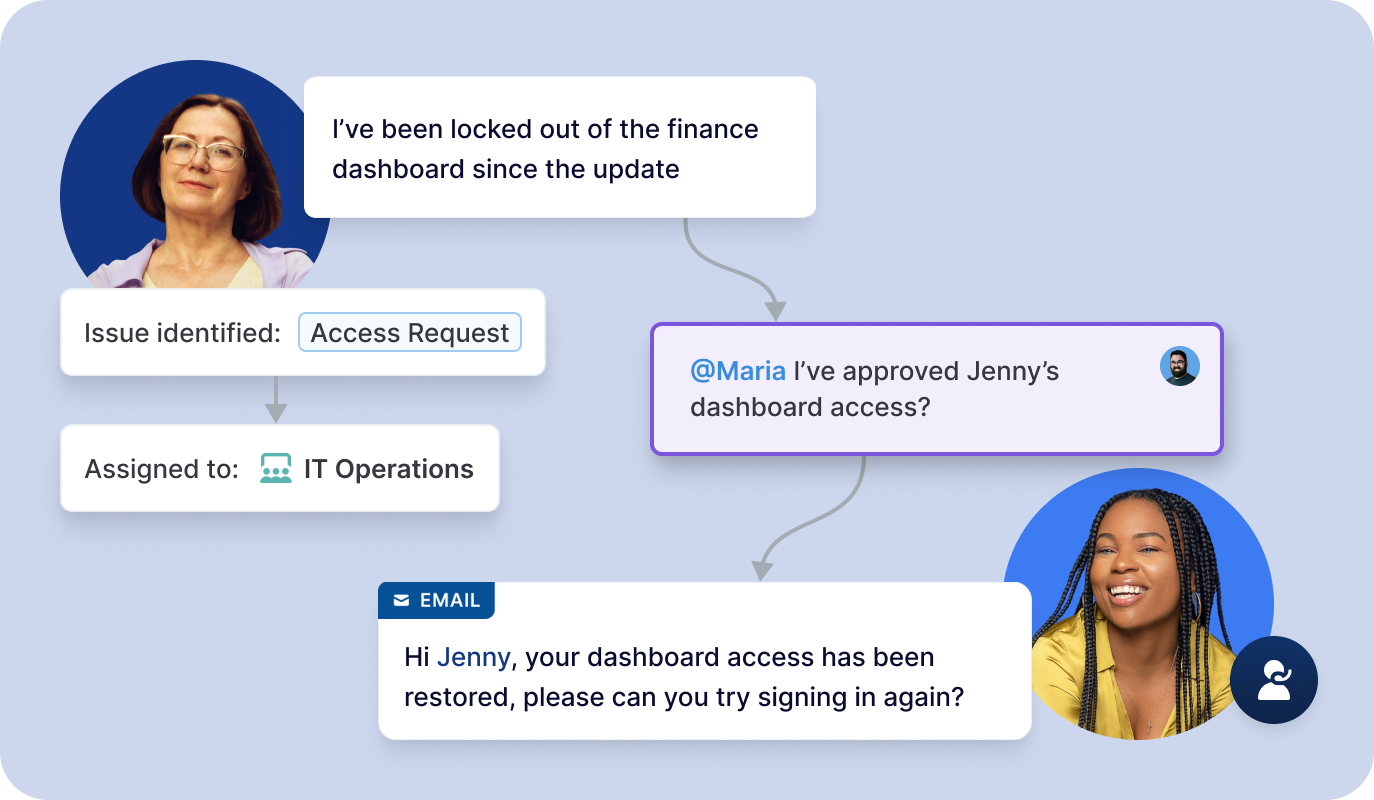
Facilities, Procurement, and Shared Services field requests without a system built to handle them: work arrives by email and chat, lives in spreadsheets, and stalls whenever someone is out of office. Deskpro is an internal operations help desk for the teams that have never had one of their own. You configure the platform with the routing, approvals, and request management workflows that match the ways your teams work, with granular permissions and flexible deployment options that keep sensitive information secure.
HR, IT, Facilities, Procurement, and EHS requests live in one platform with multiple workspaces. Case types and routing differ, but the system doesn’t have to.
Granular permissions so internal operations teams can work from the same platform without seeing each other’s sensitive cases.
Route tickets to the right team based on form fields, keywords, or even intent detection. Build custom automations for approvals, escalations, and urgent cases.
Unified reporting on volume, resolution time, and case types so leadership can compare load across Facilities, Procurement, and Shared Services.
Create a help center for each internal services team so common questions get answered without opening a case.
Run Deskpro in a public cloud with a standard SaaS deployment, or host it in a VPC, sovereign cloud, private cloud, or on-premise to meet strict security and compliance requirements.
Facilities
Get full visibility into maintenance and repair requests. Assign Facilities team members, set deadlines, and track resolutions, with all communication managed in a single platform.
Procurement
Route purchase requests from email, Slack, Teams, or a request form. Build assignment and approval workflows, and collaborate with internal notes and team messaging.
EHS & Safety
Give employees a simple way to report hazards or safety incidents, with issues automatically routed to the EHS personnel best-suited to handle them.
Shared services
Configure Deskpro to meet the needs of Shared Services and Business Operations teams, with role and team-based access rights, customizable routing rules, and multiple help centers.
Case Study
Airbus OneWeb launched its global micro-satellite project to provide affordable internet across the globe and needed a help desk to scale its internal support.
Case Study
Proscan Imaging introduced an internal and external help desk across multiple departments.
Case Study
Randstad wanted an On-Premise solution that was easy to understand, quick to set up, and customizable.
An internal operations help desk, or business operations software, gives internal teams like Facilities, Procurement, and Shared Services one system for receiving, routing, and resolving requests from across the business. It covers request intake from different channels (email, forms, internal messaging apps), approval workflows, case tracking, and reporting.
They’re similar, but a facilities ticketing system specifically handles requests related to maintenance, space, and building issues. An internal operations help desk brings the same request and case management features to every internal function, so Facilities, Procurement, EHS, and Shared Services work in one place.
No. Deskpro serves as an intake and case layer, so employees submit requests in one place while your specialist tools keep doing the asset, incident, and purchasing work they were built for. Deskpro can connect to the systems you already use through pre-built integrations and its API, so cases can stay linked to the system of record.
Yes. Deskpro lets you restrict access by department, team, or role, so an agent only sees cases their permission group allows.
It’s the same platform, used by different teams. We frequently see customers start using Deskpro in one department, such as IT, HR, or customer support, and then expand to others, thanks to the ability to set granular permissions, route requests from all intake channels, and set up multiple help centers.
Yes. Workspaces, request forms, routing rules, and automations can all be configured in the admin interface without needing to know how to code, so a Facilities or Procurement lead can adjust their own workflows. For the initial setup and any data migration, Deskpro offers dedicated implementation services.
Deskpro includes over 150 built-in reports plus custom dashboards you can build per team or department, covering request volume, resolution time, agent activity, and satisfaction. Because every internal team works in the same system, leadership can compare loads across teams to help determine staffing needs or identify areas for improvement. Reports can be sent on a schedule to the people who need them, with access controlled per user.
Deskpro is ISO 27001 certified, SOC 2 audited, and GDPR compliant, with encryption, permission-based access, and audit trails. Sensitive incident cases can be restricted to the department handling them, so they stay invisible to everyone else on the platform. Teams with stricter requirements can run Deskpro in a private environment (VPC, private cloud, sovereign cloud, or on premise).
Deskpro is priced per agent rather than per department. Professional and Enterprise plans include Lite Agents for colleagues who need to collaborate or approve without handling cases directly.