
Skip to content
Help Desk Comparison

Deskpro vs. Jira Service Management

Jira Service Management is a robust IT service desk from Atlassian, but it’s not the right fit for every support team. And with Atlassian sunsetting its on-premise edition of the product, Jira Service Management may no longer be an option for some teams with strict compliance requirements.

For teams that need a self-hosted IT service desk, full control over AI, or a true omnichannel workspace for internal and customer support, Deskpro is a strong alternative to Jira Service Management.

Our customers choose Deskpro for its:

  • Flexible deployment options
  • Bring-your-own-AI approach
  • Unlimited workflow automation

  • Single workspace for customer support, IT, HR, and operations teams
  • Customizable help centers
  • Top-rated customer service

See Deskpro in action

Compare Deskpro and Jira Service Management

Jira Service ManagementDeskpro
Flexible deployment
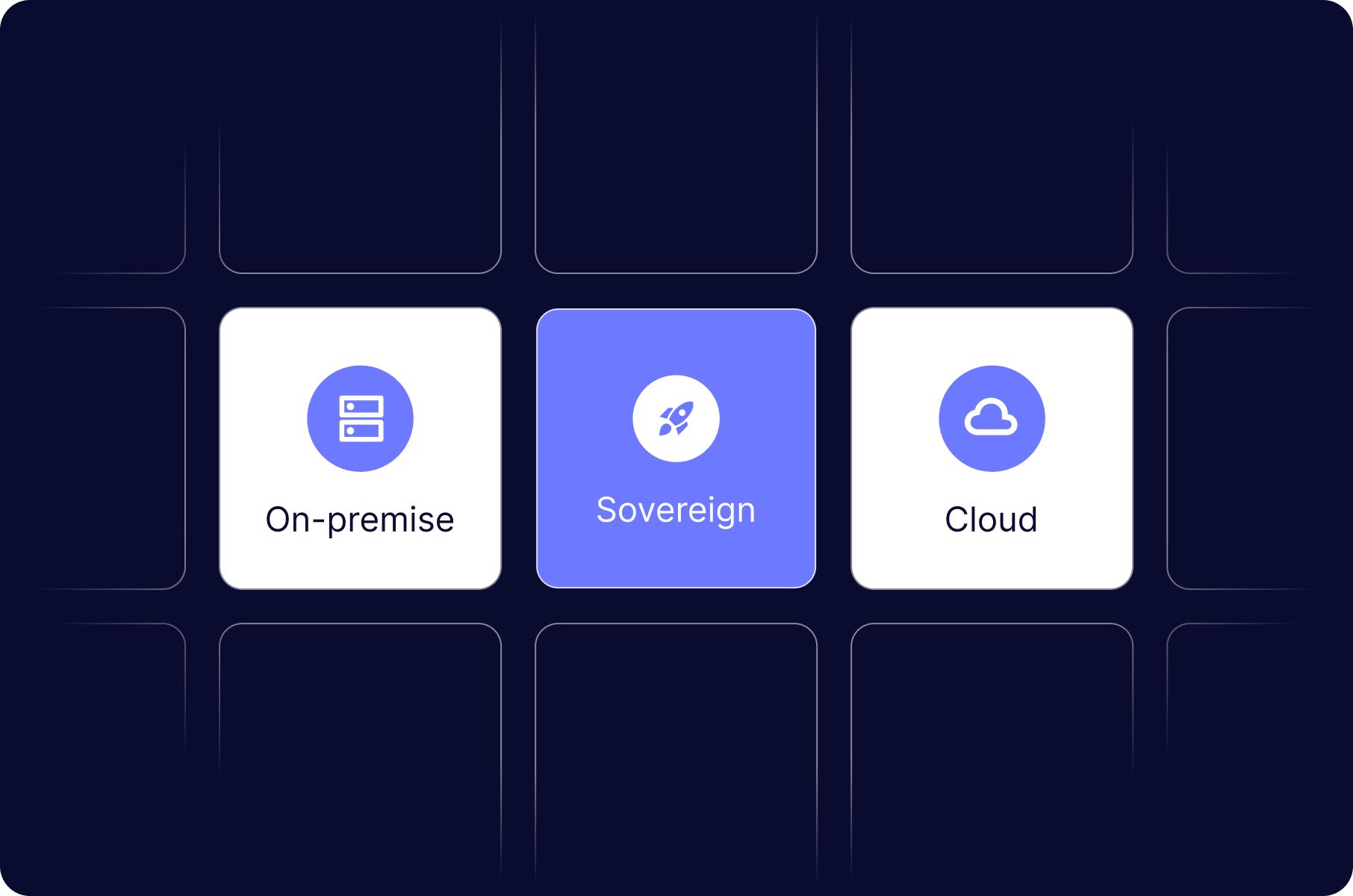
Atlassian is sunsetting Jira Service Management Data Center (their on-premise product), forcing customers to migrate to the Atlassian Cloud or find another help desk provider by 2029. Deskpro lets you deploy in the public cloud or any private environment (VPC, private cloud, sovereign cloud, and on-premise) to meet your security and compliance needs.
AI control
Deskpro lets you bring your own AI model(s), including self-hosted models that keep data in your security perimeter. Jira Service Management uses Atlassian-selected AI models that process data in the public cloud. Admins can’t choose the model, and keeping AI processing inside Atlassian’s infrastructure is limited to the Enterprise plan. Additionally, its AI trains on customer in-app data by default at the Free and Standard tier.
Native knowledge base
Deskpro’s knowledge base, guides, and community are built into the help center. Jira Service Management’s knowledge base runs on Confluence, so article permissions, analytics and admin live in a separate product.
Multi-department help desk
Jira Service Management is built around IT service management. For external customer support, Atlassian points teams to a separate Customer Service Management app. Deskpro serves customer support and internal teams (IT, HR, operations) in one platform.
Automation
Jira Service Management meters automation usage, with a monthly allowance that depends on your plan and seat count. Usage over that allowance is billed as an overage. Deskpro includes unlimited automations on every plan, with no usage metering.
Omnichannel support
Deskpro offers true omnichannel support, with tickets from email, chat, voice, social, portal, messaging apps, Slack, Microsoft Teams, and SMS flowing into one workspace. Jira Service Management covers email, portal, Slack, and Teams. Voice and messaging apps like WhatsApp require Atlassian’s separate Customer Service Management app, with messaging limited to Premium and Enterprise plans.

Why our customers choose Deskpro

airbus

"As we started growing rapidly, I needed to get full control of our data. That meant looking for an on-premise help desk. Deskpro by far excelled over the other help desks we looked at."

Anthony Carter, Head of IT, Airbus

scribetech

"Out of the on-premise help desk options, Deskpro stood out. When we started looking for a solution, Deskpro ticked all the boxes in terms of features."

Glenn Jackson, IT Support Engineer, Scribetech

bi-worldwide

“The first thing that stood out about Deskpro was the interface, it is simple but you can do so much with it. The support has been fantastic. It was one of the smoothest transitions I think I've ever experienced in my career of moving to a new internal system.”

Ian Newman, Development Manager, BI WORLDWIDE
FEATURES

Keep your support under control with Deskpro

Deployment

Flexible deployment

Deployment flexibility for your security and compliance needs

  • Choose our SaaS deployment or deploy in the private environment of your choice: a VPC, private cloud, sovereign cloud, or on-premise. Deskpro adapts to your security and compliance requirements rather than requiring workarounds.
  • Give your IT team straightforward control of product updates with the Deskpro Private Controller.
  • Maintain data sovereignty through Deskpro’s partnerships with AWS European Sovereign Cloud.
infrastructure-that-aligns-with-your-security-model-1812x1200

AI

AI

Your choice of AI, without the cloud mandate

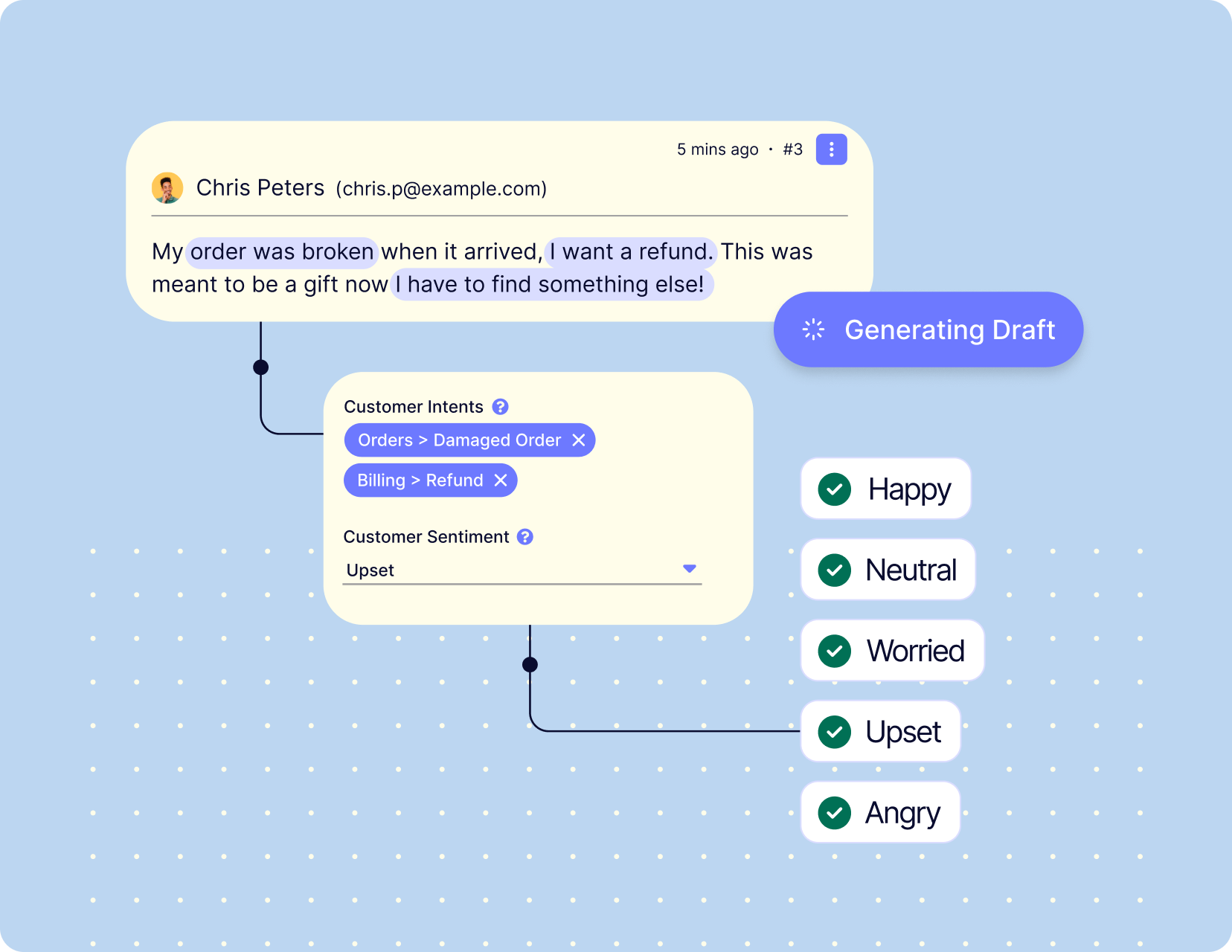
  • Power Deskpro’s AI features with your choice of model, including self-hosted models that keep your data in your environment.
  • Choose the AI features you want to enable, from productivity tools to workflows to chatbots, with all features available to both Deskpro Cloud and Deskpro Private customers.
  • Ground your AI in your trusted knowledge sources to improve its responses.
ai-automate-1656x1280

Omnichannel

Omnichannel

One workspace for every channel

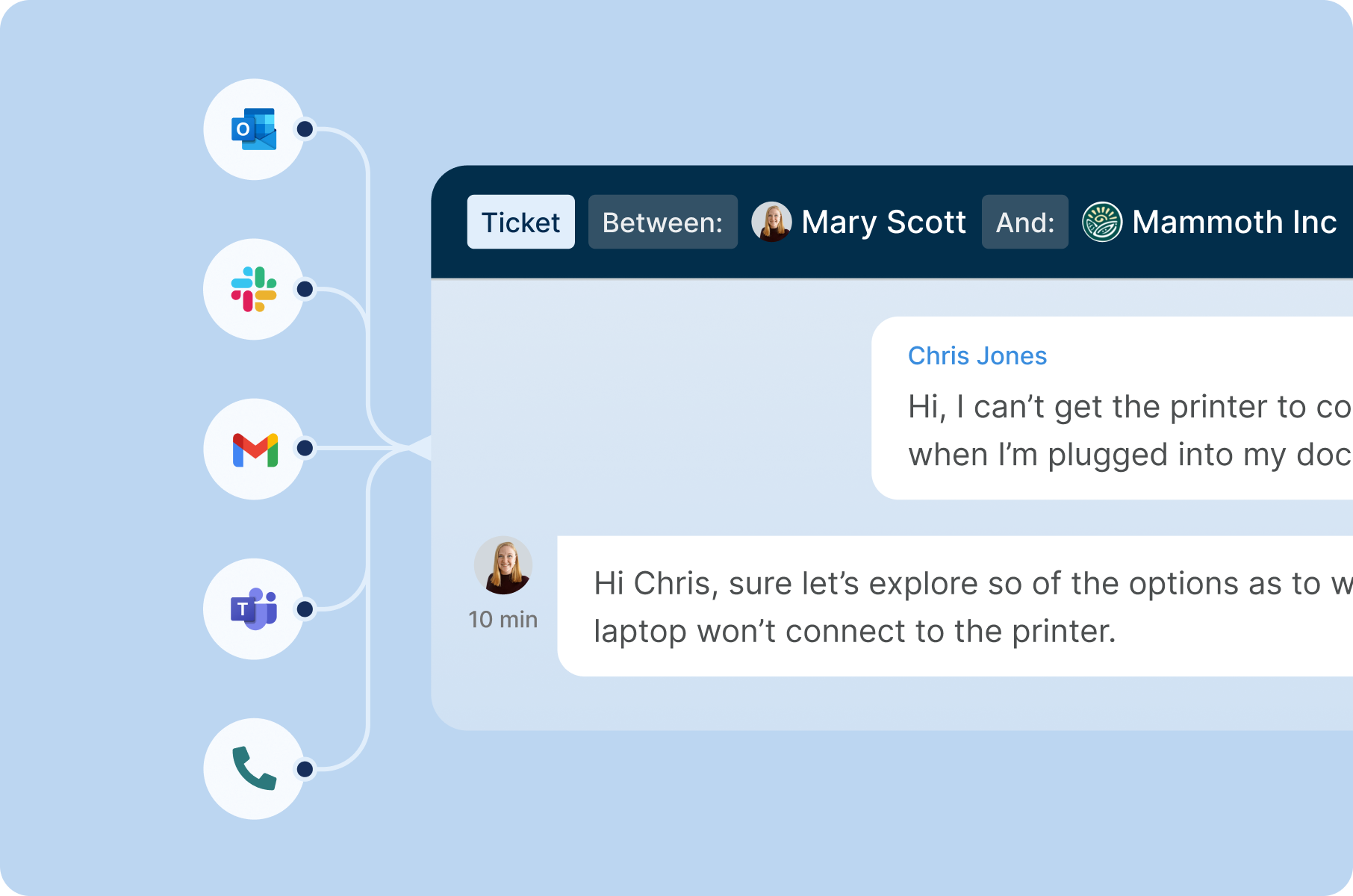
  • Email, live chat, voice, social media, web forms, messaging apps, and SMS all flow into the same workspace, on every plan. Adding a channel takes a settings change rather than a Marketplace app.
  • Intelligent routing sends each request to the right team or specialist automatically, whichever channel it arrived through.
  • Reporting spans every channel, so you can compare response times, spot recurring issues, and fix bottlenecks from a single view.
omnichannel-support-without-compromise-1812x1200

Automation

Automation

Workflows for internal and customer support

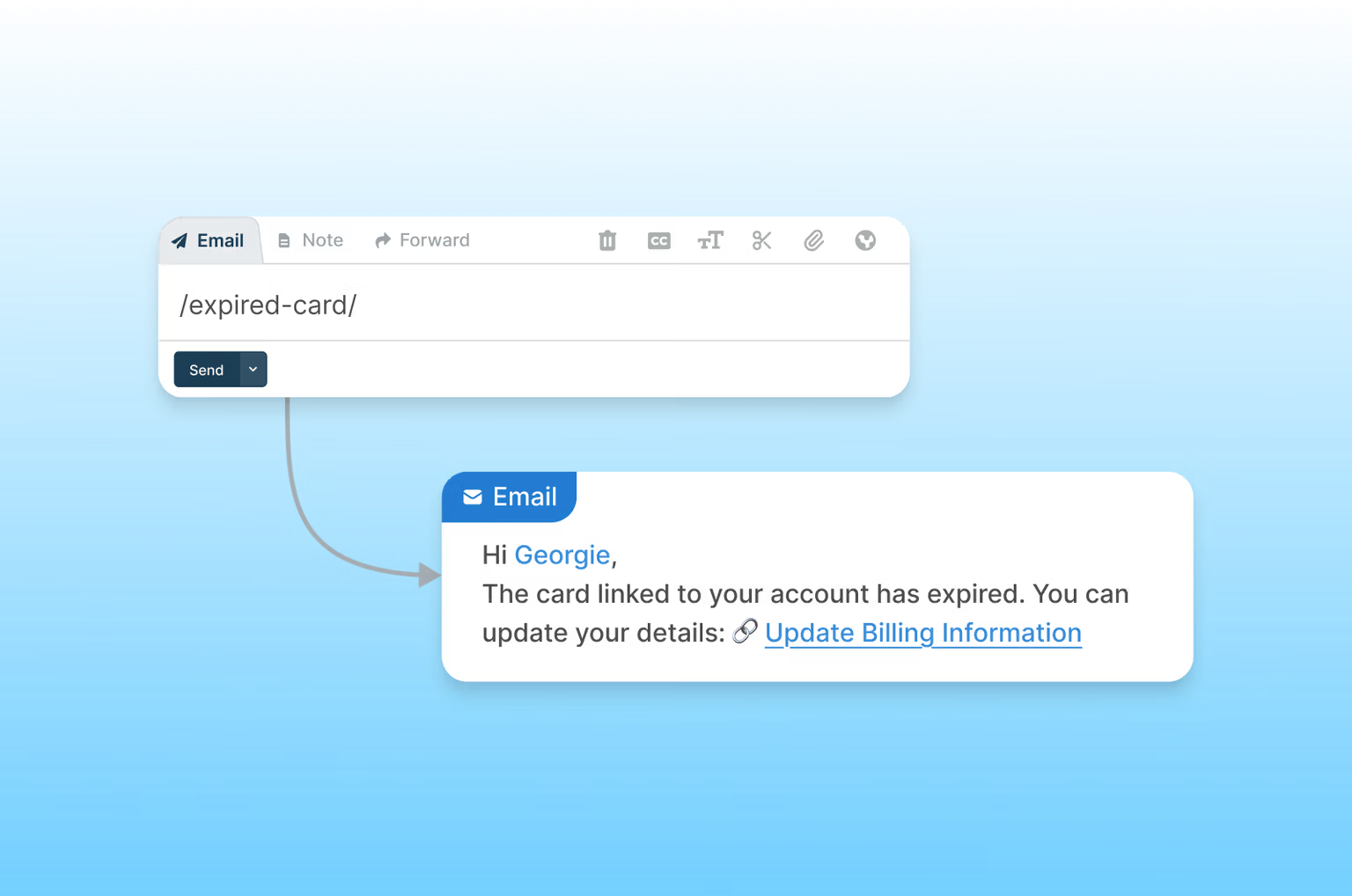
  • Build multi-step automations with conditional logic and branching, triggered by any field or custom criteria.
  • Adjust a routing rule or escalation in minutes, without a specialist admin. Support leads make the change themselves instead of filing a ticket with IT.
  • Automate as much as you need. Every plan includes unlimited workflows, with no monthly run caps and no tier upgrade required to keep automating.
work-smarter-with-automation-tools-1600x1060

Try Deskpro today

See if Deskpro is the right Jira Service Management alternative for you.

Customer support

In-house support from people who use Deskpro every day

Premium service shouldn't be an add-on line item. Deskpro's support team is in-house, made up of product experts who run their own help desk on Deskpro, and they stay involved long after go-live.

support_agent

Onboarding

Your onboarding follows your requirements, from data structure to team training, rather than a standard checklist.

stethoscope

Health checks

On Enterprise plans, our team reviews your automations and routing quarterly to confirm your help desk still matches how your team works.

acute

Support SLA

Premium Support has a one-hour Service Level Agreement (SLA), so urgent questions get answered fast.

Uptime SLA

Deskpro Cloud Professional and Enterprise plans are backed by a 99.9% uptime SLA.

Migration

Migrate from Jira Service Management to Deskpro

Leaving Jira Service Management takes less work than you'd expect. Deskpro's migration specialists handle the transfer end to end, on a schedule that fits your needs.

arrow_circle_right

Effortless migration

Select the Jira Service Management data you want to keep. Our team moves it for you, with no internal IT time required.

security

Secure transfer

Every migration runs over encrypted HTTPS connections and complies with ISO 27001 and GDPR standards.

map

Data mapping

Your fields, request types, and queues map to the right structures in Deskpro, so your team picks up where they left off.

Customer stories

See how leading support teams are using Deskpro

Frequently asked questions

When does Jira Service Management Data Center reach end of life?

Atlassian stopped selling new Data Center licenses in March 2026 and will end renewals in March 2028. In March 2029, Data Center instances become read-only. After that, there is no self-hosted edition of Jira Service Management: Atlassian's alternatives, including Isolated Cloud and Government Cloud, are hosted and  managed by Atlassian, a US-headquartered company. Teams with data sovereignty or compliance requirements should plan their move before the 2028 renewal cutoff. Deskpro can run in a virtual private cloud (VPC), private cloud, sovereign cloud, or fully on-premise, including air-gapped environments.

Can I migrate my data from Jira Service Management to Deskpro?

Yes. Deskpro's migration team can transfer your tickets, users, organizations, and custom fields for you, so you don't need to pull in internal IT resources. You choose which data to bring over, and we map everything, custom fields included, to the right destination in Deskpro. Every transfer runs over encrypted HTTPS connections and follows ISO 27001 and GDPR standards.

Can we still use AI if we deploy Deskpro on-premise?

Yes. Deskpro offers the same AI features across every deployment model, including on-premise and air-gapped environments. You choose the model that powers it: a commercial model, a sovereign-cloud model, or a self-hosted large language model (LLM) running inside your own security perimeter. In contrast, Jira Service Management's AI features are cloud-only.

Do Deskpro and Jira Service Management use customer data to train their AI models?

Deskpro never uses customer data to train its models, and customers that bring their own model control the settings for that model. Atlassian (the company behind Jira Service Management) collects customer metadata to “improve apps and experiences,” with only customers on Enterprise plans given the choice to opt out. Other in-app data, such as work item descriptions and comments, is collected by default on Free and Standard plans.

Does Deskpro cover the ITSM features we use in Jira Service Management?

Deskpro covers the core of an IT service desk: incident and service request management, SLAs, approvals, and knowledge management, alongside support for HR, operations, and customer-facing teams in one platform. If your organization depends on formal ITIL practices such as change management workflows and a full configuration management database (CMDB), Jira Service Management goes deeper there. In practice, many teams use a small share of that machinery while carrying its admin overhead. If your day-to-day work is tickets, requests, and knowledge management rather than ITIL process depth, Deskpro handles it with less complexity, and its Jira integration keeps tickets linked to development work.