

"We looked at all the major players in the industry and none of them could come close to Deskpro in price, functionality, and customer service."
Brian Polackoff, VP of Sales and Client Relations, VAIRKKO

New Guide The Help Desk AI Maturity Journey: A Support Team’s Guide Download Now
Deskpro is the Zoho Desk alternative for support teams that need unlimited automation, AI model choice, and flexible deployment without paying more to unlock them.
Zoho Desk’s lower price comes with a ceiling. Deskpro doesn’t have one.
Customer love Deskpro for its:


| Zoho Desk | Deskpro | |
|---|---|---|
| Workflow automation | ||
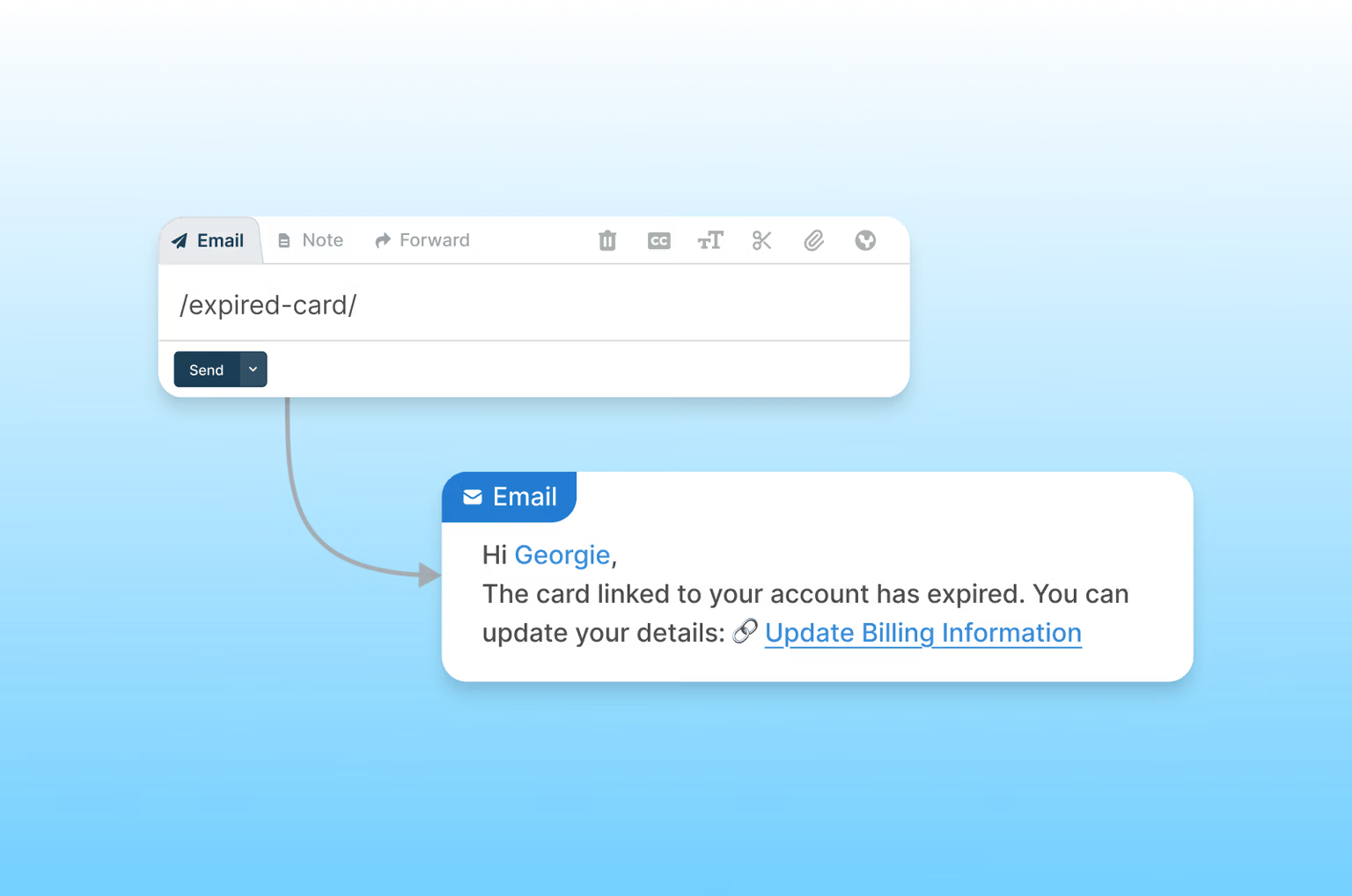
| Deskpro offers unlimited workflow automations across all plans so you can build and scale complex processes. Zoho Desk gates their most powerful automation tools (including their drag-and-drop workflow builder) at higher-tier plans. | ||
| Omnichannel workspace | ||
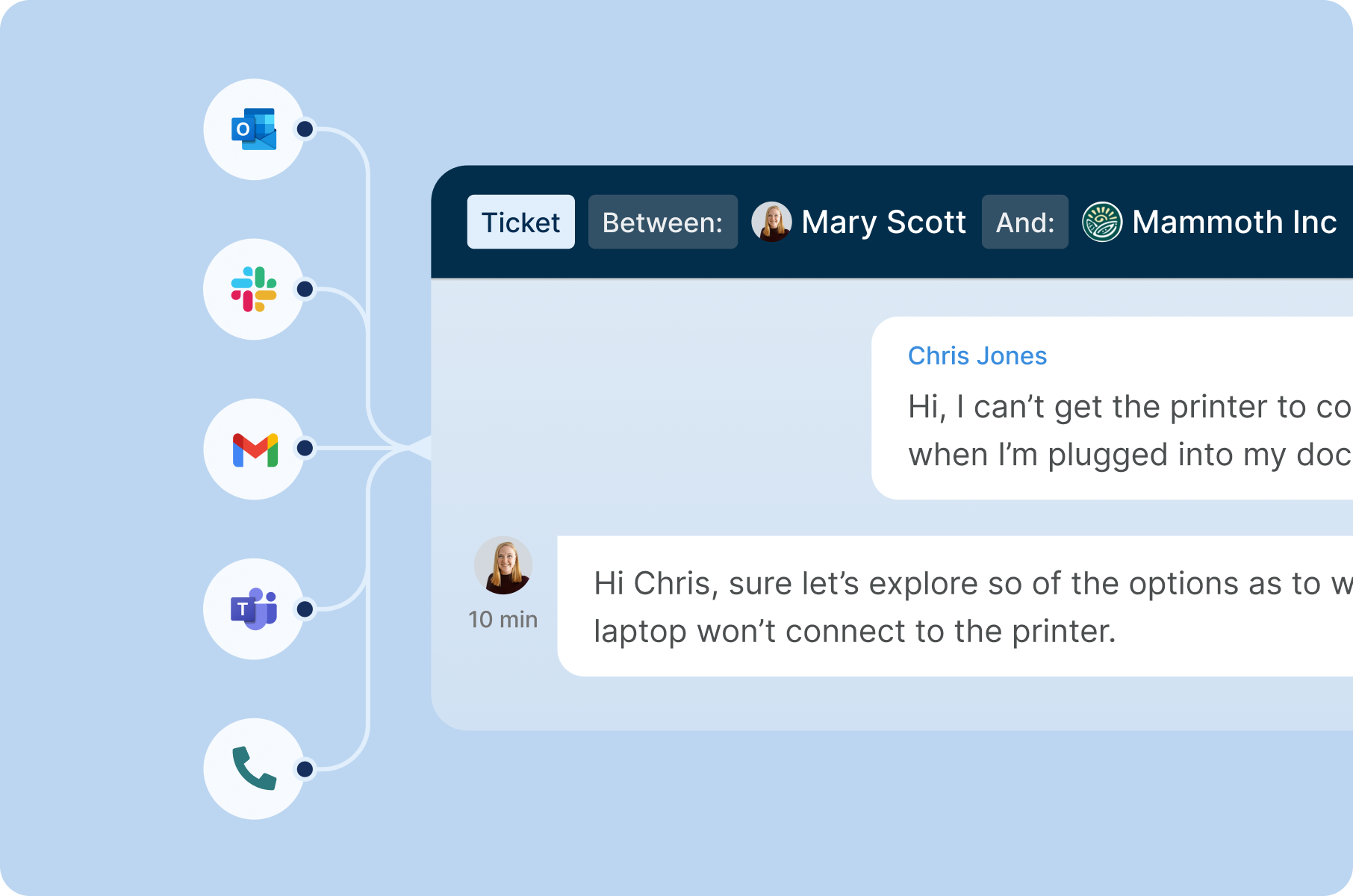
| Deskpro lets you connect all your support channels in one unified workspace, without any limits on what you can connect. Zoho Desk enables omnichannel support but locks some channels (including voice and messaging apps) behind higher-tier plans. | ||
| Customer support | ||
| Deskpro rates higher than Zoho Desk for quality of customer support across major review sites (8.7 vs. 8.3 on G2, 47. Vs. 4.5 on Capterra). | ||
| Intuitive interface | ||
| Deskpro brings all support channels into a single workspace, with an interface that will feel intuitive to anyone who has ever used an email inbox. In contrast, customers frequently mention Zoho Desk’s cluttered UI and initial learning curve in reviews. | ||
| Bring-your-own-AI | ||
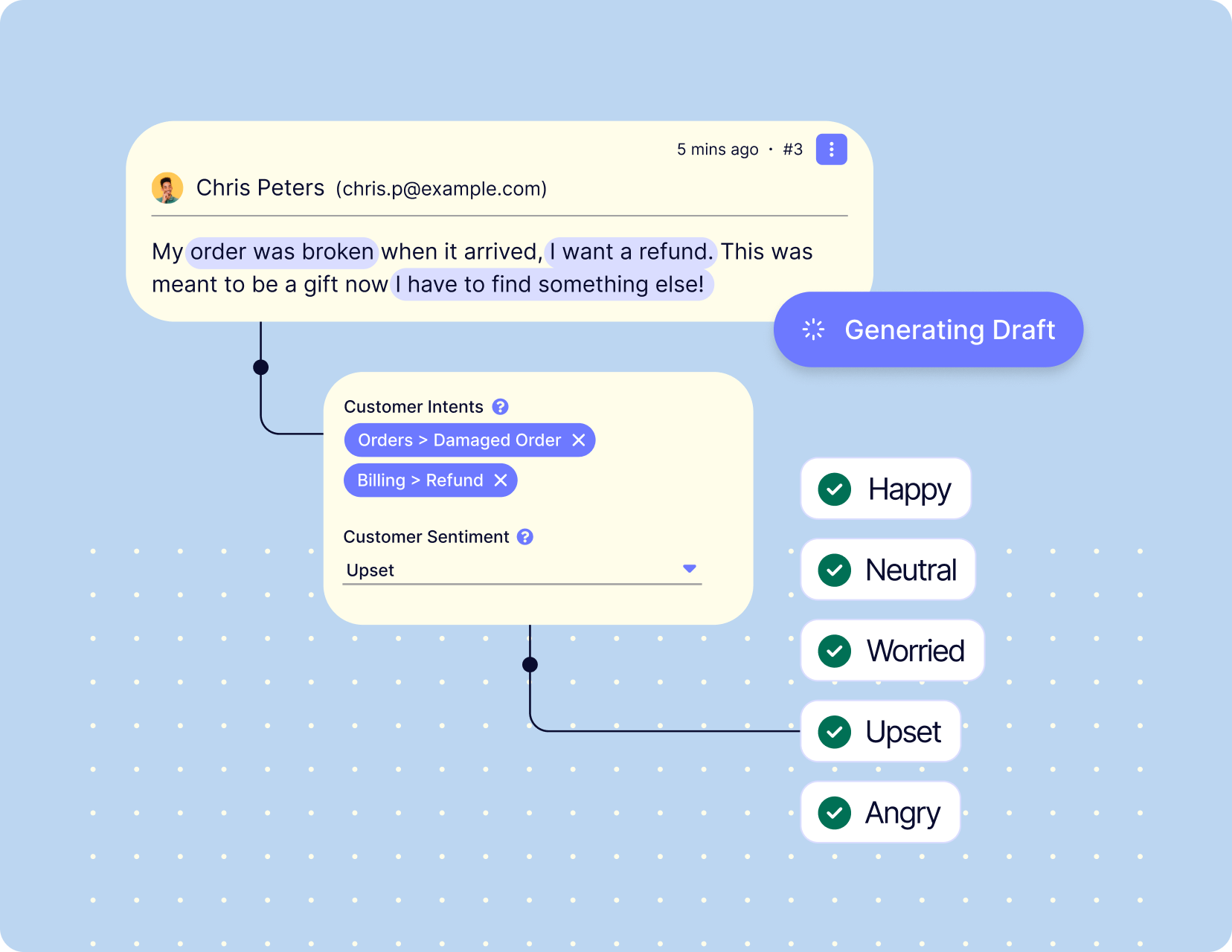
| Zoho Desk’s AI features are powered by Zia (Zoho’s proprietary AI) with the option to integrate ChatGPT. Deskpro lets you connect any AI model and switch when you need to so there’s no risk of vendor lock-in. | ||
| Flexible deployment | ||
| Zoho Desk is a SaaS-only help desk (deployed in the public cloud). Deskpro gives you the choice between standard SaaS deployment and private deployment in a VPC, sovereign cloud, private cloud, or on-premise. | ||
Brian Polackoff, VP of Sales and Client Relations, VAIRKKO
Ian Newman, Development Manager, BI Worldwide

Simon Hintermann, IT Engineer, Ganesh Hosting

See if Deskpro is the right Zoho Desk alternative for you.
You shouldn't have to pay a premium just to reach a knowledgeable human, or deal with a support team that goes quiet once onboarding ends. Deskpro's in-house support and implementation specialists work in our product every day and stay with you long after go-live.
We know help desks aren’t one-size-fits-all, and we tailor onboarding to your specific setup and goals.
Each quarter, we review your automations and routing so your help desk keeps working the way you want it to.
Premium Support includes a one-hour Service Level Agreement (SLA), so urgent questions get a fast response.
Our Cloud is backed by a 99.9% uptime SLA.
Switching help desks doesn’t have to be a project that consumes your quarter. Deskpro makes the move from Zoho Desk simple, with optional migration services to manage the transfer and data mapping.
Choose exactly which Zoho Desk data to bring across. Our team can transfer it for you so you don’t have to wait on internal IT resources.
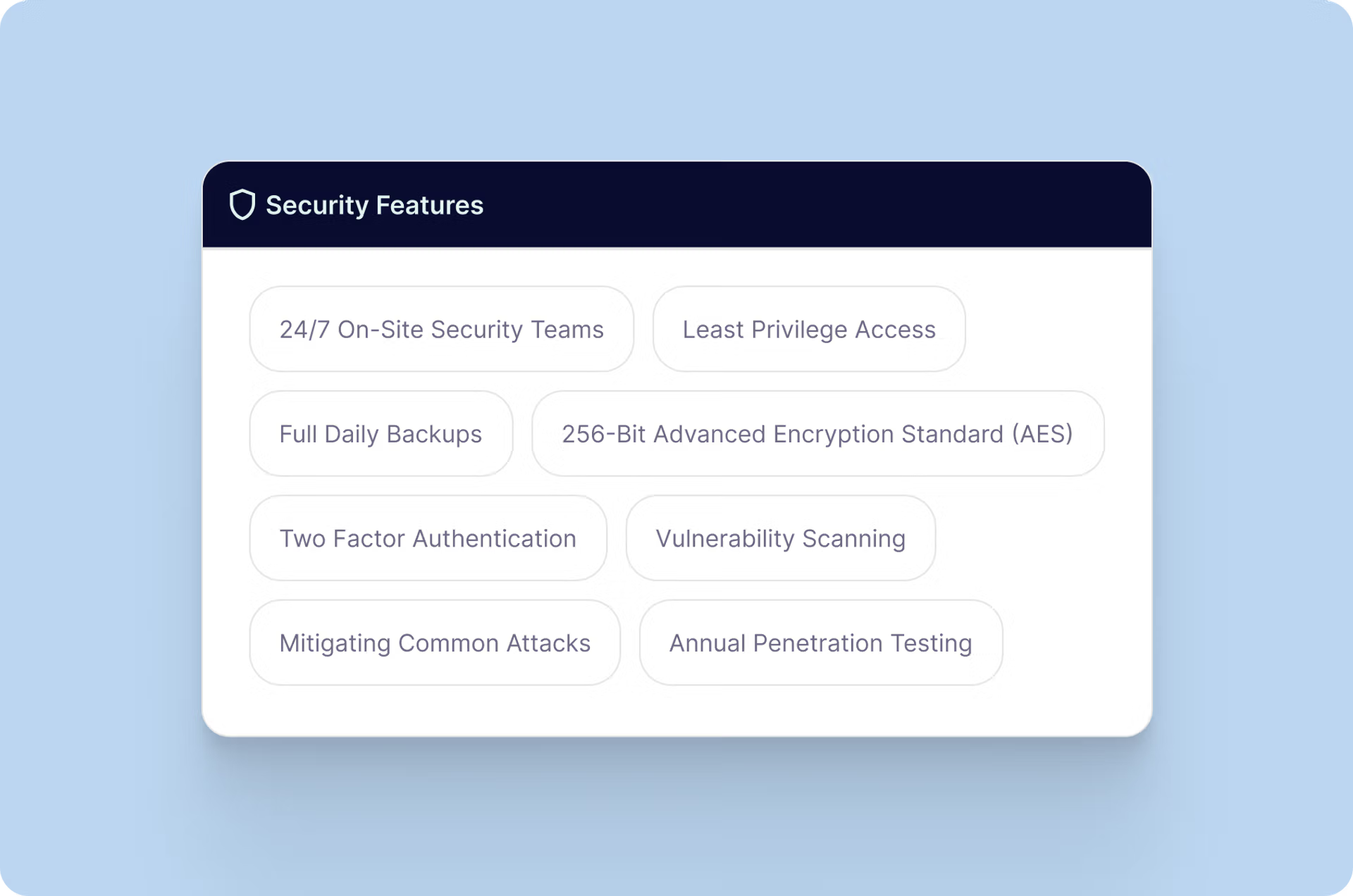
Every migration runs over HTTPS encryption and follows ISO 27001 and GDPR standards.
We map all standard and custom Zoho Desk fields to the right destination in Deskpro so your support operations carry on without a hitch.

Professional Services
Aon Norway chose Deskpro when it needed a more structured way to manage support requests for its global client base.

Financial Services
The Progressive Building Society turned to Deskpro for customizable features, including automated routing, to improve its support team's productivity.
Technology
Zermelo moved from Zoho Desk to an on-premise instance of Deskpro when they needed a secure, scalable help desk to support educators in the Netherlands.
Both platforms cover the ticketing basics well. The difference shows up in daily use. Deskpro brings every channel into one workspace that reads like an email inbox, so agents aren't clicking between different tabs, a point Zoho Desk users often raise about its interface and learning curve. Automation is another split: Deskpro gives you unlimited multi-step workflows with branching and conditional logic on every plan, where Zoho Desk reserves its more powerful automation, including its drag-and-drop builder, for higher tiers.
If you run Zoho CRM, Zoho Projects, or other apps in the suite, the Zoho Desk integrations across that ecosystem are a real convenience. If your team is fully locked into the Zoho suite, sticking with Zoho Desk may be the right choice for you. However, if you’re not using the full Zoho suite and have been struggling with Zoho Desk pain points, Deskpro can be a good alternative. Deskpro offers an open API and a marketplace of pre-built integrations, so you can connect the CRM, communication, and business tools your team already relies on. You get a connected setup without tying your support platform to a single company’s roadmap.
Yes, we offer migration services so you don't need to pull in internal IT resources. You pick which Zoho Desk data to bring over, including tickets, contacts, and custom fields, and we map every field to the right place in Deskpro so your workflows pick up where they left off. Each transfer runs over HTTPS encryption and follows ISO 27001 and GDPR standards.
Zoho Desk has a lower per-seat starting price than Deskpro ($7 per agent per month for Zoho Desk’s Express plan compared to Deskpro’s $39 per agent per month Team Plan), but the gap narrows once you account for what you unlock as you grow. Zoho Desk gates capabilities like advanced automation, telephony, multi-department support, and its fuller AI assistant across higher tiers, so the total cost of ownership climbs as your team matures. Deskpro uses predictable seat-based pricing with unlimited automation, access to every channel, and your choice of AI model included from the start, so you can map your costs as you scale instead of tracking which feature sits behind the next upgrade.
Our AI features use ChatGPT by default, but you have the option to power our AI features with any AI model your organization has already vetted and approved. When using Deskpro Private (our self-hosted option), you even have the option to use private LLMs, keeping your data entirely within your organization’s security perimeter. Switch models any time you need to.