
Enterprise help desk software: What to look for and what to avoid
Discover what enterprise help desk software needs to deliver, from SSO and RBAC to AI governance and flexible deployment. See how Deskpro delivers.

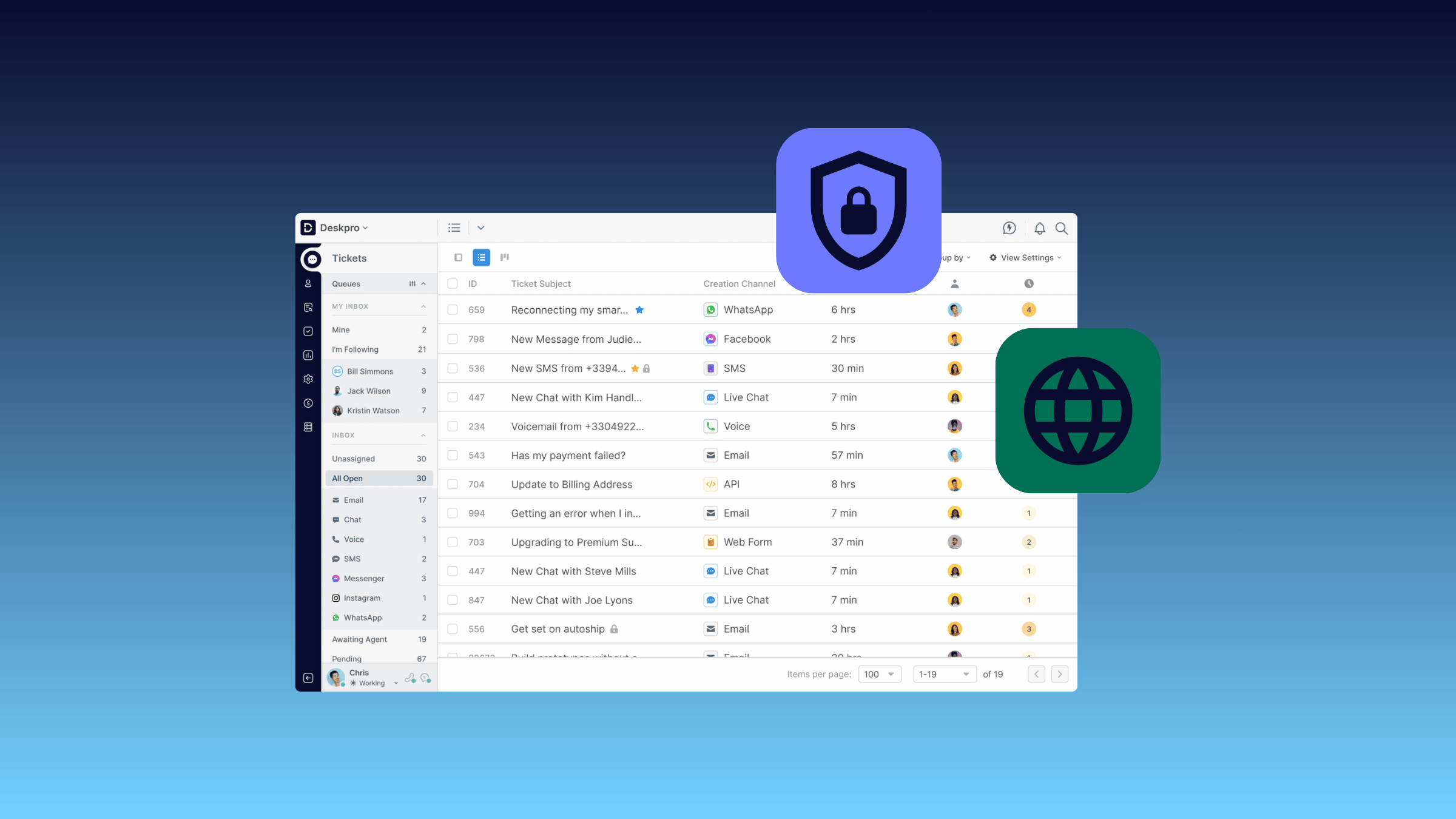
An enterprise’s help desk needs look a lot different than SMBs’. While a small business might be able to get by with a basic ticketing system, or even a shared email inbox, enterprises need a service desk to manage large support teams, high ticket volumes, multi-department workflows, and strict security and compliance requirements. Help desk software that is built for a general audience doesn’t always scale neatly to enterprises, especially those in regulated industries.
With over 20 years of experience in the help desk space, our team is here to provide an overview of what enterprises need in their service management platform, what often gets missed during the platform selection process, and how you can determine the best fit for your organization.
What makes a help desk ‘enterprise-grade?’
The term “enterprise-grade” is thrown around a lot in help desk marketing. Often, enterprise-grade simply refers to a platform tier that supports more users and a higher ticket volume than a vendor’s entry-level and mid-point tiers. For organizations that need enterprise service management software, that’s not always enough. True enterprise-grade software is built for the operational complexity, security obligations, and organizational scale that come with running support across thousands of employees or customers.
In practical terms, an enterprise service desk needs to support multiple departments (IT, HR, facilities, customer support) operating in the same platform without stepping on each other's data or workflows. It needs role hierarchies that reflect how your organization actually works and protects sensitive information. It needs to handle high-volume SLA management across regions, business hours, and priority tiers without breaking. It needs to integrate cleanly with your enterprise identity provider so access can be granted, revoked, and audited at scale. And it needs deployment flexibility, because enterprise IT support requirements rarely fit a one-size-fits-all SaaS model.
If a vendor calls themselves "enterprise" but only checks a few of these boxes, proceed with caution.
Core requirements for enterprise help desk software
When evaluating help desks, support leaders at organizations of all sizes are essentially looking for a platform that helps them manage and resolve customer or employee requests efficiently. But on top of that core requirement, enterprise help desk buyers evaluate platforms on:
- Access controls. Does the platform integrate with your enterprise identity provider (SAML, OAuth, Active Directory) so you can provision and de-provision agents automatically at scale? And are role-based permissions granular enough to reflect how different departments, agent tiers, and data sensitivity levels work in your organization?
- Security architecture. How does the vendor encrypt data in transit and at rest, and which compliance frameworks (SOC 2, ISO 27001, GDPR, HIPAA) do they meet? Do they maintain audit logs detailed enough for your security team to use during an incident review?
- Deployment options. Can the platform be deployed in a private environment (e.g., VPC, sovereign cloud, private cloud, on-premise) if public cloud deployment doesn’t meet your organization’s security and compliance requirements?
- AI governance. Does the vendor let you choose the AI model that powers their features, or are you locked into their model of choice? If you get to choose, are you able to connect private AI models that run within your security perimeter?
- Operational depth. Can the platform handle multi-department support, complex SLA rules across regions and business hours, and the integrations your enterprise tech stack actually requires? Does it stay reliable as ticket volumes, agent counts, and reporting demands grow?
Let’s take a closer look at some of the specific feature requirements that are common for enterprise buyers.
Single sign-on (SSO) and identity integration
Manual user management at the enterprise scale is both inefficient and a security risk waiting to happen, making single sign-on (SSO) an essential for enterprise help desks. Your platform should support SAML, OAuth, and integration with Active Directory or LDAP, so agents authenticate through the same identity provider they already use for the rest of your tech stack. The platform should also provide automated provisioning when someone joins a team, automated de-provisioning when they leave, and group-based role assignments that scale to thousands of users.
Role-based access control (RBAC)
Role-based access control (RBAC) is what lets a single help desk safely support multiple departments (e.g., IT, HR, back office teams, and customer service) in the same environment. Different departments handle different data sensitivity levels, and your agents shouldn't be able to see tickets, contact records, or knowledge base content outside what’s approved in their role. Weak RBAC creates compliance risk: a permission set broad enough to let a customer service agent view employee medical inquiries can put you in breach of GDPR, HIPAA, or SOC 2. Granular, well-modeled RBAC—down to teams, ticket types, and individual fields—is non-negotiable for enterprise environments.
Audit logs and compliance trails
Audit logs are essential for enterprises in regulated industries to adhere with compliance frameworks like SOC 2, ISO 27001, GDPR, and HIPAA. A good audit log makes it easy to see who took an action, what they changed (e.g., creating and updating fields), and when it occurred. That information is necessary for incident investigations, internal accountability reviews, and external compliance reporting.
Encryption and data security
Help desk tickets routinely contain some of the most sensitive data in your organization: PII, contract details, internal system credentials, and customer payment information. Your platform should encrypt data in transit and at rest as a baseline, and offer documented detail about key management that your security team can actually review. Beyond encryption, ask about data residency: where exactly your data is stored and processed, and whether you can control its location to meet regional requirements like GDPR. A secure help desk treats your data with the same rigor as any other system handling sensitive information, not as an afterthought.
Flexible deployment options
Not every enterprise can run on a multi-tenant public cloud. Regulated industries, government agencies, and organizations with strict data residency requirements often need on-premise, private cloud, or sovereign options to match their compliance requirements, and cloud-only platforms are a hard blocker in these environments. For teams migrating off vendors that have sunset their on-premise software (Atlassian being one example), self-hosted help desk software is often the only realistic path to maintaining compliance without losing functionality. Look for vendors that support deployment in private cloud, on-premise, sovereign cloud, or VPC environments.
Safe AI governance
AI is now built into nearly every help desk platform, but the governance models behind those features vary widely. Enterprise buyers need to evaluate where AI processing happens, what data is sent to which models, and whether features include PII redaction and human-in-the-loop review for sensitive workflows. AI transparency is critical—you should be able to explain to your compliance team what the AI is actually doing, on which data, and why. If your organization doesn’t allow you to use AI models that run in a public cloud, look for vendors that let you bring your own AI model (including private or self-hosted options like Mistral, Llama, or Cohere). This lets you benefit from AI efficiency gains while keeping data inside your security perimeter.
Common mistakes enterprises make when choosing a help desk
Just because a help desk demos well doesn’t necessarily mean it will be a strong fit for your enterprise. One of the most common mistakes enterprises make when evaluating help desk software is to focus on a long list of feature requirements without giving equal consideration to architectural fit. After all, it doesn’t matter what capabilities a help desk has if your security team vetoes it before you roll it out.
Enterprises often fall into this trap with cloud-only support software. At first, the platform seems to check all the boxes they’re looking for, but their InfoSec team flags it as a risk because it processes sensitive data in a public cloud. If the vendor doesn’t offer private deployment options, the support team may be blocked from using it.
Another common mistake enterprises make is choosing an SMB-focused platform that doesn’t scale well. While help desks marketed to SMBs, such as Help Scout and Zoho Desk, can seem appealing due to their lower entry-level pricing, they often lack the features, workflows, and granular controls needed to support thousands of agents across multiple departments. Making one of these help desks work for your organization may require additional manual workarounds or add-on features that inflate the total cost of ownership.
A platform built for enterprise environments avoids both of these traps from the start, giving you private deployment options and capabilities that scale.
How to evaluate enterprise help desk software: A practical checklist
Once you’ve built your shortlist (being careful to avoid the common mistakes discussed above), use this checklist to evaluate each enterprise help desk software option against the architectural, security, and operational requirements that matter to your organization.
- Security documentation. Request SOC 2, ISO 27001, GDPR, and HIPAA documentation up front for your security team to review.
- Deployment options. If you know you won’t be able to run your help desk in a public cloud, confirm support for on-premise, private cloud, sovereign cloud, and VPC deployment.
- SSO and identity provider integration. Verify SAML, OAuth, and Active Directory support, plus automated provisioning and de-provisioning at scale.
- RBAC and permissions model. Test how granular role-based access controls are, down to teams, ticket types, and individual fields.
- AI governance. Ask where AI processing happens, what data is sent to which models, and whether you can bring your own model.
- SLA management. Confirm the platform handles SLAs across regions, business hours, priority tiers, and multiple departments.
- Vendor support model. Understand what implementation, ongoing support, and infrastructure management the vendor provides directly versus through partners.
- Migration planning. Ask about migration tooling, historical ticket import, and the vendor's track record with the platform you're moving from.
How Deskpro aligns with enterprise needs
Deskpro was built for the operational and regulatory complexity of enterprise support, not retrofitted for it. That shows up in a few specific ways.
Deskpro Private gives you deployment flexibility most enterprise help desk software can't match: on-premise, private cloud, sovereign cloud (such as the AWS EU Sovereign Cloud), VPC, or local private deployments through AWS Outposts, Azure Local, or Google Distributed Cloud. Your data stays inside the security perimeter your compliance team has already approved.
Security and access controls are designed for multi-department enterprise environments. SSO with SAML, OAuth, and Active Directory is standard, and Deskpro's role-based access controls let you define what individual agents and teams see down to the ticket field level. Detailed audit logs, encryption in transit and at rest, and ISO 27001, SOC 2, and GDPR alignment give your compliance and security teams the documentation they need.
On AI, Deskpro takes a bring-your-own-model approach. You choose the AI foundation model behind features like ticket summarization and suggested replies, including private or self-hosted models that keep AI processing inside your environment–a sharp contrast from enterprise ticketing systems that lock you into a single AI vendor.
For multi-department workflows, SLA management across regions, and deep integrations with your existing stack, Deskpro's enterprise help desk scales with how your organization really operates.
Ready to find the right enterprise help desk?
For enterprise buyers, choosing a help desk is as much a security, compliance, and architectural decision as it is a support one. The right platform lets your support team move quickly while giving IT, InfoSec, and compliance teams the documentation and controls they need to sign off.
Deskpro has been built for enterprise environments from the start, with the deployment flexibility, security architecture, and AI governance regulated industries and large organizations actually need. If your current help desk is struggling to scale, blocked by your security team, or unable to meet your data sovereignty requirements, it’s worth evaluating our platform.
Book a demo with our team to see how Deskpro's enterprise help desk software holds up against your requirements.