Skip to content
WEBINARSupport can't do it alone: working across teams to solve requestsNovember 18th, 10:30 am EST / 3:30 pm GMT
Self-Hosted Help Desk

On-premise help desk software built for security and control

Deskpro’s on-premise help desk gives your organization full ownership of its support infrastructure. Connect your AI model of choice and configure your help desk to work with your data, security, and compliance needs.

Trusted by organizations in regulated industries

40%

on-prem customers in regulated industries

25+

years powering on-premise help desks

7

average number of years our on-prem customers have used deskpro

38

number of countries where Deskpro is running on-premise

Why regulated industries need on-premise help desk software

Most help desks are SaaS-first, with one shared cloud hosting option and AI features powered by third-party providers. If your organization has strict data residency and compliance requirements, SaaS deployment can be a non-starter. On-premise help desk software lets you deploy in an environment you control so your data stays where it needs to.

Self-hosted help desk software with no capability tradeoffs

Full platform

Connect all your support channels, set up unlimited automations, manage SLAs, view live dashboards, and take advantage of AI productivity tools. Everything that comes with Deskpro Cloud is available on premise.

Your infrastructure, your rules

Run Deskpro on your servers, virtual machines, and hardware on Windows or Linux. Configure the platform to meet your security and compliance requirements.

Built for your teams to run

The Deskpro Private Controller gives your sysadmins a single console to create, update, and manage your Deskpro instances. Spin up a working Deskpro environment in just a few clicks.

Deploy on your terms: Server, VPC, or sovereign cloud

On premise isn’t the only private deployment option. Deskpro Private meets you where you need to run your help desk.

Server or virtual machine

Connect all your support channels, set up unlimited automations, manage SLAs, view live dashboards, and take advantage of AI productivity tools. Everything that comes with Deskpro Cloud is available on premise.

VPC or private cloud

Run Deskpro in a virtual or regional private cloud to keep your data in a single-tenant managed environment.

Sovereign cloud

Deploy Deskpro in a sovereign cloud, including the AWS EU Sovereign Cloud, to meet data residency and compliance requirements.

Run help desk AI without exposing data to public models

If your help desk vendor powers their AI features with models that run in a public cloud, your data will be routed to shared infrastructure. Deskpro gives you the option to run private AI so data processing occurs in your environment.

Bring your own AI model

Connect your AI model of choice, including popular models like Claude, Gemini, and ChatGPT, or your own private LLM or open-weight models such as Mistral and Llama that you can host on-premise. With private AI, you keep institutional knowledge and sensitive data under your control.

Get AI tools that assist your human agents

Deskpro AI lets your agents generate suggested replies and knowledge base articles based on resolved tickets, refine their tone, summarize lengthy ticket threads, and automatically close tickets with thank you detection. Sentiment analysis and intent detection help you categorize tickets and route them to the right team or agent. AI strengthens your human-centric support.

On-premise help desk software for compliance-first environments

Single sign-on, granular role-based permissions, and audit logs give you the control your security team expects. You manage the encryption keys, and backup and recovery run on your schedule in your own infrastructure. When it's time for a vendor review, our independent security certifications give your team the documentation it needs.

iso-27001-605x605

ISO 27001

SOC 2 Type II

SOC 2 Type II

Security Badges

PCI DSS-Compliant

gdpr-compliant

GDPR-Ready

hipaa-97x97

HIPAA-Ready

Cyber Essentials Plus

Cyber Essentials Plus

The channels, automation, and integrations you need

stop-switching-channels-start-continuing-conversations-1812x1200
Ticketing Automation Guide Image
Two Column - Integrations - Gov

Omnichannel support

stop-switching-channels-start-continuing-conversations-1812x1200

Connect all the support channels your organization uses: email, chat, voice, SMS, website forms, and messaging apps. Every customer or employee request becomes a ticket in your help desk, and no sensitive data leaves your infrastructure.

Learn more about omnichannel

Automation your way

Ticketing Automation Guide Image

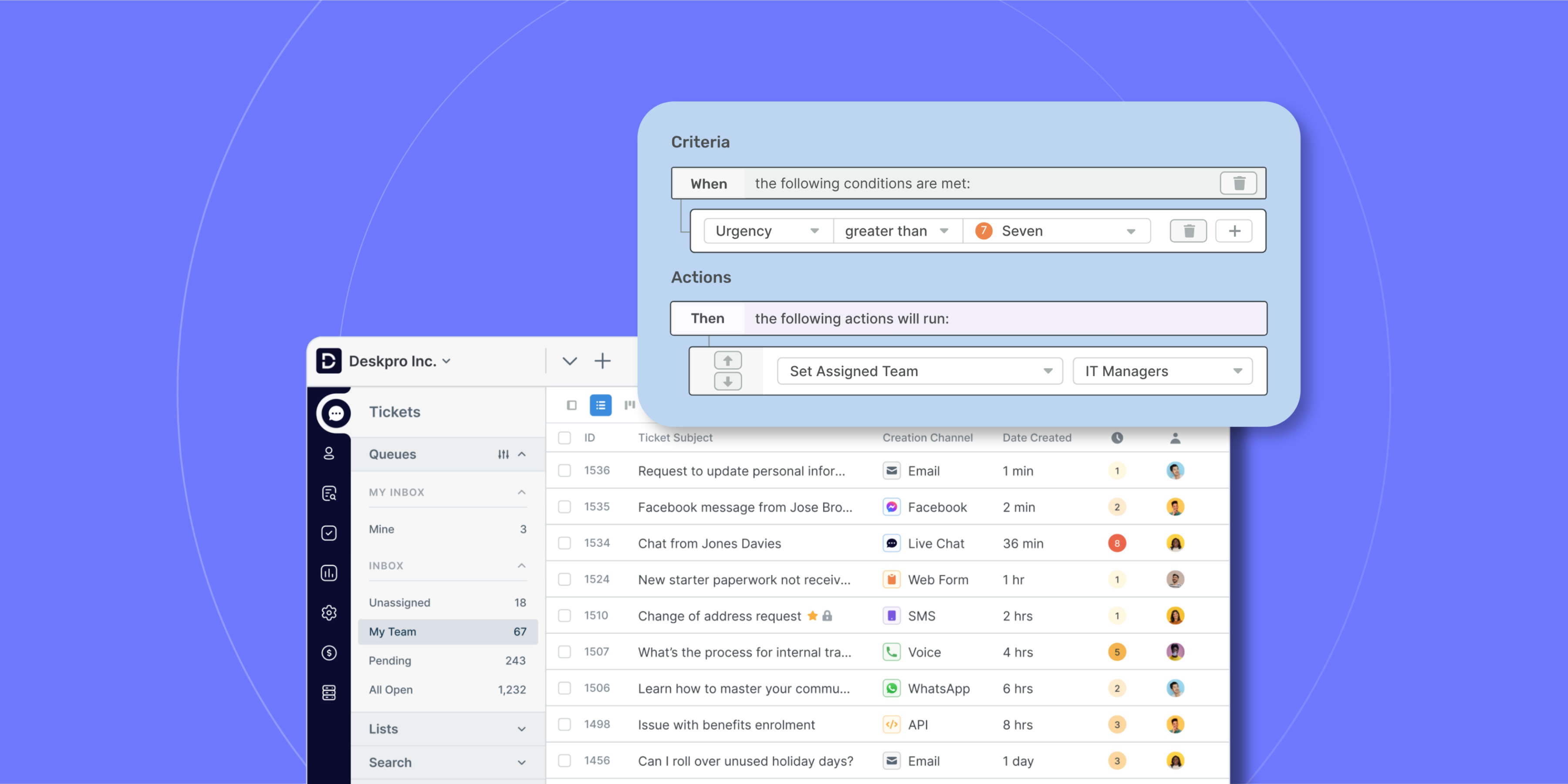
Configure rule-based and AI automations for routing, escalations, follow-ups, and macros. Set up workflows that work the way your support team does, with no plan-based limits on automations.

Learn more about automation

Integrate with your business systems

Two Column - Integrations - Gov

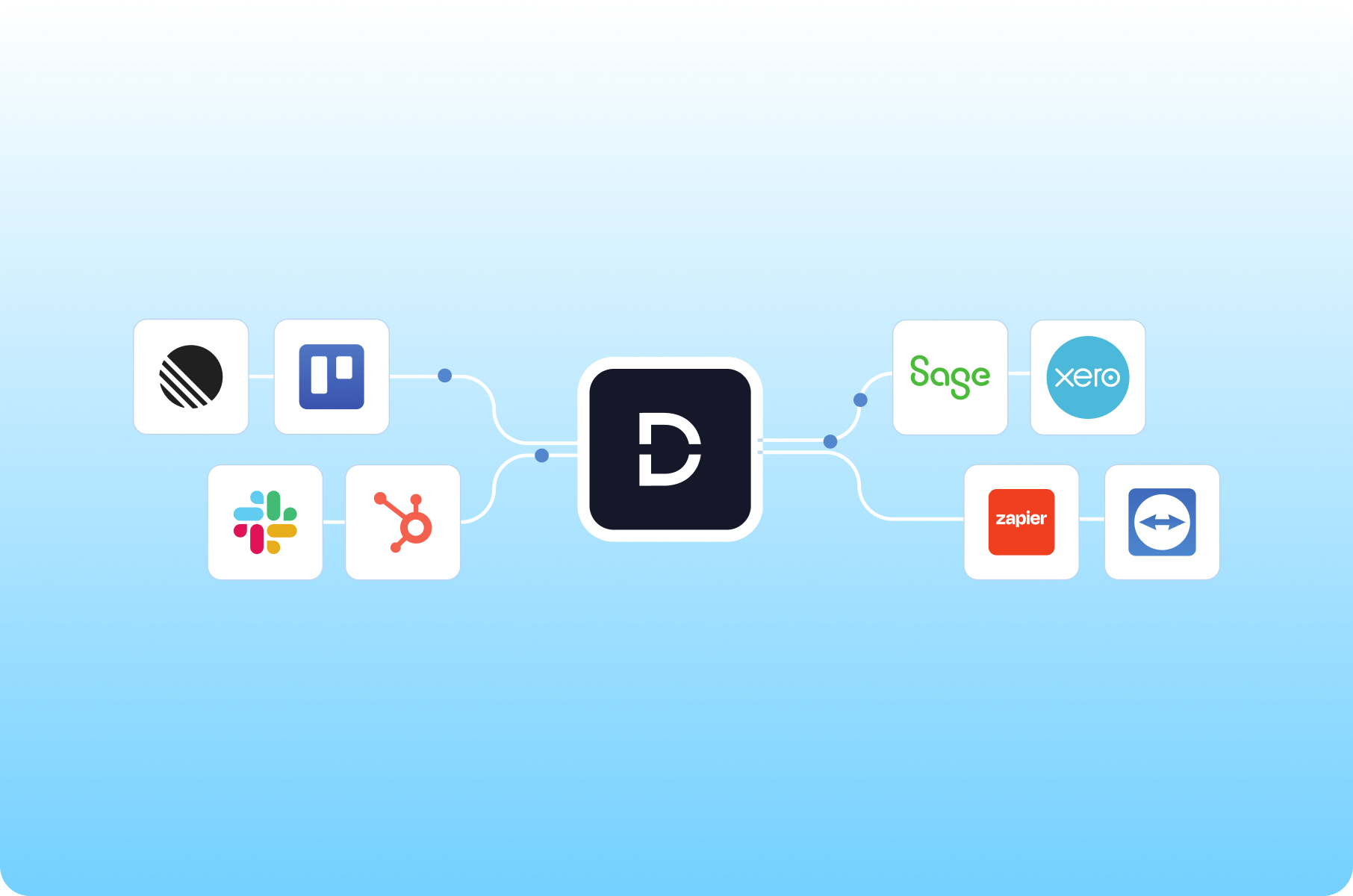
Increase efficiency and productivity by connecting Deskpro to your tech stack, including authorization sources, CRMs, project management tools, and accounting systems. Choose from our library of pre-built integrations or create custom automations via webhook or API.

Learn more about integrations

Scale your on-premise help desk as you grow

Deskpro grows with your organization, from a single help desk at one site to support teams across multiple regions. Wherever your support operation goes next, it stays in your environment and under your control.

Frequently Asked Questions

Is Deskpro's on-premise version the full product?

Yes, Deskpro Private (our on-premise version) has all the same features as Deskpro Cloud, from ticketing and automations to omnichannel support across the channels your customers or employees use. You also get our AI features, with the option to power them with the model of your choice. The only difference is where it runs: on infrastructure your organization owns and manages.

What deployment option does Deskpro support?

Deskpro runs wherever your security and compliance requirements say it should. You can deploy it on your own physical servers, on a virtual machine (VM), in a virtual private cloud (VPC), in a regional private cloud, or in a sovereign cloud environment. Whichever option you choose, you keep full control over where your data lives.

Can we use AI features on premise?

Yes, we let you bring your own model to power our AI features. That means you can connect a standard public model like Claude or ChatGPT, your own large language model (LLM), or a privately hosted model such as Mistral or Cohere. Private or self-hosted AI keeps processing inside your approved environment. In other words, your agents can use features like suggested replies, ticket summarization, and knowledge base article generation without sending data to a public cloud.

Does Deskpro support air-gapped or intranet-only environments?

Yes. Deskpro can run in air-gapped or intranet-only environments with no connection to the public internet. That makes it a strong fit for government agencies, defense organizations, and other teams handling classified or highly sensitive information. Tickets, attachments, and customer records stay inside your network perimeter.

How does Deskpro support GDPR, HIPAA, or sovereignty requirements?

With on-premise Deskpro, you control the infrastructure, so you decide where data is stored and who can access it. That control makes it easier to meet the General Data Protection Regulation (GDPR), the Health Insurance Portability and Accountability Act (HIPAA), and data sovereignty laws. Learn more about the benefits of Deskpro for healthcare and financial services teams.