
Most support systems don’t fail overnight, they gradually become harder to scale. Learn why support operations break down, what's missed during migration, and get a practical planning template for future-proofing your help desk.

Support setups don’t suddenly break, but they can slowly become harder to manage as workflows, teams, channels, and automations grow over time. Explore why support systems become fragmented, how migrations often expose operational issues that already existed underneath the surface, and what teams should map out before rebuilding or scaling their support operations.
Support setups don’t break down all at once; they break down over time
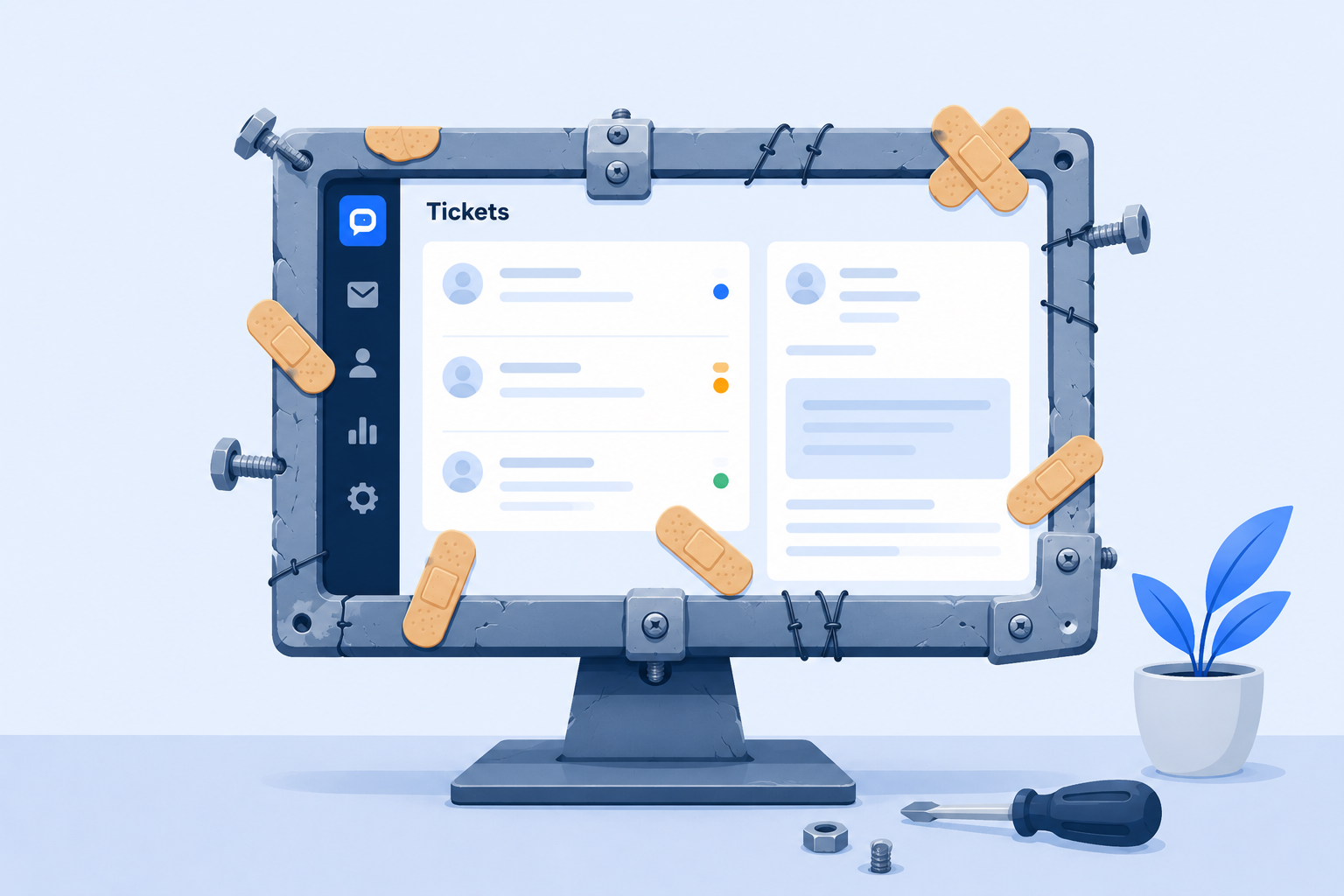
One of our customers recently described their help desk as a “Frankenstein system”.
Not because it was broken. Tickets still came in, got routed, and were resolved just like their support team needed. On the surface, it was operating as expected, but in the background, their configuration was a mess.
Their help desk had been set up a decade ago for a small internal IT team with their processes in mind, but as they added more departments, the configuration complexity grew.
Over the years, they had grown from one team with a simple use case to multiple different departments, new workflows, and new intake channels. And because it happened gradually, no one really stepped back to look at their setup and how it could be configured to work more holistically. It had grown into this monstrous and morphed together system, where small tweaks and operational changes became a headache because you had to factor in the additional changes that had been retrofitted in.
It’s a relatable situation to find yourself in (it’s something that’s happened to us at Deskpro many times). One team adds a tool, you realize that tool can work for a number of different people across the organization, you invite a coworker to test it out, they build out a process they need at that point in time, and it spirals from there.
These systems often stay in place for so long because rebuilding them feels overwhelming. Even when teams know their setup has become difficult to manage, the idea of untangling years of workflows, automations, integrations, and departmental processes can feel riskier than maintaining what already exists.
Help desk migrations are widely considered complex operational projects, with most involving weeks of planning, workflow auditing, field mapping, testing, and implementation coordination before teams can safely go live. Even relatively standard help desk migrations or rebuilds can take anywhere from 4-12 weeks, depending on workflow complexity and integrations; it can be a daunting project for teams to undertake.
Most teams fall down because they build “for now”
Now we know no one is intentionally building an overcomplicated system, or one that they know will break down. But most of the time, teams will approach a technical implementation project with a problem to solve, and it’ll be the one directly in front of them -it’s the reason they looked for a new tool, upgraded their system, or audited their current setup.
And for small teams selecting a tool to solve an issue for the first time, speed usually matters more than the long-term structure. You just need things to work better than right now, and you don’t always have the time to think through what you might need 24 months from now. So you build a system that solves that most important problem, and gets your team started - it’s a temporary solution, but it becomes the permanent solution before you even realize.
And honestly, that’s usually because teams are under pressure to improve service quickly. Customer expectations around support responsiveness are incredibly high now; 96% of customers expect live chat responses within 5 minutes, while 94% expect email responses within 24 hours. When teams are trying to hit those expectations, long-term operational planning naturally gets deprioritized in favor of immediate improvements that directly impact customer experience.
I can’t tell you the number of times I’ve been part of the team setting up a tool and gone “Oh, it would be great if it could also factor in xyz for the sales team too”, and we start building the workflows and realize it’s going to be so much more work and take longer to get going, so we say, “Okay, that’s for V2” - and V2 never comes, because another project pulls focus.
And then when you get to the point where you do want to get those processes factored in, you don’t want to dismantle what’s already kind of working, so you build workarounds; it’s quicker than redesigning the process properly. And then different teams start handling things slightly differently, with a duplicated process. It’s completely normal, but these things end up sticking around much longer than you expect. And one of those workflows might suddenly go from needing to work for that one team of 5 people to supporting 50 people across different teams with slightly different needs.
This is where the operational friction starts to creep in, and anyone who’s an admin in the system will start to get nervous. Or at least I know I do.
Complexity grows faster than you think
One thing that stood out from speaking to our Solutions Engineers, who are responsible for helping teams build optimized help desks for our clients, is how often projects and support operations become fragmented if the team doesn’t stop to redesign them and think about their processes holistically before they act.
As new teams join a help desk, new workflows get “bolted on” instead of intentionally integrated into the broader setup. Over time:
- Routing rules evolve (and typically conflict)
- Automation behaves differently across channels per department
- Reporting structures stop matching operational reality
- Ownership becomes inconsistent between departments
It can and will spiral quickly. The challenge is that support complexity rarely scales linearly. What worked perfectly well for one team handling email support often becomes much harder once multiple departments, channels, automations, SLAs, and reporting structures all start interacting together. Teams often don’t realize how fragmented things have become until they’re already struggling to maintain them cleanly.
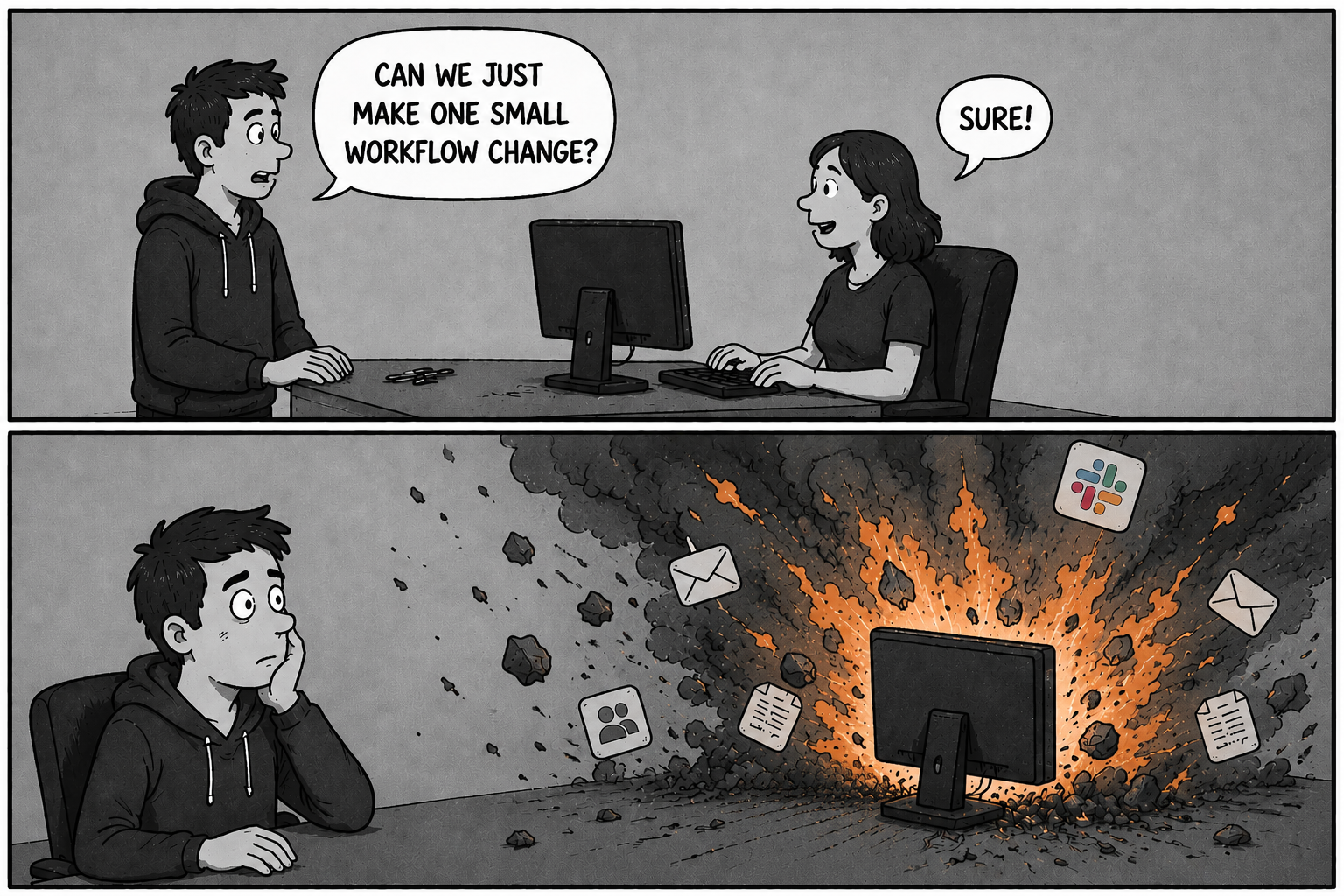
These issues make it harder for teams to scale long-term. It’ll make adding functionality feel like a bigger task and make any sort of admin project feel daunting. And it’s easy to avoid digging in and creating more work for your team because technically it’s working, your users are receiving the level of support you need, and your SLAs are being met, so… is there really an issue?
You can bury your head and ignore the problem, but the operational debt is still there, and it’ll have to be paid eventually.
Migrations expose these problems quickly
Many teams go into a migration intending to clean up their support operation and fix the issues they already know exist. But once the project starts, pressure to minimize disruption often pushes teams toward the “safe” option: recreating the existing setup as closely as possible.
But the process of migrating to a new tool usually highlights the problems that existed under the surface.
We often see teams try to build a one-to-one replica of their system in a new tool. The key thing to remember is why you’re leaving your old setup in the first place. If your current system feels hard to manage, recreating it exactly somewhere else isn’t solving the underlying issue - it just relocates it. Most migrations aren’t really failing because the technology itself can’t handle the move. They fail because operational complexity has quietly built up underneath the surface for years, and nobody has fully documented how all those workflows, edge cases, ownership rules, and reporting dependencies actually connect together.
The smoothest transitions we see aren’t the teams with the “easiest” setup. It’s the teams who are willing to step back and rethink how their system should work moving forward. Don’t go into a migration or rebuild project thinking “How do we rebuild?” You want to approach it like ”What should this process actually look like?” That mental shift, while simple, can make a huge difference.
What the best implementations tend to get right
Speaking with our Solutions Engineers highlighted how projects with clear ownership internally often had significantly smoother implementations or restructures.
Not necessarily someone deeply technical or an expert in the platform itself, but someone responsible for driving decisions forward, aligning stakeholders, and preventing the project from turning into a collection of disconnected requests from different teams. That made a much bigger difference than teams expected.
Another interesting point that came up was that teams often assume they need every technical detail perfectly mapped out before speaking to vendors or implementation teams. But realistically, that’s not usually the case.
Good implementation teams can help shape workflows, challenge assumptions, and recommend cleaner ways of structuring support operations inside the platform itself. Lean on vendors to help build the right workflows. They’re the experts on the platform. You’re the expert on your processes.
What to map out before you rebuild your system or migrate to a new tool?
Operational complexity rarely comes from one mistake, it usually comes from lots of smaller decisions that were never fully thought through upfront.
At the beginning of a project, most teams are focused on getting something working quickly. That’s completely understandable. There’s usually pressure to improve visibility, fix routing issues, support more channels, or modernize workflows, and nobody wants implementation projects dragging on for months.
So naturally, teams focus on the immediate problem in front of them. What often gets missed is the broader operational design underneath.
Things like how departments should interact with each other, whether workflows should stay standardized, who owns governance of the platform long term, or how reporting should function once more teams get added later on.
Individually, none of these feels like massive decisions early on. You can always revisit them later. Except “later” usually arrives once the system is already deeply embedded into day-to-day operations. By that point:
- Multiple teams are relying on existing workflows
- Reporting structures depend on current fields and statuses
- Automations are tied together in ways nobody fully wants to untangle
- And nobody wants to disrupt something that is technically still working
One of the Solutions Engineers I spoke to mentioned that one of the biggest implementation issues they see is when organizations approach support design too narrowly: “This is the process our team needs right now.” Instead of: “How should this work across the whole organization long term?” Because a lot of the operational pain teams experience later usually starts with decisions that seemed harmless at the time.
A department wants slightly different routing, so a workflow gets cloned and edited. Reporting requirements change, so more custom fields get added. Another team joins the platform and needs its own ticket statuses. Slack gets introduced later and behaves differently from email because it was implemented separately. None of those decisions is unreasonable individually. But over time, they create systems that become increasingly difficult to scale cleanly.
What to plan before scaling or rebuilding your support operation
After hearing the same issues come up repeatedly, our team started putting together a planning template designed to help support teams think through their operations more intentionally before they even start looking at making changes. Especially when customer expectations around responsiveness and support availability continue increasing year over year, operational scalability becomes much more than just an admin concern; it directly impacts the customer experience, too.
A lot of teams jump straight into vendor demos or migration projects before they’ve properly mapped out what they actually need operationally. The workflows that are critical, the channels they need to support, which processes are essential versus just “nice to have”, how teams should interact, what needs to stay standardized, and where flexibility actually matters.
And honestly, most of the time, you don’t need to have every answer perfectly figured out upfront. You just need enough clarity to have better implementation conversations.
One of the biggest themes that came out of speaking with our Solutions Engineers was that teams often think they need to become experts in the platform before starting a migration or redesign project. But that’s what implementation teams are there to help with.
What matters more is understanding:
- the operational problems you’re trying to solve
- the workflows your teams rely on
- the channels and processes that are critical to the business
- and what “good” should actually look like for your support experience
From there, implementation teams can help design the right structure around those requirements instead of forcing teams to retrofit old processes into a new system.

The template was originally created by our Solutions Engineering team to help support teams plan help desk migration projects, but the broader framework applies well beyond help desks, too.
At its core, it’s really just a structured planning session. Something that helps teams sit down with their admins, operational leads, and stakeholders to map out:
- The critical workflows they need to support
- How teams should operate together
- Where automation makes sense
- What needs to scale cleanly long term
- What other tools need to be integrated with the system, and how you want that data to be accessed
- And which requirements are genuinely non-negotiable when evaluating platforms
But is perfection the enemy of progress?
The goal isn’t to create the perfect support operation on paper before touching a tool. It’s to avoid ending up in a situation where years of reactive decisions quietly evolve into a system nobody fully understands anymore.
The interesting thing about most “Frankenstein” support setups is that they rarely start out badly designed. Most of them were built by smart teams trying to solve real operational problems quickly. The issue is usually that nobody ever gets the time to step back and redesign the bigger picture as the business grows. So over time, operational complexity quietly compounds underneath the surface.
To build a future-proofed support operation, you don’t need to predict every possible requirement upfront. But if you can consider the structure, visibility, and operational clarity that your system can evolve into as complexity grows, you’re already doing more than most. Because the teams that scale support operations successfully usually aren’t the ones with the most sophisticated workflows. They’re the ones who continue simplifying intentionally as they grow.