
Help desk migration: How to switch platforms without disruption
Learn how to migrate your help desk quickly and securely while avoiding service disruptions.

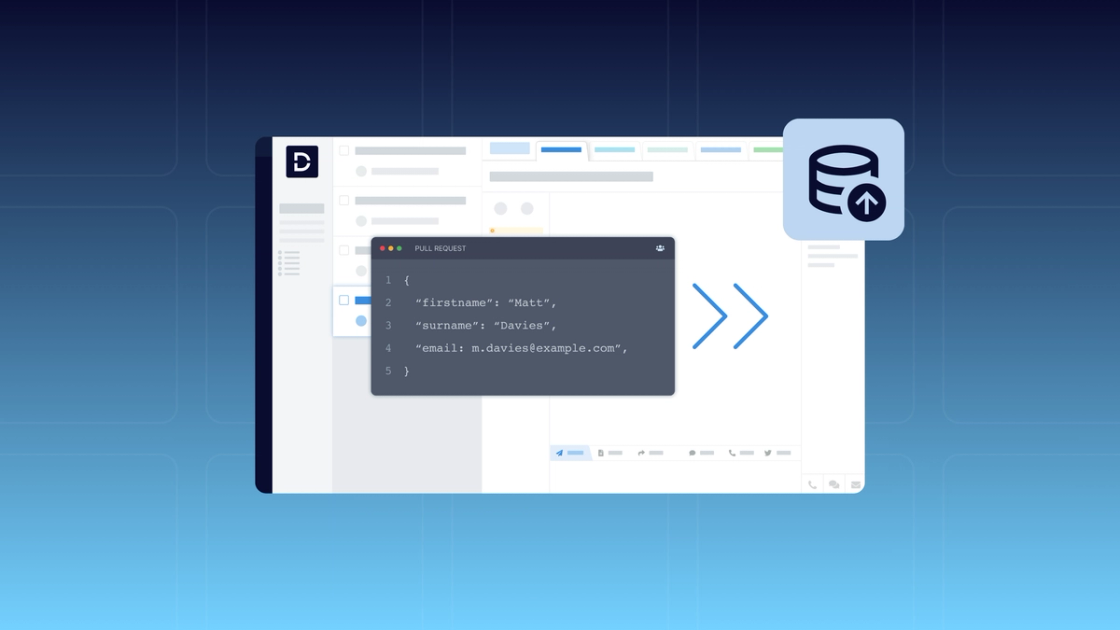
Your current help desk is no longer working for you and your support team. You know you need to make a switch, but you’re not looking forward to the help desk migration process. You’ve got years’ worth of ticket histories, custom fields, tags, and user profiles to move over, not to mention SLA settings and automated workflows you’ll need to configure in the new platform. The thought of going through a complex and time-consuming migration is enough to make anyone say, “Let’s hold off until next quarter.”
The good news is that a help desk migration doesn’t have to be as big an undertaking as you might think. Modern help desk vendors and services have made migration faster and more secure than ever, enabling you to switch platforms with minimal disruption. With the right vendor or partner, it’s often possible to complete the entire process–including planning, testing, and rolling out your new help desk–in as little as one to two weeks.
Below, we’ll walk you through:
- What a help desk migration involves
- Common challenges in help desk migration (and how to avoid them)
- How Deskpro simplifies migration
- What the migration process looks like step-by-step
- The key benefits of migrating to Deskpro
- How to prepare for a successful help desk migration
What is help desk migration?
A help desk migration involves transferring data from your current help desk into a new platform, as well as recreating the workflows and automations your team depends on. You’ll likely be moving over open and closed tickets, customer records, agent accounts, tags, attachments, and help center articles. You’ll need to map fields from your old platform to their equivalents in the new one, preserving ticket history so agents have the context they need and ensuring nothing falls through the cracks during the switch.
Teams migrate platforms for a variety of reasons. Sometimes it’s about outgrowing a help desk that can no longer keep up with the complexity of your support operations. Sometimes the decision is driven by cost, as licensing models change or pricing is no longer worth the value you’re getting. And sometimes the platform itself changes: a vendor sunsets products, shifts to a cloud-only model, or introduces limitations that conflict with your company’s compliance and infrastructure requirements.
Whatever the reason for switching, the goal is to get through the migration with your data intact, your team up and running, and your support operations uninterrupted.
Common challenges in help desk migration (and how to avoid them)
While migrating help desk platforms doesn’t have to be complex, it’s understandable to have some concerns about data integrity, downtime, and even support team resistance. But these potential risks are all manageable with proper planning and the right tools in place.
Data integrity
One of the most common concerns about help desk migrations is that the data fields from the old platform won’t properly map to the fields in the new one, leading to the headaches of troubleshooting the mismatches, manually updating fields, and potentially losing historical data without realizing it.
The best way to avoid this issue is to work with a vendor or migration tool that will validate data before the transfer and run a test migration (i.e., a preview of how your data will look and behave in the new platform) before the real deal.
Security concerns
Security concerns may be less about the migration itself and more about whether the platform you’re moving to meets your data governance and compliance requirements. Before committing to a new platform, ensure they meet any regulations relevant to your business, such as HIPAA for US-based healthcare organizations and GDPR for European or multinational businesses. Confirm with your chosen vendor where your data will be stored, processed, and accessed.
Downtime and business continuity
Downtime during your standard support hours can lead to slower ticket responses, missed SLAs, frustrated customers, and stressed agents. To avoid disruption to service during your help desk migration, look for a vendor or migration partner who can take one of the following approaches:
- Start and stop the data transfer as needed, allowing you to conduct the migration outside your business hours.
- Allow your support team to continue working out of the original help desk during the migration, with any new or updated records created during the migration automatically transferred to the destination help desk after the migration is complete.
Change management for support teams
Some support team members who are used to the old help desk platform may be resistant to moving to the new one. Make sure you’re communicating the reason for the migration before it happens and training team members on the new platform so they’ll feel confident working out of it as soon as the migration is complete.
How Deskpro simplifies help desk migration
Our team at Deskpro regularly works with support teams that are moving off other help desk platforms, including Zendesk, Freshdesk, Kayako, and Jira Service Management. We understand the common challenges of switching platforms, and we work with customers to ensure a smooth, secure transition.
Here are a few success stories from customers that migrated to Deskpro:
As part of our migration process, we work with your team to map your data, set the parameters for what you want to migrate (if you’re not migrating all tickets), and link the source platform to Deskpro for the data transfer. We can also do a test migration to check that data is mapping and behaving as expected before doing the full migration. We then manage the full migration and help test for accurate mapping. The entire process, from planning through execution, can typically be completed within 1-2 weeks.
Step-by-step: What the migration process looks like
Help desk migrations can feel daunting when you don’t know what to expect. Here’s a high-level overview of the four-step process for migrating to Deskpro so that you know exactly what’s on the horizon.
Step 1: Assessment and planning
Before any data moves, you need a clear picture of what you're working with. This means auditing your current help desk—reviewing your ticket volume, data structure, custom fields, and active workflows—and deciding what's worth carrying over. It's also a good time to clean house: old records you'll never reference again don't need to move to your new platform.
Step 2: Data mapping and setup
Once you know what you're migrating, the next step is making everything maps to the right field in your destination help desk. This is something we handle for you: we use a migration tool that allows us to map each field in your source help desk to its equivalent in Deskpro. You can also create new fields and tags or adjust how data is structured in this process. We’ll also help set up agent accounts and permissions at this stage so your team can start working in Deskpro as soon as you’ve completed the migration.
Step 3: Test migration
When migrating to Deskpro, we’ll give you the option to run a free test migration. This involves transferring a sample of your records into Deskpro so you can verify that tickets, attachments, and custom fields all look exactly as expected. If anything needs adjusting, we update the mapping and rerun the test. Nothing moves forward until you’re satisfied with the results.
Step 4: Full migration and go-live
Once you’ve signed off on the test, we’ll run the full migration. This can be scheduled during off-hours, with the ability to pause and restart the migration as needed, or we can transfer new records created in the source help desk during the migration window once the migration is complete.
After the data transfer finishes, you validate the results, move your team to Deskpro, re-enable notifications and automations, and go live.
Key benefits of migrating to Deskpro
Many of our customers who migrated from another platform came to Deskpro because they needed a solution that would meet both their CX needs and compliance requirements. Deskpro is built for flexibility, control, and long-term scalability: we’ve designed our platform to adapt to the ways you work, deploy in the environment you need, and run on your terms.
Greater flexibility
Deskpro lets you customize workflows and triggers to align with the way your team works, from your SLA requirements to your ticket triage approach. You can start with rule-based automated workflows and layer on AI, including intelligent routing based on sentiment analysis and intent detection, to get tickets in front of the right agents faster. We also offer highly configurable permission settings to give you complete control over what every platform user can do and see, helping you prevent information overload and protect sensitive information.
Greater data control
We frequently work with customers who have strict compliance requirements, including organizations that need HIPAA-compliant help desk software or must keep their data in a specific region due to data sovereignty laws. Customers have the option to choose either Deskpro Cloud (our SaaS offering) or Deskpro Private, which allows them to deploy in their environment of choice. Our customers can run their help desk and AI features in a private cloud, VPC, sovereign cloud, or on-premise environment, allowing them to keep their data within their organization’s security perimeter.
Enhanced support team productivity
With our highly customizable workflows and AI features that you can use in a public cloud or private environment, Deskpro enables support teams to work more efficiently, improve their average resolution time, and enhance their self-service. Features like ticket summarization, suggested responses, auto-generated help center articles, and our AI chatbot let teams automate the repetitive and free up their agents to focus on higher-value tasks. Deskpro Private customers in regulated industries may be unlocking AI capabilities for the first time after being unable to use AI securely in a SaaS-based help desk.
How to prepare for a successful help desk migration
The difference between a smooth migration and a stressful one usually comes down to preparation. Before you kick off the process, focus on the following three areas.
Audit your current help desk setup
Start by taking stock of what you actually have. Go through your existing tickets, fields, workflows, and automations—and be honest about what's still serving you. Migrating less, but migrating it cleanly, will save you time during setup and make your help desk easier to configure from the start.
Define migration goals and KPIs
A migration is also an opportunity to reset. Before you move anything, get clear on what improvements you’re aiming for: faster response times, cleaner reporting, better automation coverage. Defining those goals upfront gives you a benchmark to measure against once you're live and helps your team make better decisions during the configuration and mapping stages.
Communicate changes to your team
Bring your help desk end users in early. Before you start the migration, share what’s changing, why it’s changing, and what to expect. If possible, give them access to your new help desk before the migration is done so they can get comfortable with the interface ahead of time. The technical side of a migration is doable; change management is where things can stall if it’s treated as an afterthought.
Ready for a seamless help desk migration? Start with Deskpro
Your help desk migration doesn’t have to be a daunting project. With the right preparation and a partner that can help you through the process, you can move to a new platform in as little as one to two weeks. And the sooner you make the move, the sooner you can overcome the blockers that have caused you to start looking for a new help desk provider in the first place.
When you move to Deskpro, we’ll assist with the migration planning and handle the technical implementation, enabling you to focus on managing your support team and avoiding disruption to service. If you’re interested in learning more, request a demo.