
Live chat in customer service: A 2026 guide for support leaders
Learn about the benefits of live chat in customer service, how to balance AI and human chat support, and strategies for success.

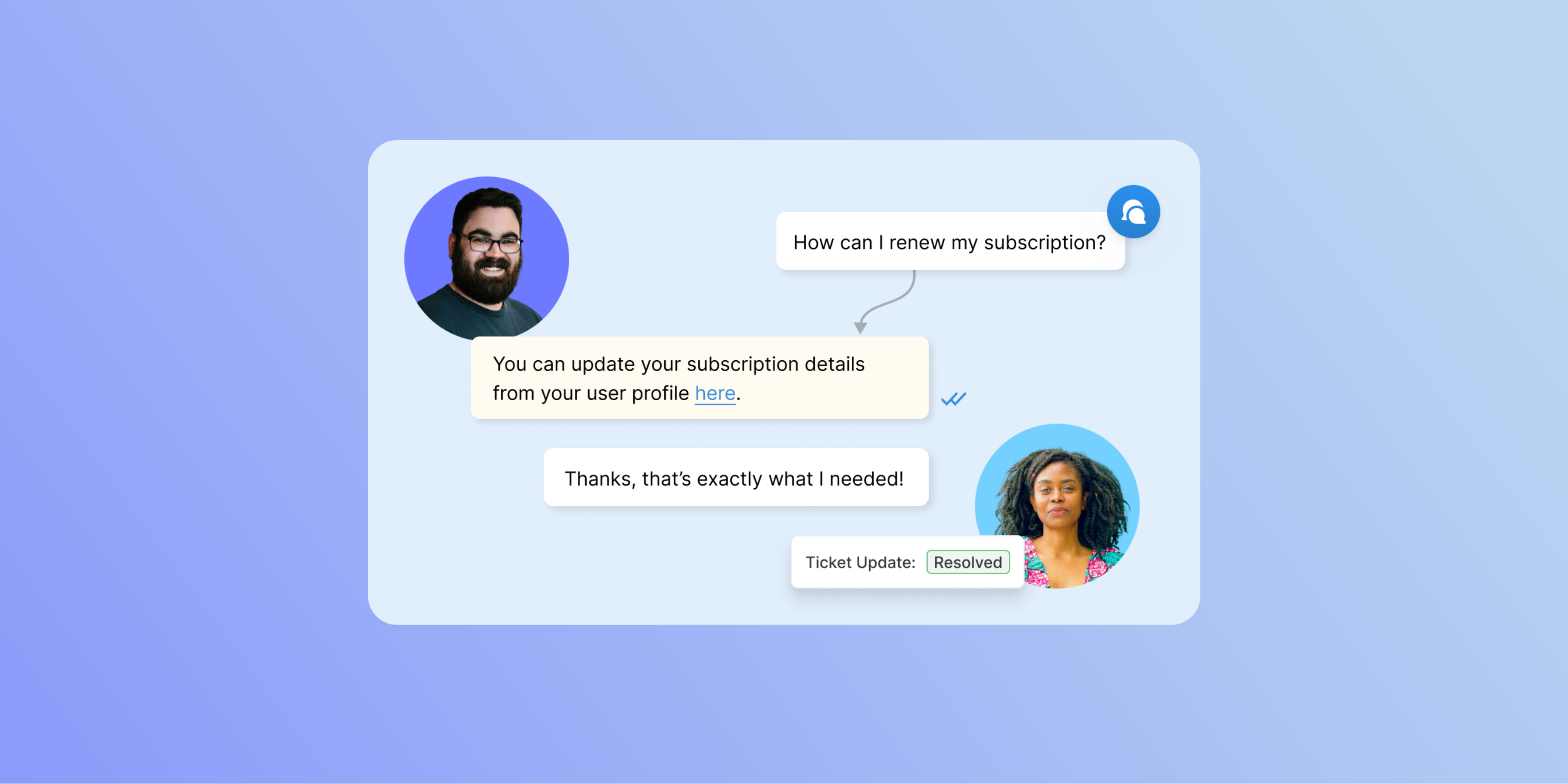
Live chat is a customer service channel, usually presented to customers through a widget on your website or mobile app, SMS, or messaging tools like WhatsApp. It lets you have real-time conversations with your customers and gives customers a way to get answers to their questions without picking up the phone or sending an email.
Live chat isn’t a set-it-and-forget-it thing. It requires thoughtful implementation, agent training, and ongoing measurement. And, with customer service teams increasingly adopting AI chatbots, it’s important to understand how human chat agents and chatbots interact and what can be automated.
This guide covers everything a customer support leader needs to know about live chat in 2026. That includes:
- What live chat is (and how it’s different than a chatbot)
- How live chat works (in a step-by-step breakdown)
- The benefits of live chat
- Key features to look for in live chat software
- Implementation considerations
- How to measure success
- What the future of live chat looks like
What is live chat software?
Live chat software is an online communication tool that enables businesses to have real-time, text-based conversations with customers directly through their website, app, or messaging system. A small chat widget (typically in the bottom corner of the screen) invites visitors to ask questions and connects them instantly with an available agent or automated chatbot.
The conversation happens in seconds, in the same browser tab where the customer is already shopping, researching, or troubleshooting.
That immediacy is why live chat has become an expectation rather than a differentiator. 77% of customers now expect to interact with someone immediately when they contact a company–and 88% say a good service experience makes them more likely to purchase again.
Examples of live chat use cases by industry
At its core, live chat is about giving customers and website visitors a fast, easy way to get in touch with a business. But there is some variation in the ways different industries use live chat. Here are a few industry-specific examples:
E-commerce–Live chat reduces cart abandonment by answering pre-purchase questions in real time. Proactive invitations on checkout pages (e.g., "Need help with your order?") recover revenue that would otherwise be lost.
SaaS and technology–Support teams use live chat for onboarding assistance, troubleshooting, and in-app guidance. Chat transcripts feed directly into voice-of-the-customer programs to inform product development.
Healthcare–Providers use live chat for appointment scheduling, prescription queries, and pre-visit guidance, offering patients a faster, more accessible alternative to phone queues.
Financial services–Live chat enables fast responses to account queries while maintaining audit trails via transcripts. Routing rules ensure regulated questions reach qualified advisors.
Small business–Live chat gives small teams a big-business feel. A single agent handling multiple chats at once can deliver the responsiveness of a much larger company.
Live chat vs. chatbots: What’s the difference?
If you’re evaluating live chat for the first time, you may be wondering how it differs from (or overlaps with) chatbots.
Live chat refers to real-time conversations handled by human agents. It's ideal for complex questions, frustrated customers, and situations that require judgment, context, or multi-step problem-solving.
Chatbots are automated programs that respond based on rules or AI. They're well-suited for routine, repetitive questions (e.g., order status, FAQs, password resets) especially outside business hours.
Most modern live chat platforms combine both. A chatbot handles the first line of contact and deflects simple queries automatically; when a question exceeds its capabilities, it escalates the conversation to a human agent with full context intact. This hybrid model lets businesses offer 24/7 coverage without burning out their support teams.
Because the two often go hand in hand, we’ll be discussing both throughout this guide.
How does live chat work? A step-by-step breakdown
Step 1: Embed the chat widget
A business chooses a live chat platform and places a small snippet of code on their website. This generates the chat widget: the icon or pop-up window visitors see. You control when and where it appears, how it looks, and whether it fires proactively based on visitor behavior (for example, appearing after 30 seconds on a pricing page).
Step 2: A visitor initiates a conversation
A visitor clicks the widget and types their question. The live chat platform captures this and routes it to the appropriate queue, potentially routing it by topic, department, language, keyword, or other routing rules your business has configured.
Step 3: Automated deflection (optional)
Before reaching a human agent, many systems offer automated deflection: presenting relevant help articles, FAQ responses, or a chatbot to resolve simple queries instantly. For routine questions, this means the customer gets an answer in seconds without any agent involvement, and your agents deal with fewer repetitive queries.
Step 4: Agent handles the conversation
For complex or escalated queries, the conversation routes to a human agent. Agents typically have a behind-the-scenes interface where they can see the customer's chat history, what page they're on, and any CRM data attached to their account. They can use canned responses to reply quickly, share files or links, leave internal notes for colleagues, or transfer the chat to a specialist.
Step 5: Resolution and closure
The agent confirms the question is answered, provides next steps if needed, and closes the chat on a warm note. Many platforms automatically send a post-chat satisfaction survey.
Step 6: Transcript and analytics
The live chat platform stores the conversation as a transcript for quality review and future reference. Aggregate data, such as response times, chat volume, CSAT scores, and common questions, feeds into reporting dashboards that help teams identify coaching opportunities and product gaps.
6 benefits of live chat in customer service
Real-time convenience and customer satisfaction
Live chat’s defining advantage is speed, with six to eight minutes considered a good average handle time (compared to email, which has an average resolution time of over 12 hours). That speed translates directly into satisfaction: research consistently shows live chat achieving higher satisfaction ratings than either email or phone support.
Cost-effective support at scale
A single phone agent handles one call at a time. A trained live chat agent can manage three to five simultaneous conversations, depending on complexity. This parallel capacity means businesses can handle higher inquiry volumes without proportional headcount growth. AI chatbot deflection reduces that number further by resolving routine questions automatically before they reach the queue.
Increased conversions
Live chat doesn’t just have to be for post-sales support. When a customer hesitates on a product page or lingers at checkout, a proactive chat invitation can guide them through the process of completing the purchase. According to Forrester Research, website visitors who engage in a chat widget are 2.8x more likely to convert.
Customer loyalty
Customers who have a positive live chat experience are significantly more likely to return. The combination of immediacy, personalization, and genuine helpfulness builds the kind of trust that email threads rarely achieve. Live chat creates a human connection at scale.
Increased customer service availability
With chatbots, you can automate responses and provide self-service options, even when human agents are off the clock. Customers can get quick answers on your website at any hour of the day or night. You can also provide support in multiple languages–a huge benefit for businesses with a global customer base.
Valuable customer insights
Every live chat conversation is a data point. Aggregated across hundreds or thousands of chats, transcripts reveal what questions customers are asking most, where they're getting stuck, what product information is missing, and what objections are blocking purchases. This feedback loop is invaluable for product, marketing, and CX teams.
What to look for in live chat software
There are a lot of live chat solutions on the market, with some available as standalone products and some as part of help desk or omnichannel support platforms. The best fit for you will depend on your team’s needs, but here are some capabilities that separate basic chat widgets from serious support infrastructure:
- Chat routing and rule assignment. Automatically direct conversations to the right team or agent based on topic, keyword, page URL, or customer data. This prevents queue bottlenecks and ensures the right person handles each query.
- Canned snippets. Pre-written answers to common questions that agents can insert in one click. Done well, these sound natural and save significant time without feeling robotic.
- AI chatbot integration. A bot layer that handles FAQs and routine queries 24/7, across multiple languages, escalating to a human agent when needed.
- CRM and help desk integration. Connect chat to your existing customer data so agents can see account history, past tickets, and purchase records without switching tabs.
- Omnichannel support. The ability to manage conversations from web chat, mobile app, email, and messaging platforms (WhatsApp, Messenger) from a single platform, with context preserved across channels.
- Chat history and transcripts. Persistent conversation records that customers and agents can reference, reducing the need to repeat information.
- Analytics and reporting. Dashboards tracking response time, chat volume, CSAT scores, abandonment rate, and agent productivity.
How to implement live chat
We’ve covered how live chat works and what to look for in software solutions, but how do you actually implement it? Here are five steps to get live chat set up for your business:
1. Choose and configure your platform
Select a live chat tool that fits your team size, budget, and integration requirements. Set up the widget, configure routing rules, build out canned responses for your ten most common questions, and connect your CRM.
2. Hire or train your team
Decide whether your current support team can absorb live chat volume or whether you need dedicated chat agents. Live chat rewards fast typists with strong written communication skills. Train agents on your product knowledge, your canned responses, and when to escalate to a specialist.
3. Define your availability and bot coverage
Determine when human agents will be staffed and configure chatbot coverage for off-hours. Set clear queue expectations (e.g., "We typically reply in under 2 minutes") so customers know what to expect.
4. Connect your trusted knowledge sources to your chatbot
If you’re layering an AI chatbot on top of your live chat experience, make sure you’re indexing data sources such as your help center articles, product guides, troubleshooting documentation, and even resolved tickets. This is what allows the chatbot to answer business-specific questions and share recommended resources with customers.
5. Measure and iterate
Decide what metrics you need to track to measure success and continue improving your chat experience. Common metrics to track include:
- First response time
- Resolution time
- CSAT score
- Abandonment rate
- Deflection rate
Review these weekly in the early months and monthly once you've established a baseline. Use chat transcripts for agent coaching and to identify recurring questions that might warrant a new knowledge base article or FAQ entry.
Best practices for live chat
Once you’ve launched your live chat, keep these best practices in mind.
- Keep response times under 60 seconds for initial reply. Anything longer starts to feel like email. Most customers expect a response within a minute of initiating a chat.
- Use canned responses as a starting point, not a script. Personalize them with the customer's name and specific context. Verbatim templates feel impersonal fast.
- Let customers know when agents are unavailable. A clear offline message with expected response times is better than silence.
- Don't lead with a form. Requiring customers to fill out name, email, and issue category before they can type a message is friction that kills conversion. Capture that data during or after the conversation.
- Train for empathy, not just product knowledge. Customers in support situations are often frustrated. An agent who acknowledges the frustration before jumping to a solution creates a better experience than one who gives a technically correct but cold reply.
- Review transcripts regularly. This is one of the richest sources of product feedback and coaching material your team has.
The future of chat: Streamlining support without losing the human touch
Live chat in 2026 looks a lot different than it did even a few years ago. As AI continues to improve, there’s an increasing expectation that AI chatbots will fill in the gaps when live agents are unavailable, and handle issues autonomously to reduce the workload on humans. At the same time, a majority of customers still prefer human assistance during more complex or high-stakes interactions, such as purchases. As a result, we’re seeing trends that reflect the need to balance AI efficiency with the human touch.
Behind-the-scenes AI for human agents
Rather than replacing human agents, AI is increasingly used to assist them in real time: surfacing relevant knowledge base articles, suggesting responses, and flagging sentiment shifts in the conversation.
Unified omnichannel inboxes
The distinction between live chat, WhatsApp, email, and SMS is blurring. Modern customer support platforms manage all of these from a single agent interface, with conversation history preserved across channels. Customers can switch channels mid-conversation without losing context.
Conversational commerce
Live chat is increasingly embedded not just in support contexts but in the purchase flow itself: product recommendations, in-chat checkout, and post-purchase updates can all be delivered through the chat interface.
Personalization at scale
Integrations with CRM and behavioral data mean agents and bots can greet returning customers by name, know what they purchased last, and tailor responses accordingly, without the customer having to repeat themselves.
Getting live chat right
Live chat has moved from a nice-to-have to a baseline customer expectation. Done well, it shortens resolution times, increases conversion rates, and builds the kind of trust that keeps customers coming back. But if it’s not thoughtfully implemented, it can result in slow responses, impersonal replies, or bot loops with no human escalation, ultimately creating a negative customer experience.
The businesses that are most successful with live chat in 2026 are treating it as a full support channel, not just a widget they set up and walk away from. They put thought in routing logic, agent training, and bot configuration. They track key live chat metrics and use analytics to inform ongoing improvements. They use it as a source of product insight as much as a support tool. And they pick a platform that grows with them and aligns with the ways their support team works.
If you're evaluating live chat for your business, Deskpro's help desk includes a fully integrated live chat feature built for teams that want to move fast without sacrificing context. Book a demo to see how Deskpro can improve your support experience.