
What is a customer service chatbot? A guide for support teams
A customer service chatbot can be a great deflection tool. This guide covers best practices, data and privacy considerations, how to measure ROI, and more.

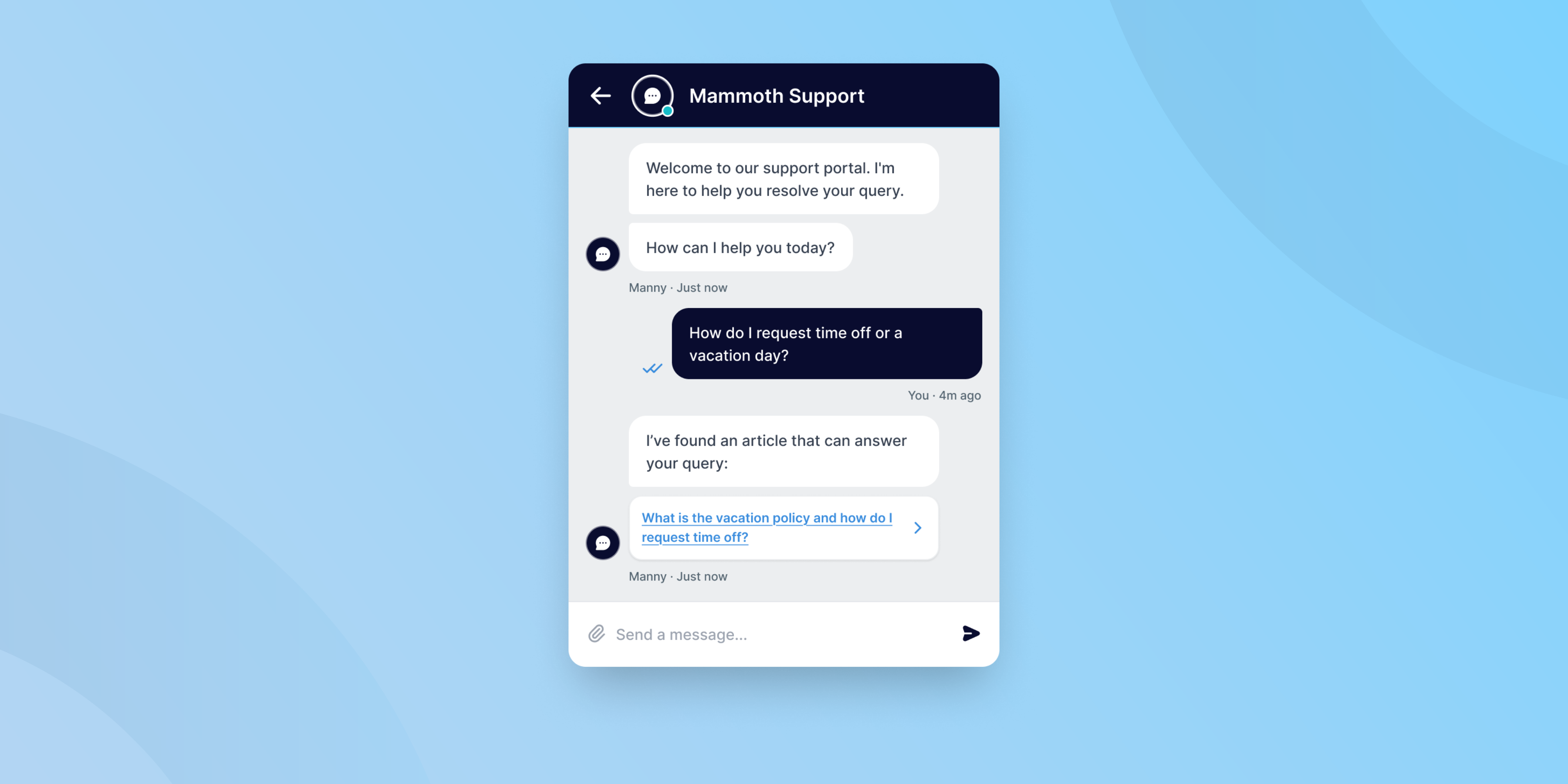
Support teams are handling more requests than ever. In 2025, 34% of support teams saw ticket volumes increase, with organizations processing over 10,000 tickets per month on average. 91% of customer service leaders say customer expectations have grown year over year, putting more pressure on support teams to resolve issues quickly and accurately.
Hiring to match that growth isn't realistic for most teams. Instead, more organizations are turning to customer service chatbots to handle routine, high-volume queries automatically. When implemented well, these chatbots can improve the self-service experience for customers and free human agents up to focus on complex issues that require empathy and critical thinking.
Whether your support team has already implemented a chatbot or is just starting to think about it, this article is for you. We’ll cover how support chatbots work, the different types available, when they're worth deploying (and when they're not), and what to do to make your chatbot a success.
What is a customer service chatbot?
A customer service or support chatbot is software that handles customer conversations automatically, answering questions, resolving common issues, and routing more complex requests to a human agent.
Unlike general-purpose AI assistants (like ChatGPT), support chatbots are purpose-built for service interactions. To answer organization-specific questions, they need to be connected to your knowledge base, your ticketing system, and your conversation history. Their job is to resolve tickets, not just generate text.
For example, if someone asks your chatbot about your company’s refund policy, the chatbot should either be able to share a pre-written response based on rules you’ve set for it or, in the case of an AI chatbot, generate a conversational response using the context of your official refund policy.
3 types of support chatbots
There are three primary types of support chatbots you’re likely to encounter:
Rule-based chatbots follow pre-defined conversation flows. They work well for high-volume, predictable queries (order status, password resets, opening hours) but break down quickly when customers go off-script.
AI-powered chatbots use natural language processing and machine learning to understand the full context and intent of a customer’s message rather than just matching keywords or requiring customers to go through a decision tree process. They handle more varied queries, learn from interactions over time, and can index your specific content–such as tickets, knowledge base articles, and product documentation–to provide business-specific responses.
Hybrid chatbots combine both approaches: structured flows for known scenarios, AI handling for everything else, with seamless escalation to a live agent when needed. This is the model most enterprise support teams are moving toward.
Key benefits of chatbots for support teams
Implementing a support chatbot can provide a wealth of benefits, including:
- 24/7 availability: Chatbots provide around-the-clock support. This responsiveness is key for a staggering 90% of modern consumers who expect an instant response when contacting a business.
- Multilingual support: Some chatbots can operate in multiple languages, allowing them to support a global customer base without the need for a 24/7 team of human translators.
- Scalable support: With customer requests increasing across industries, chatbots work to take the pressure off overburdened human teams. This reduces agent stress and has the potential to reduce operating costs, since businesses that may have otherwise needed to hire more agents can deflect some support ticket volume to the chatbot.
- Higher conversion rates: Predictive chatbots can give personalized recommendations to users based on their activity, turning more visitors into customers. Customers expect this level of service these days, and it's incredibly profitable for you when done right, so don't overlook this.
- Tailored conversations: Modern chatbots can use customer data and previous interactions to enable customized dialogues for each person, improving the customer experience.
- Consistent service: Unlike human agents who may phrase answers differently or miss a policy update, chatbots give the same accurate answer every time–as long as the underlying content is kept current.
When a chatbot isn't the right tool
There’s a lot that chatbots can do, especially when powered by AI. Gartner has boldly predicted that by 2029, 80% of all customer service requests will be handled by agentic AI without human intervention. However, there are still plenty of situations in which a human touch is essential, and shifting to a chatbot-only model of support could create a worse experience than having no chatbot at all.
Don't rely on chatbots for:
- Emotionally sensitive interactions. Customers who are distressed, dealing with a loss, or expressing serious frustration need a human. A chatbot's inability to recognize and respond to emotion appropriately can escalate the situation.
- Complex, multi-step issues. If resolving a query requires accessing multiple systems, making exceptions, or exercising judgment, a chatbot will likely fail, leading to wasted time and customer frustration.
- High-stakes decisions. Anything involving refunds above a certain threshold, legal or compliance queries, or account-level changes should route directly to an agent.
- Relationship-sensitive accounts. For enterprise or VIP customers, a chatbot interaction can feel dismissive. Consider routing these customers to dedicated agent queues instead.
A good chatbot implementation will set clear boundaries and paths for escalation so a frustrated customer is never stuck in a situation where they can’t reach a human.
Chatbot data privacy and security
In addition to determining what situations your chatbot should and should not handle, you’ll also need to make sure you understand how the chatbot is processing data and what systems it’s accessing. Failing to consider this could lead your compliance or security team to pull the plug before you launch the chatbot to your customers.
When evaluating chatbot vendors, ask the following questions:
Where does conversation data go? Most SaaS chatbot platforms process data through public cloud infrastructure. Understand whether customer data is transmitted to third-party LLMs for processing, and whether it's used to train those models.
What data can the chatbot access? If your chatbot is connected to your CRM, ticketing system, or customer account data, you need strict controls over what it can retrieve and surface. A poorly scoped chatbot can inadvertently expose PII or account details.
Does it comply with your regulatory requirements? Teams in healthcare, finance, government, and other regulated industries face specific obligations around data residency and processing. Standard cloud-based chatbot deployments may not meet these requirements, in which case, private cloud, sovereign cloud, or on-premise deployment models are worth exploring.
How are escalations and transcripts handled? Ensure that when a conversation moves to a human agent, the transcript is handled in line with your data retention and privacy policies.
Getting these questions answered before launching your chatbot is far easier than retrofitting controls once the chatbot is live.
How to deploy a chatbot: A practical checklist
Go through this checklist before you rush into launching a chatbot for your support team.
1. Define the scope clearly. Identify the specific query types you want the chatbot to handle. Start narrow. A focused chatbot that handles 20 of the most common query types well is more valuable than a broad one that handles 100 types inconsistently.
2. Choose the right type of chatbot. Match the chatbot to your use case. Rule-based will work best for highly structured, predictable flows. AI-powered or hybrid chatbots are best when volume and query variety demand flexibility.
3. Connect your chatbot to trusted content. A chatbot is only as good as the knowledge it has access to. Before launch, determine what internal knowledge sources you will connect. Knowledge base or help center articles are a common starting place, but you may also include specific websites, FAQs, product guides, or technical documentation. Audit your knowledge sources for accuracy, gaps, and outdated information and develop a plan (with designated team members) for content maintenance.
4. Design the handoff workflow. Your chatbot needs to be able to seamlessly pass customers over to human agents when necessary. Define clear escalation triggers (e.g., sentiment signals, repeated failed responses, specific query types) and make sure the live agent gets the full conversation context from the chatbot. The customer should never have to repeat themselves.
5. Test before you go live. Run the chatbot through conversations based on real historical tickets, not just constructed test cases. Edge cases and unusual phrasings surface issues that scripted tests miss.
6. Monitor and iterate. Track deflection rate, escalation rate, CSAT on bot-handled conversations, and containment rate. Review failed conversations regularly. If you’re not actively maintaining your chatbot, its performance can degrade over time as your products, policies, and customers change.
Best practices for chatbot success
If you want to get the most out of your chatbot, keep these best practices in mind.
Be transparent. Customers should always know they're talking to a bot. Trying to pass off a chatbot as a human damages trust and is increasingly being prohibited by AI disclosure laws in the US and beyond.
Set expectations early. Tell customers upfront what the chatbot can and can't help with. This reduces frustration when escalation is needed.
Set guardrails for your chatbot. There are likely certain types of interactions you will always want a human agent to handle, and you’ll need to configure your chatbot to pass these conversations off to a live agent whenever these occur. AI-powered sentiment analysis and intent detection can help you automatically escalate urgent or high-stakes interactions to a human.
Make escalation easy. The option to reach a human should always be accessible, not buried. A chatbot that traps customers in loops is one of the fastest ways to increase dissatisfaction and churn.
Use conversation data. Mine your conversation data to find opportunities to improve chatbot performance. Chatbot transcripts are a rich source of insight into what customers are struggling with, what answers are missing, and where your documentation has gaps.
Measuring chatbot performance
After launching your chatbot, you’ll need to track its performance so you know what it’s doing well and where you can make improvements. Tracking performance will also enable you to measure ROI, which will help you make the business case to continue investing in the chatbot. Here are some of the most common chatbot metrics that support teams track:
- Containment rate: The percentage of conversations fully resolved by the chatbot without human involvement. This is your primary efficiency metric and is particularly useful for showing ROI. However many tickets your chatbot successfully resolves is the number of tickets your human agents don’t have to spend time on.
- Escalation rate: How often the chatbot hands off to a human. A high rate may indicate the bot is being deployed on queries it's not equipped to handle or that you need to expand the knowledge base your bot has access to.
- CSAT on bot-handled tickets: Customer satisfaction specifically for chatbot interactions. Benchmark this against agent-handled tickets.
- Failed response rate: How often the chatbot fails to return a useful answer. This identifies gaps in training content or scope.
- Time to resolution: For escalated tickets, track whether chatbot-collected context is actually reducing handle time for agents.
Treat your chatbot as an extension of your team, not a replacement
Chatbots are not intended to replace your human support agents. They’re intended to efficiently resolve common or straightforward issues so that your support team can invest more time in the more complex interactions that can make or break customer relationships.
Put the same time and effort into onboarding your chatbot that you would a new member of your support team. A thoughtfully deployed chatbot makes your support operation faster, more consistent, and more scalable. A poorly deployed one creates frustration for customers and more work for your team.
The difference usually comes down to scope. The teams that get the most out of chatbots start with a clear, narrow use case, invest in the quality of the content behind it, and treat it as an ongoing system to maintain, not a one-time implementation.
If you're evaluating chatbot options for your support team, Deskpro's live chat and AI chatbot are designed to work together, handling routine queries automatically while keeping your agents in control of complex interactions. Book a demo to see how these chat capabilities could work for your team.