Automate everything
Deskpro takes away all the manual processes of an email inbox with rich automation tools.
New Guide The Help Desk AI Maturity Journey: A Support Team’s Guide Download Now
Effortlessly manage, track, and prioritize all your customer support emails with your all-in-one ticketing solution.
When your customers need help, Deskpro instantly creates a support ticket, no matter which channel they use - email, chat, phone, or social media.
Accelerate issue resolution with our integrated platform that fosters seamless team communication and collaboration.
Remove confusion around who responded to what, when and how. See the whole conversation with customers and prevent duplicate responses.
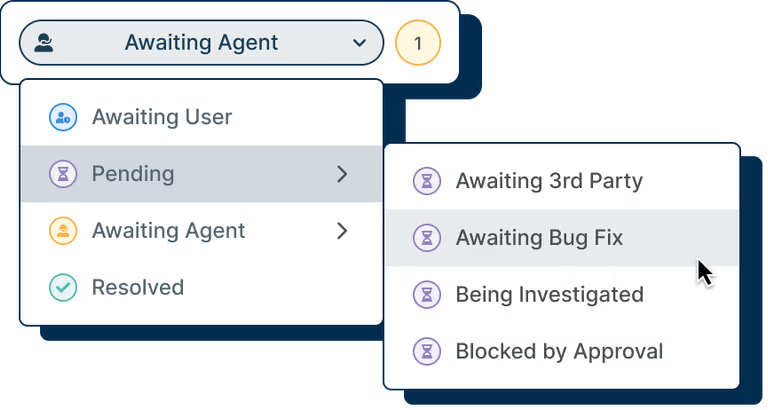
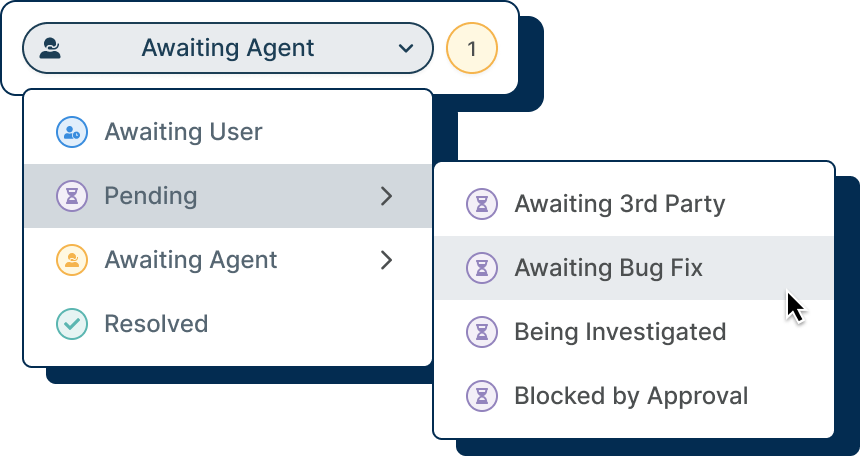
Ticket statuses let agents and customers know who is waiting for who. Automations can be set up for tickets that have been in a status for too long. Tickets can also be tracked on their status and length of time in a status until resolution.
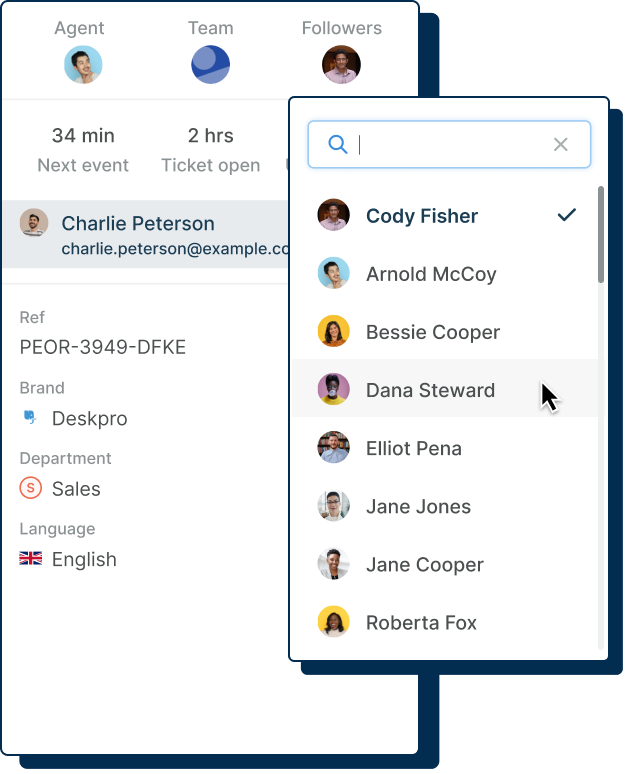
Sometimes agents need help and more than one person is involved in solving an issue. By following a ticket, you can receive updates and track its progress, perfect for a manager to track certain high priority issues.
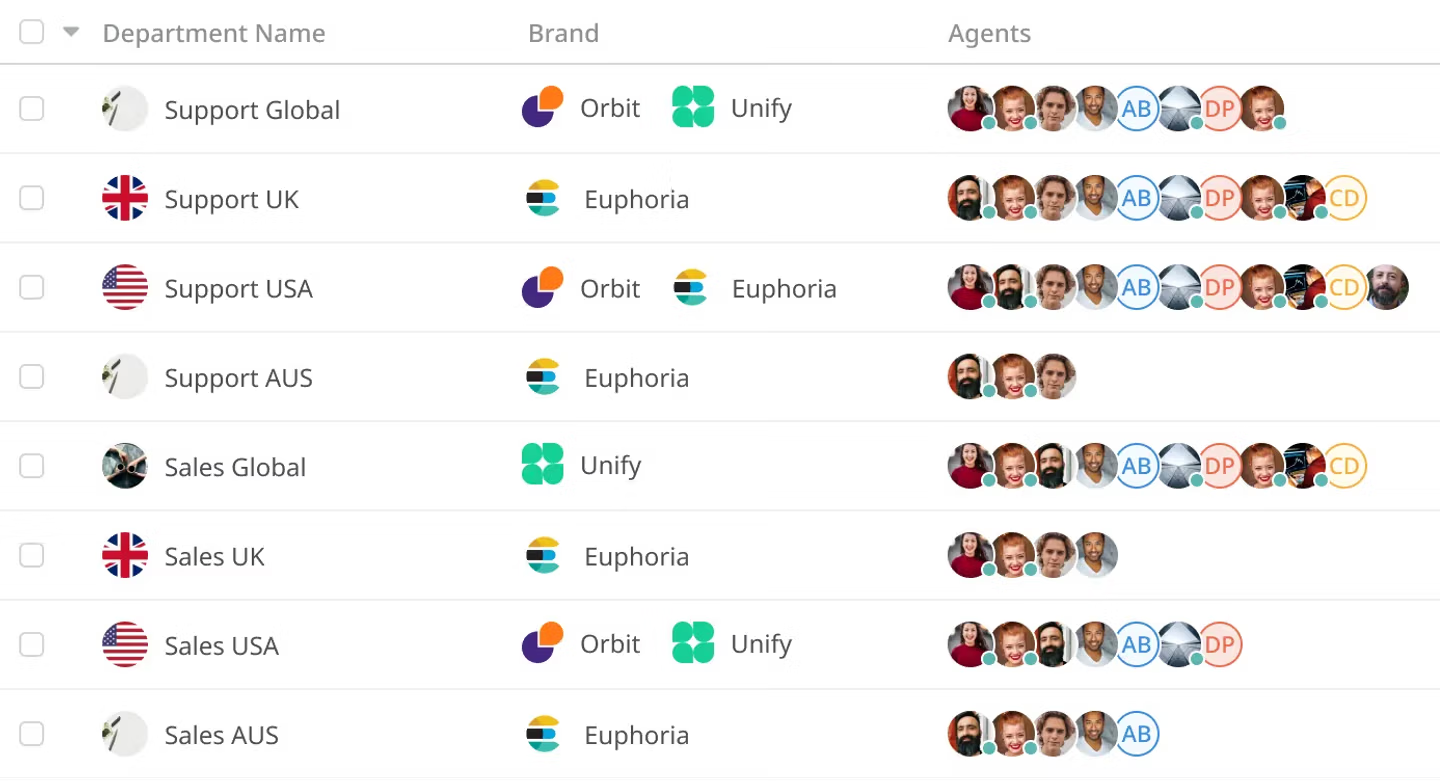
When emails are received by your help desk and turned into tickets, set up routing to define which team or department queue the ticket is assigned to. Individual agents can then be assigned tickets to solve.
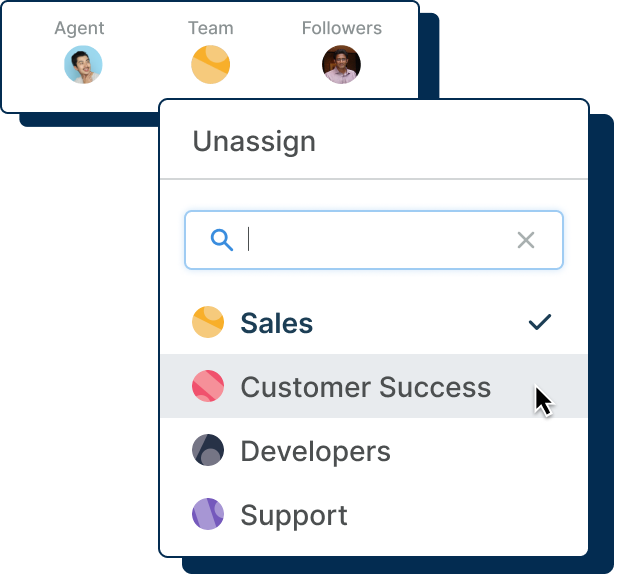
Transparency and visibility make ticket management less complicated for your team; by incorporating a help desk, you can ensure every ticket is tracked, workflows are automated, and nothing can slip through the cracks.
Never doubt your team's performance, customer satisfaction, or efficiency again. With a unified ticketing system, gone are the days of losing tickets and having a disorganized inbox full of confusing messages.
Increased Visibility
Relying on a shared email inbox is setting yourself up for disaster with missed emails, an inability to track workflow and agent confusion.
Deskpro will make your ticket management as simple and painless as possible from day one. With powerful help desk features that surpass the capabilities of a standard shared email system; simplify the organization of your incoming tickets and easily stay on top of your support.
Deskpro takes away all the manual processes of an email inbox with rich automation tools.
Never forget to action tickets with helpful and automatic follow ups to boost resolution times.
Take the guess work out of your help desk processes by creating ticket triggers.
When every ticket is owned and trackable it encourages accountability between support agents.
Whether you choose Deskpro Cloud or On-Premise, emails sent to your help desk are registered as tickets and get routed to the correct department based on your help desk settings.
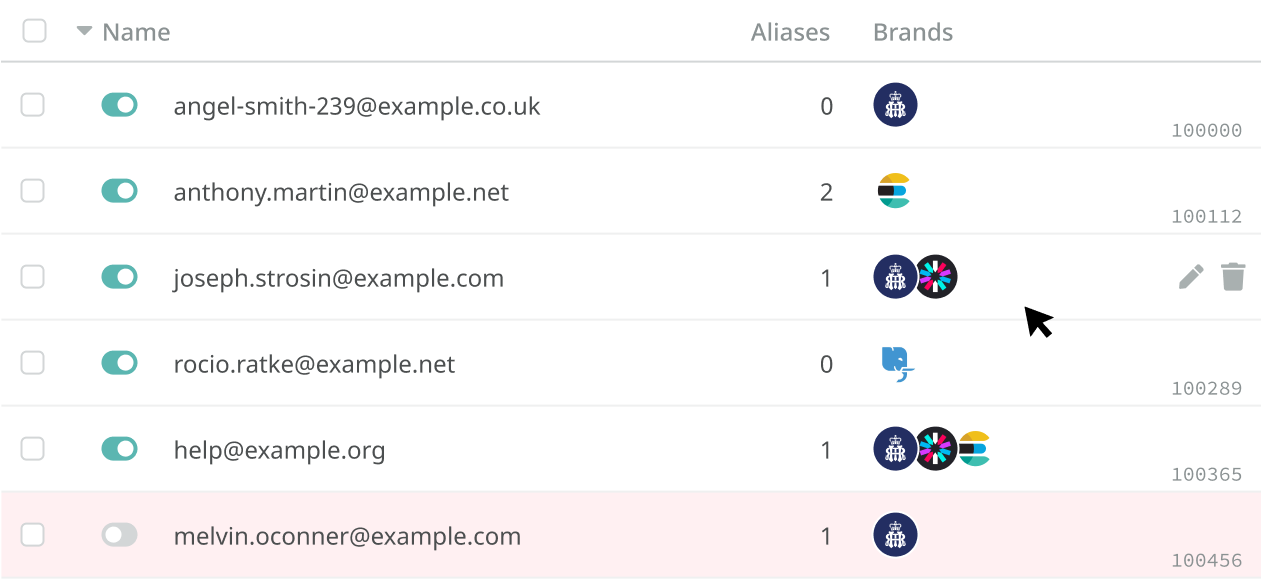
Users submit queries to your default email, like support@acme.deskpro.com, or you can link external accounts. Tickets received will be routed to the right team or department automatically based on the address contacted.
With On-Premise, you can connect your existing support email accounts to your help desk, where each email account can be linked to a department to enable automatic routing.
Understand exactly what you need to tackle next with just a glance at your help desk. Eliminate task confusion and promote agent accountability.


Every email received by your help desk becomes a ticket. Admins create automations and workflows to ensure each ticket gets to the right agent or team to be solved.

With Deskpro, you aren't restricted by the number of different emails and aliases that you create. Handle multiple email accounts, all routed into one platform.

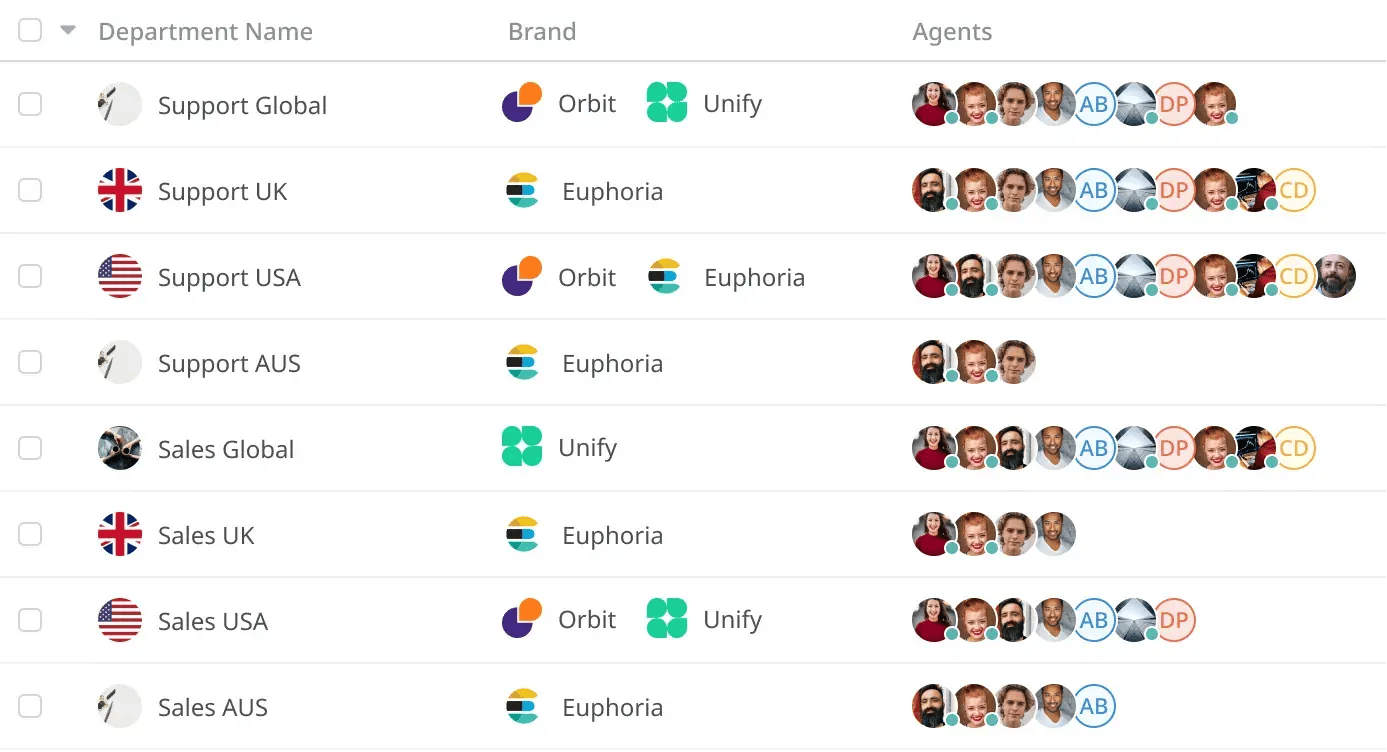
Structure your organization so teams or departments can work closely together, and use powerful automations to control who has access to what.
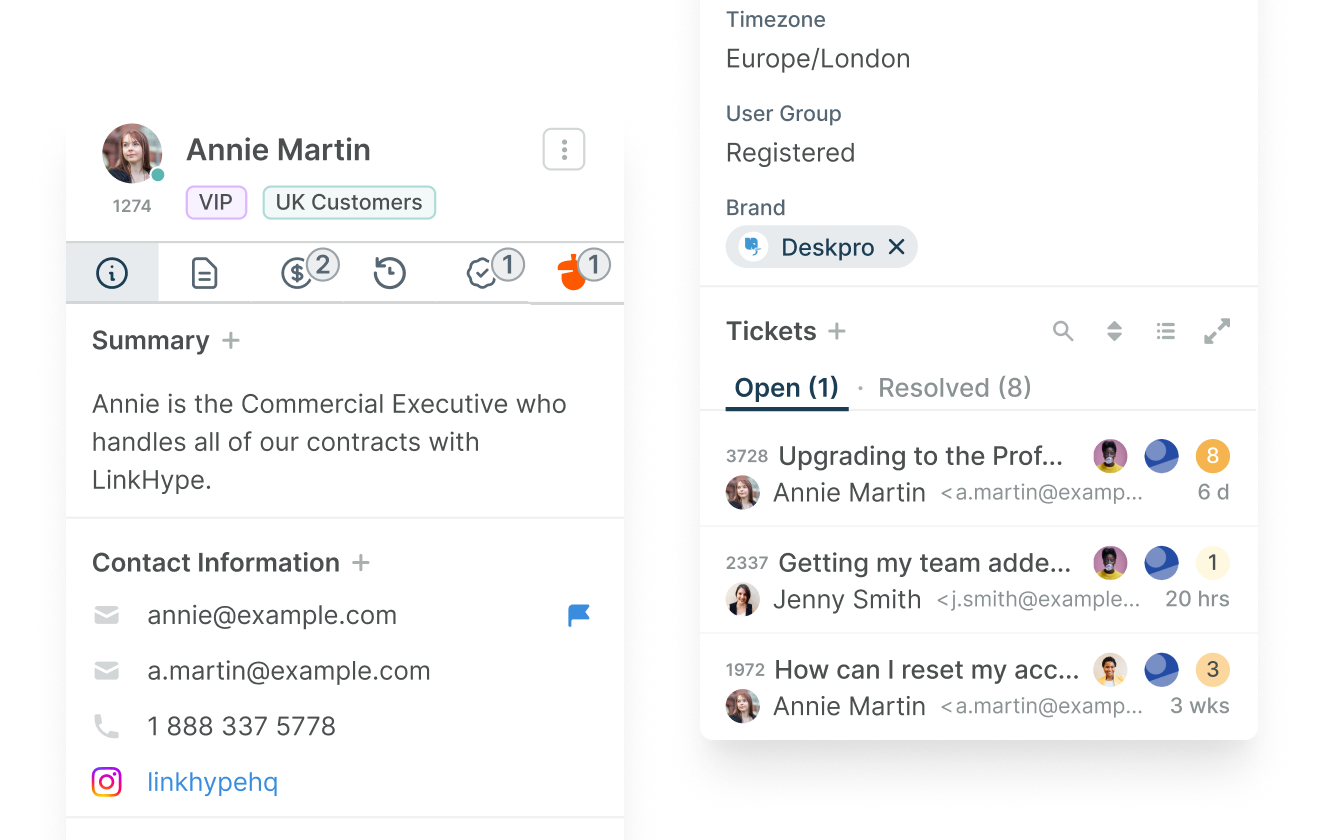
Access entire message history and capture unique customer information to give your customers personalized support, every time.


Customer information shown on tickets can be customized to show relevant details for your agents. Such as company, previous tickets, current open tickets or any other notes.

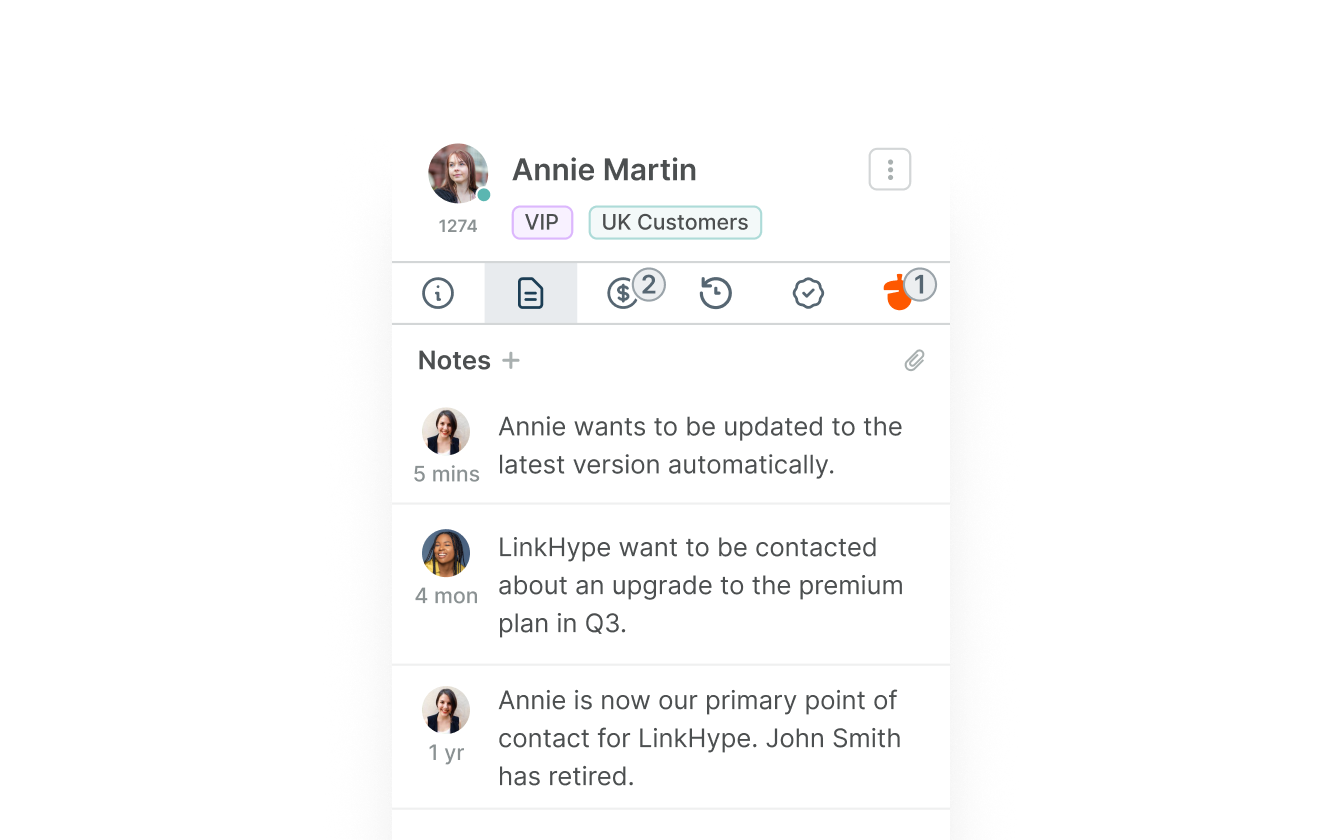
Sometimes it takes more than one person to help solve a customers issue. Summaries or notes can be added to a User's profile to provide others with more context.

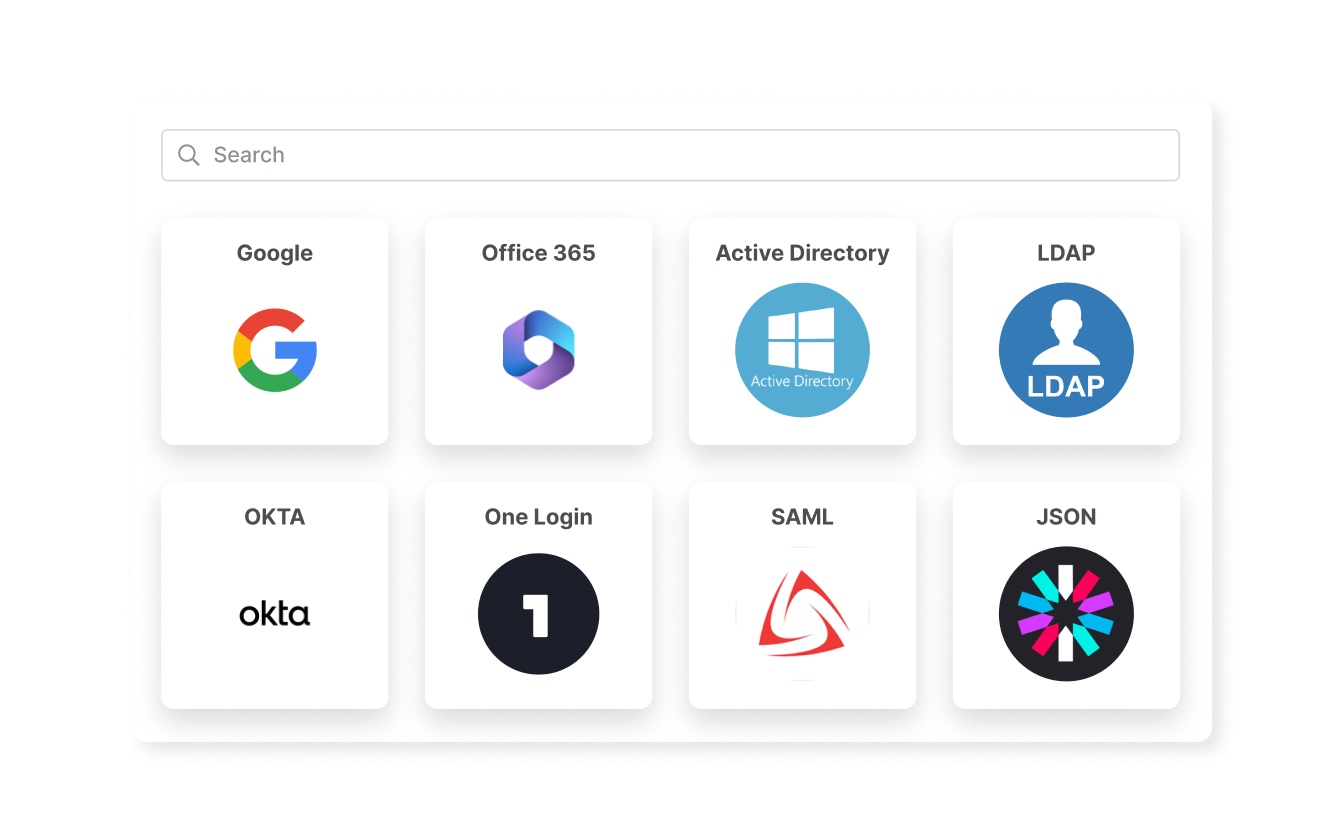
Deskpro's in-built CRM can enable Agents and Users to sign in with your existing SSO methods, and can integrate with external CRM systems.
Accelerate issue resolution with our integrated platform that fosters seamless team communication and collaboration.
Agents can send complete and personalized answers to customer questions in a few clicks. Canned responses drastically increase the number of tickets that can be responded to daily.
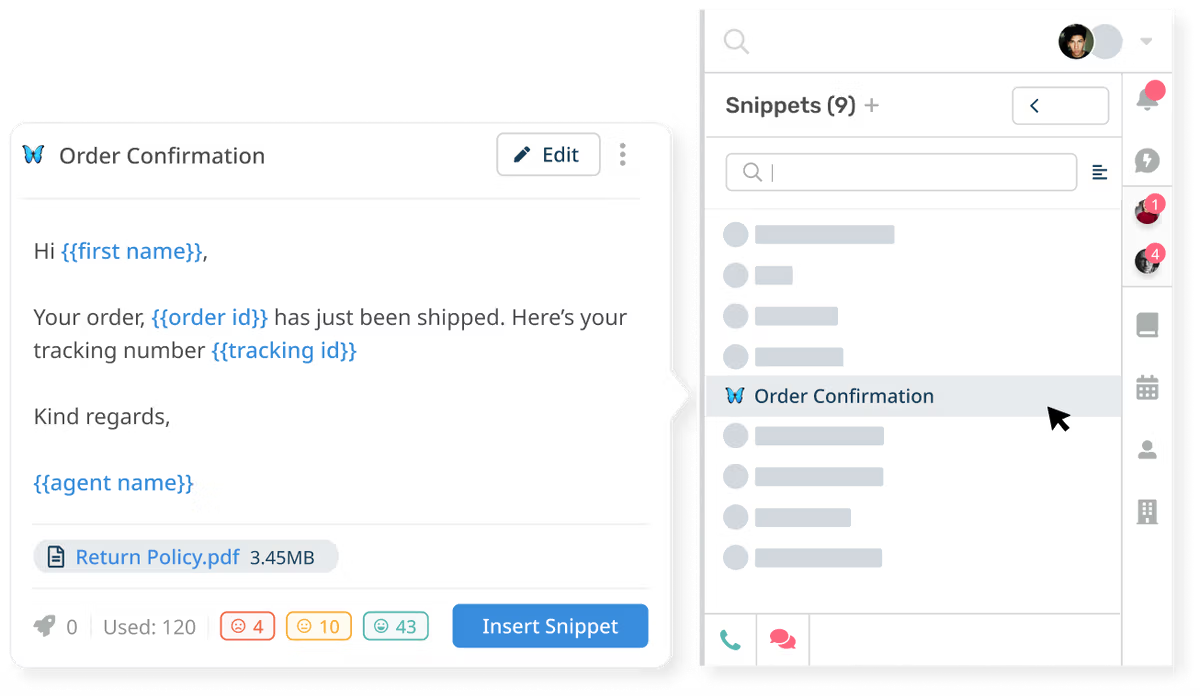
Level up your common help desk processes using macros, to automatically carry out a series of predefined actions in one go.
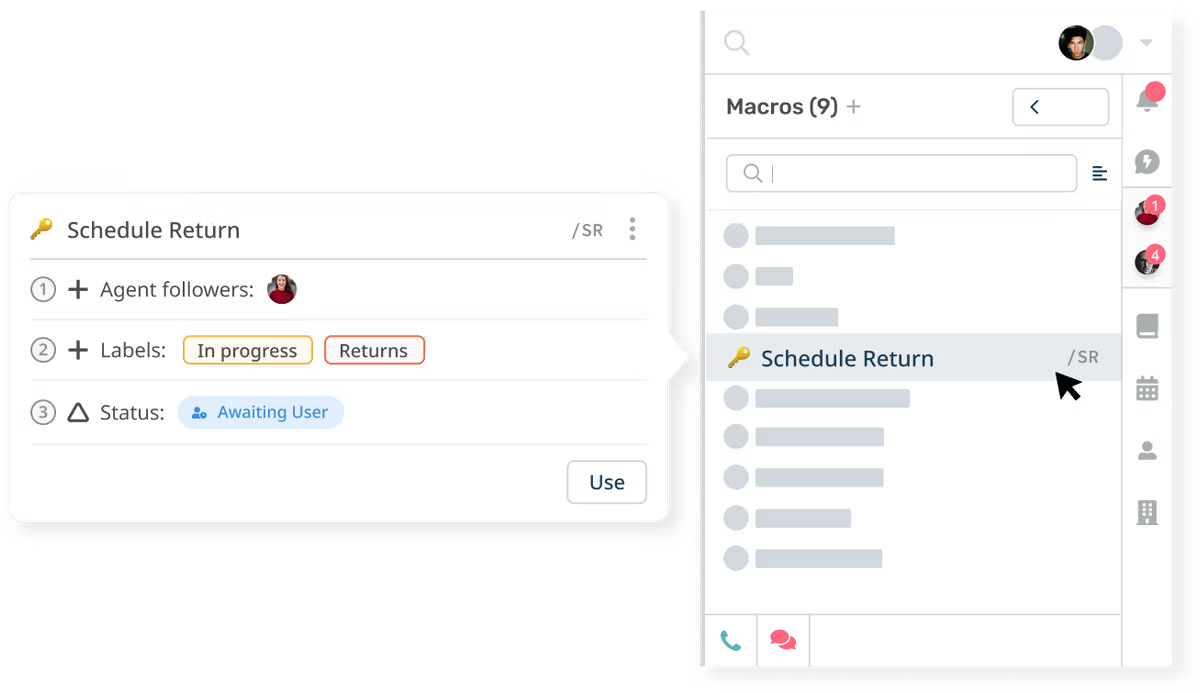
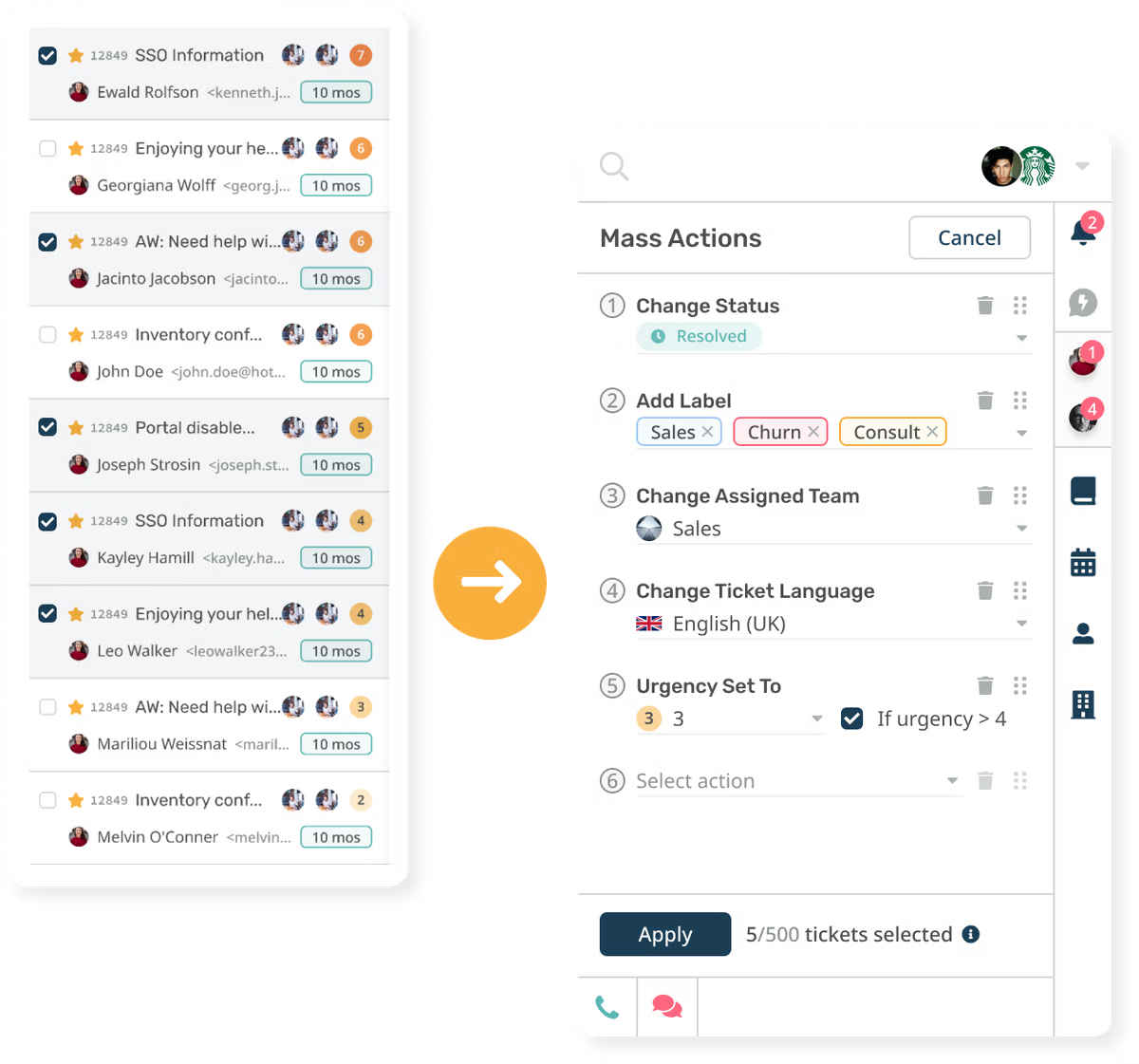
You may find that you need to apply the same action or response to a number of tickets at once. Instead of clicking through each ticket one by one, you can carry out mass actions.
Increase ticket urgency, re-assign tickets, or send survey requests after tickets have spent a defined period of time in a specific state.
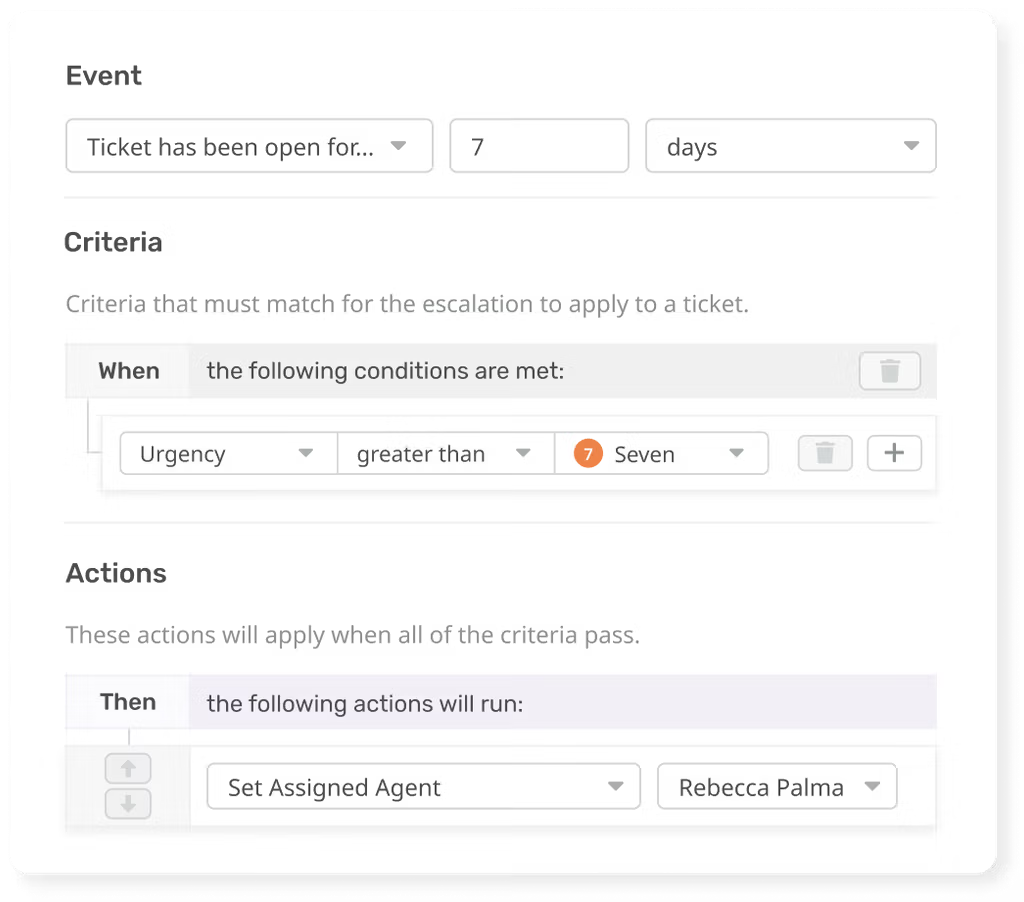
Set tickets to trigger dozens of different actions after almost any help desk event. Ensure all your agents get the same amount of work, using Round Robins to distribute incoming tickets evenly across your team.
When we say that your help desk is customizable, we mean it. With Deskpro, you can add unlimited changes, such as custom fields on tickets. That provides your agents and customers with a help desk, rather than just email.
Custom Fields
Agents can see all the relevant ticket information, dragged through from Forms, or from email. Can be customized to only show agents certain forms.
agent ownership
When you just use a shared inbox, such as Outlook, knowing what agent has done what and when is tough. With specific tools to help agents perform their job better, Deskpro will promote transparent communication so your agents can thrive.
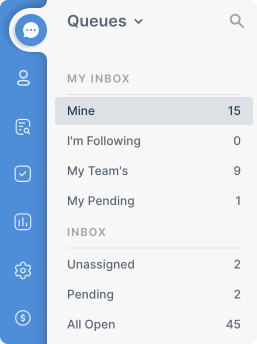
Filter, group, sort and label every ticket to organize your inbox, and see which customers need your attention next.


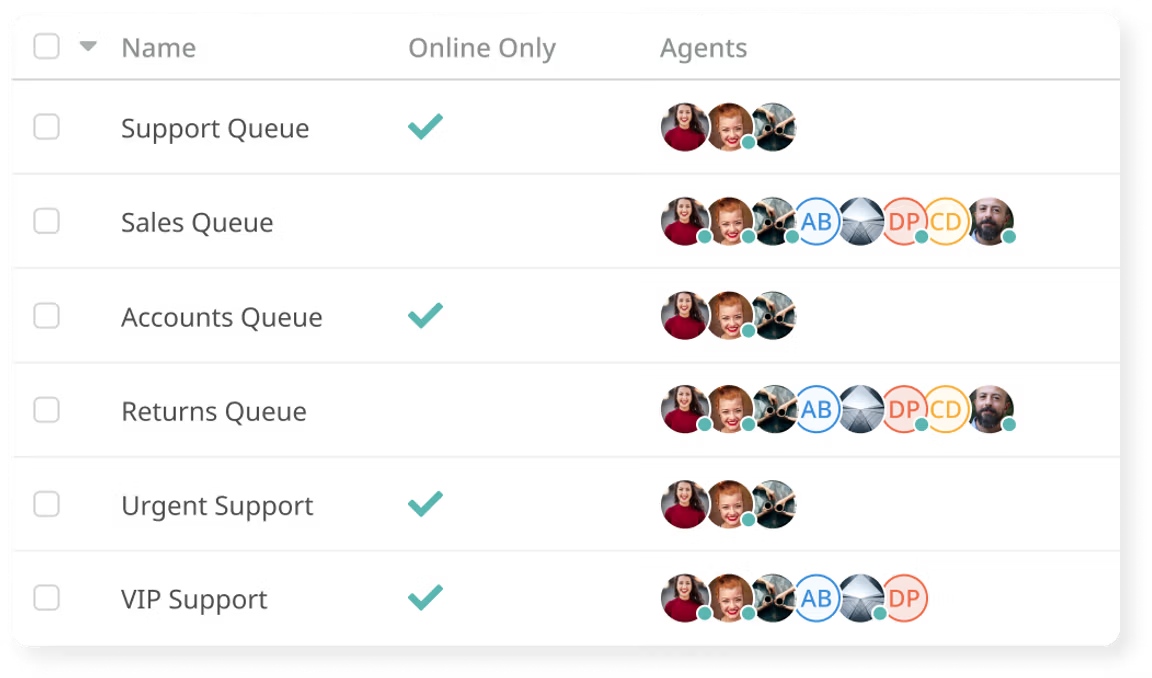
Create specific queues to help agents keep on track and managers understand the workload of their team.

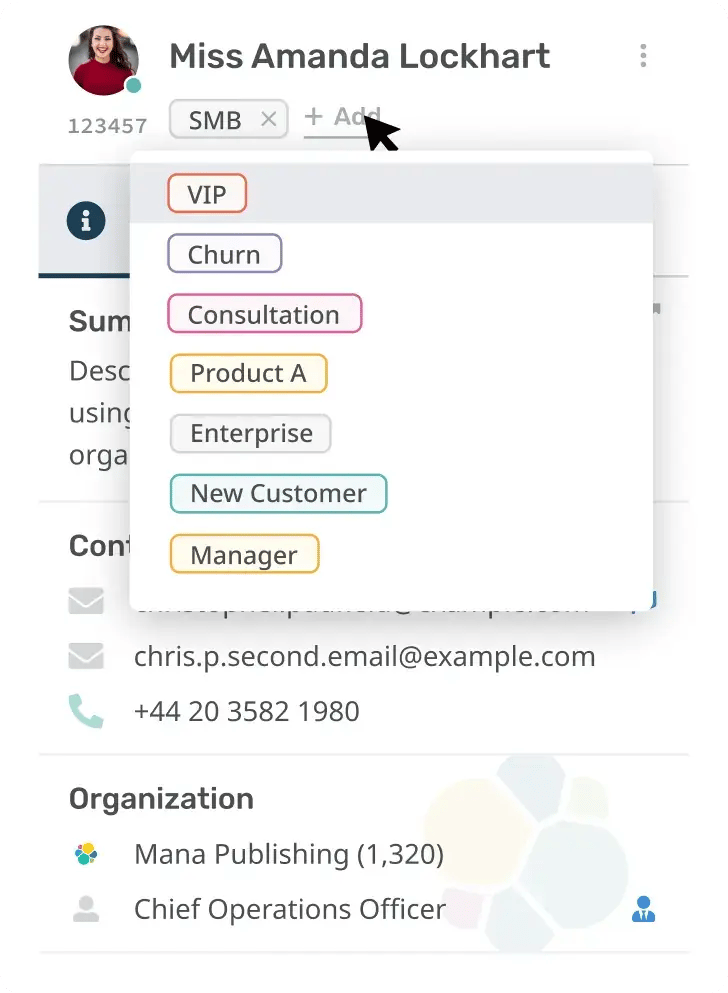
Tag content in the help desk such as tickets, customers and organizations. Filters, searches and automations can be actioned on tickets with labels.
Find any ticket with our powerful global search tool, so no critical information ever goes unfound.
Get Answers Fast
Our speedy search ensures agents get the answers they need to resolve customer issues with ease.
Search the Entire Help Desk
Full help desk search allows agents to access all relevant tickets, CRM profiles, and knowledge base articles using simple queries.
Saved Search
For regular searches of the help desk, you can save the specific criteria as saved search categories. These can be accessed with a single click, and prevent you re-entering specific search criteria everytime.

Deskpro Voice
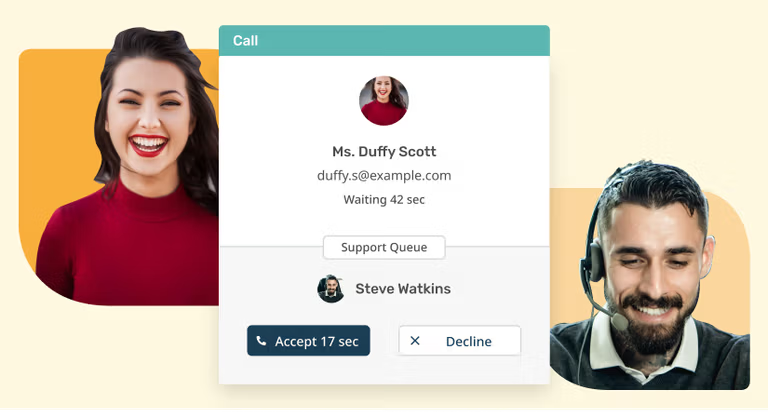
Deskpro Voice: Streamline your call center operations with our integrated cloud-based solution. Improve customer support and resolve issues faster.
Social Media Ticketing
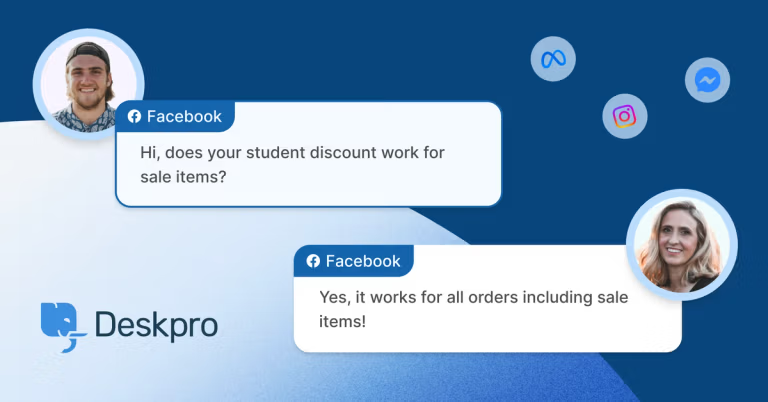
Enhance social media customer service with Deskpro's comprehensive software. Support across WhatsApp, Facebook, Twitter and SMS with help desk integrations.
Dynamic Forms
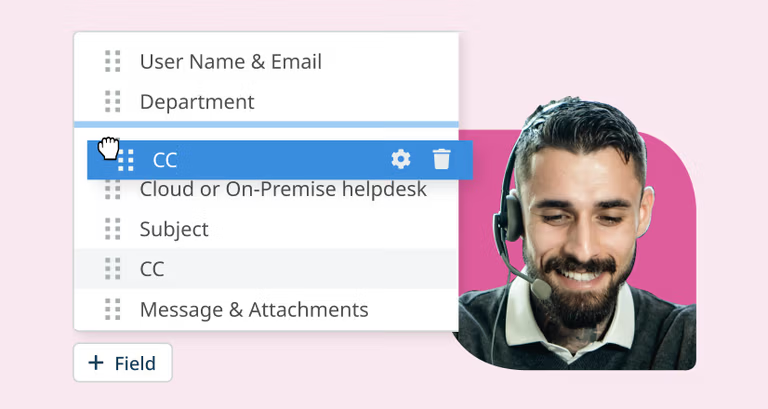
Use dynamic forms to collect information for a more structured process. Forms help to streamline your support & allow for more personal interactions.
An email ticketing system converts incoming emails into trackable support tickets. Each message becomes part of a structured workflow where it can be assigned, prioritized, and resolved.
Deskpro automatically turns every incoming message into a ticket, creating a complete email help desk software setup without relying on a shared inbox. This makes it easier to manage volume, track ownership, and avoid missed requests.
A shared inbox does not provide visibility, ownership, or structured workflows. Emails get lost, duplicated, or missed entirely.
Deskpro replaces this with a full helpdesk ticketing system where every request is tracked from start to finish. Teams can assign tickets, automate workflows, and monitor performance in a way that is not possible with standard email tools.
For teams handling multiple channels, this can extend into a full omnichannel helpdesk without changing how email is managed.
Deskpro automatically converts emails into tickets as soon as they are received. From there, rules can route tickets to the right team, assign priorities, and trigger follow ups.
This removes manual sorting and helps teams stay on top of every request. It is a core part of a help desk software email-to-ticket workflow that improves response times and reduces operational overhead.
Yes. Deskpro is built to manage large volumes of support requests across teams and departments.
It provides structure through queues, ownership, and automation, making it suitable for use as a customer service ticketing software solution. Teams can manage thousands of tickets without losing visibility or control.
For organizations with more complex environments, this can scale into a full customer service help desk software platform.
Yes. Deskpro can be used as an IT support ticketing system or tech support ticket system, depending on how workflows are configured.
Teams can define routing rules, escalation paths, and ticket ownership to match internal processes. This makes it suitable for both customer support and internal service desk use cases.
Yes. Deskpro offers flexible deployment options, including private environments.
With self-hosted help desk software, organizations can run their email ticketing system within their own infrastructure. This allows full control over data, security, and compliance requirements.
This is especially important for organizations that cannot rely on standard cloud tools.
Deskpro provides a complete view of every ticket, including status, ownership, history, and activity.
This acts as a full help desk issue tracking system, allowing teams to understand what is happening at any point in time. Managers can monitor workloads, identify bottlenecks, and ensure nothing is missed.
Reporting can also be extended using built-in customer service analytics.
Yes. While Deskpro works as a complete email ticket system, it is designed to expand beyond email.
Teams can add chat, voice, messaging, and social channels into a single system without replacing their existing workflows. This allows organizations to move from email support to a full omnichannel support platform over time.