Self-Sufficient Customers
Self-service help center providing 24/7 information
New Guide The Help Desk AI Maturity Journey: A Support Team’s Guide Download Now
Provide secure and insightful support service to your customers with Deskpro's help desk software

.webp)


.webp)


Self-service help center providing 24/7 information

In-depth reporting provides rich analytical data about your help desk
Intelligent automation tools to boost your organization's efficiency
Choose between Deskpro's flexible deployment options for your help desk
Customize your support system to fit your organization's needs
Protect your data with enterprise-grade encryption, SSO, and role-based permissions.
reporting
Intelligent reporting helps you to monitor your organization, keep on top of your budgeting, track your customers' financial behaviors and gain a deeper understanding of your clients.
Arm yourself with information about company performance that helps you to improve your customer support and remain economically sound.
Ticket logs provide a transparent view of actions that occur in your help desk, enabling secure and informative auditing.
Produce visual displays of data and that show your organization's performance on custom or in-built dashboards.
Rich custom report building options mean you can generate reports on highly specific data with DPQL query language.
In the financial sector, you process huge amounts of sensitive financial information daily. With the rise in online and mobile banking, it is essential to keep your customer information secure and protect your online platforms from cyber attacks.
Deskpro offers highly secure On-Premise and Cloud deployments, with On-Premise you can host your help desk on your choice of server infrastructure giving you total control over data access or we can host your data securely in AWS data centers in the US, UK or EU.
Get added control over hosting (on-premise, VPC, or sovereign cloud) to help you meet specific financial regulations.
Comprehensive audit logs are kept, including type, action, performer, which are timestamped.
Admins can configure multiple options for Single Sign On with Two Factor Authentication.
Create custom password policies for your agents to further protect your help desk.
You choose between a Cloud or On-Premise deployment; if you have specific needs over hardware, data and processes, Deskpro On-Premise gives you the freedom to set things up exactly how you like.
And if you change your mind Deskpro also allows you to switch between our deployment options with ease.
Deskpro's On-Premise deployment lets you run your own PHP-powered help desk on the server of your choice.
On Cloud deployment is our hosted service where we run your help desk from secure data centers and take care of backups, updates, security and bandwidth costs.
Deskpro offers highly customizable features which allow you to create a help desk that is uniquely yours, simplifies common tasks and makes your assistance more efficient.
When your clients need assistance you want to quickly get to work and have all the information you need at your fingertips.


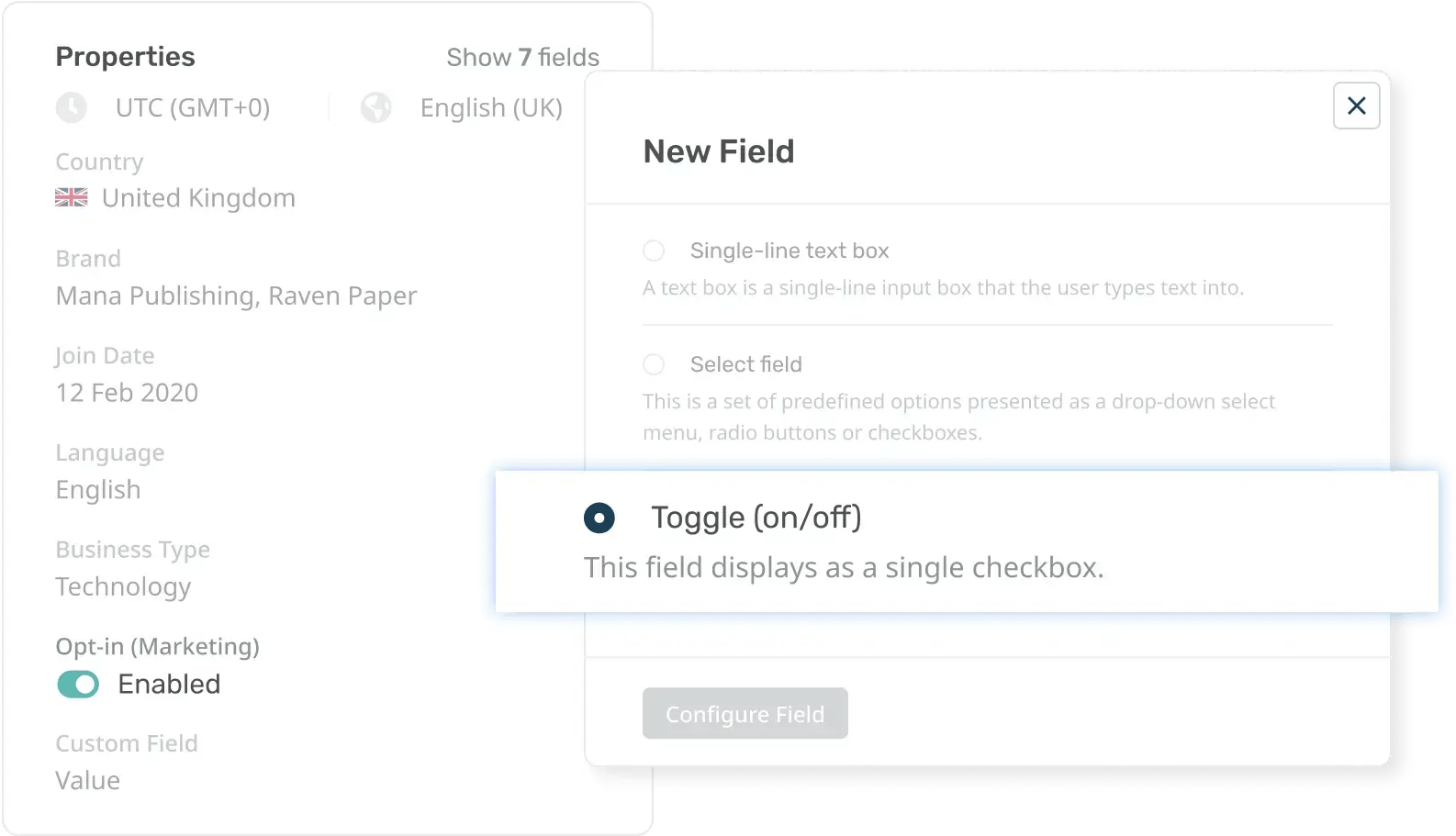
Custom fields enable you to collect all the necessary data about your clients and store it for access in the future.
Remove the need for your customers to relay all their financial information every time they need help with intelligent fields that auto-populate when customers are logged in.

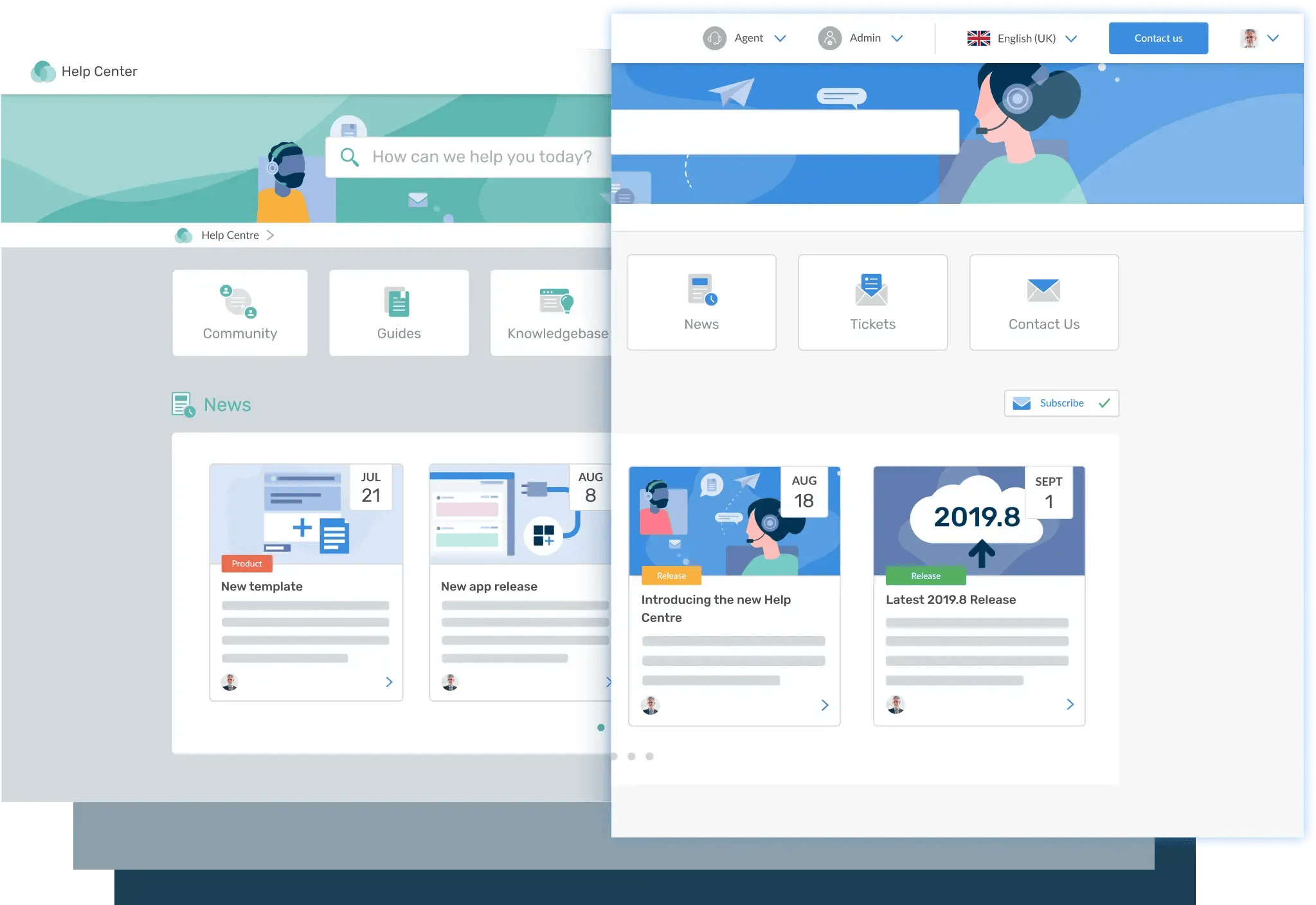
Make your Help Center your own with your brand imagery; give a visual signal that your customers are in the right place.
Provide easy self-service guides so your customers can quickly resolve their issues without needing an agents help.

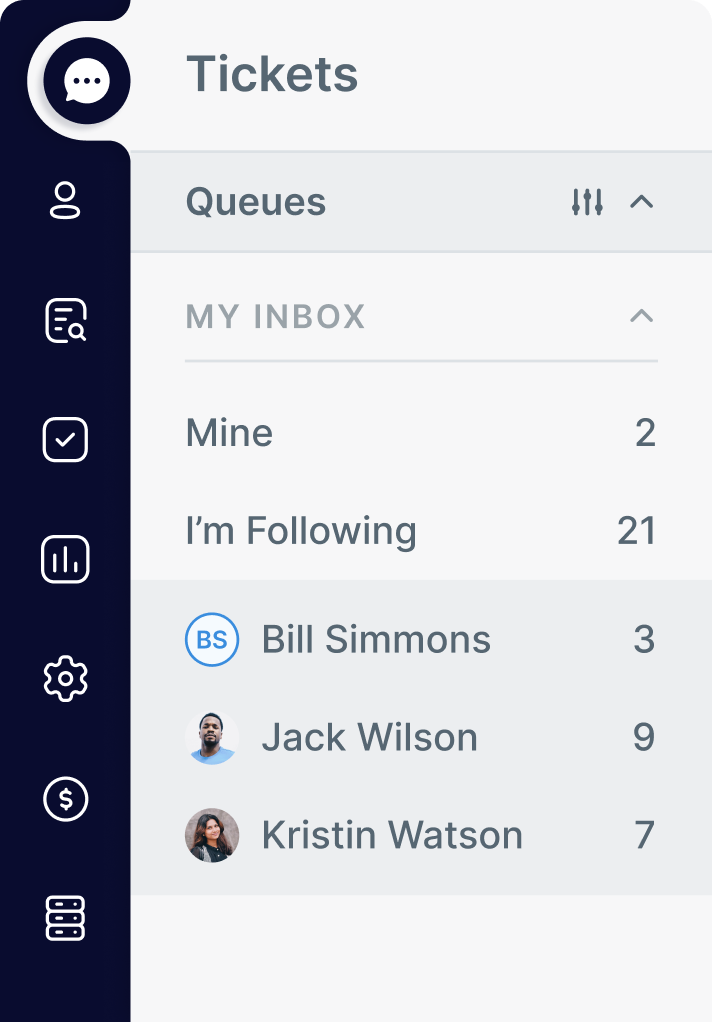
Agents can set their own criteria to automatically organize tickets received into specific departmental or group channels.
They can organize incoming tickets by the type of issue and have different filters for online banking, mobile banking and technical issues.
It might seem like your agents get numerous requests a day about the same problems; utilizing Deskpro's Help Center can help to reduce the time agents spend answer the same tickets over and over again.
By creating an article for a common issue, you agents can quickly direct customers to the right answer, and 24/7 access to helpful articles mean your customers can find the solution anytime.
When customers are submitting a ticket they will be automatically routed to relevant articles in your knowledge base; reducing the number of repeated tickets you receive.
When customers use your knowledge base they can rate how useful the resource was for them so you can make sure your articles are as helpful and effective as possible.
Quickly edit and create articles from within the help desk interface; agents can easily make new guides as needed from tickets that are being submitted.
Protecting customer information and following security protocol is important, Deskpro allows you to decide who can access what information across your help desk so sensitive financial data is only accessible to those who strictly need it.
Admins control the permission settings for agents and customers, giving and restricting access as needed. And dictating which areas of your help desk require customers to be signed in to access.
Agents permissions can be controlled from individual accounts, or across entire departments.
Different customers usergroups are controlled through the CRM, dictate which areas of the Help Center require password access.
Deskpro has a number of intelligent automation tools that can make your agents' customer support more efficient. Sending out everyday processes that require the same actions time and time again; like payment confirmations, or password resets can eat into your agents' time.
Using productivity tools enables them to solve more problems, faster, and still provide the best support possible.


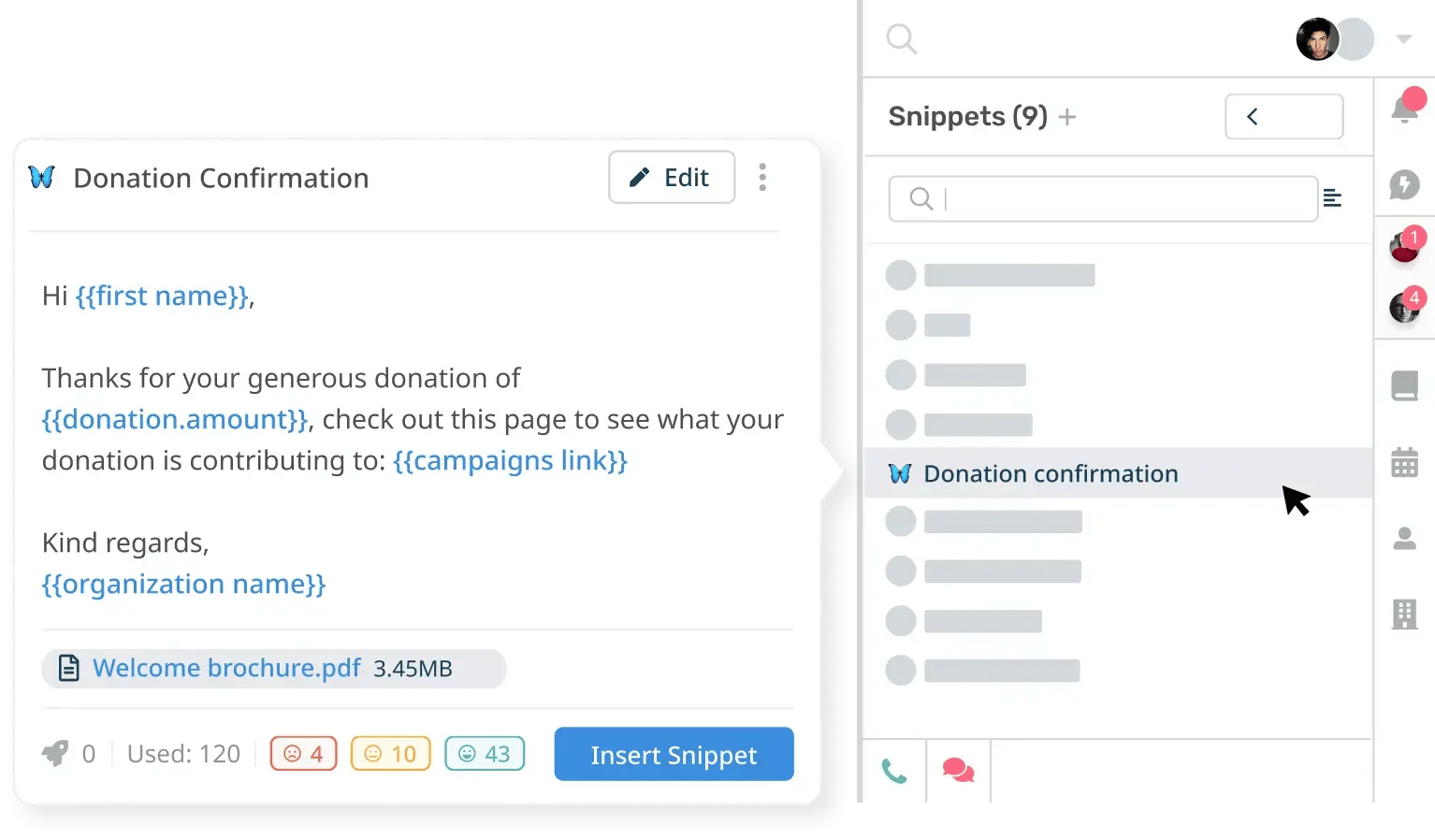
Speed up how agents type repetitive responses with customizable snippets. At two clicks of a button, your agents can insert canned responses from your snippet library.

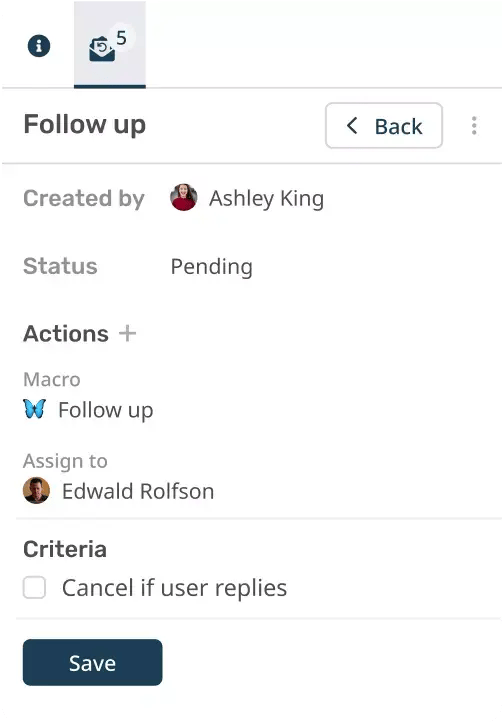
Agents can preset follow up reminders to send out a response or request information, leading to faster ticket resolution and happier customers.

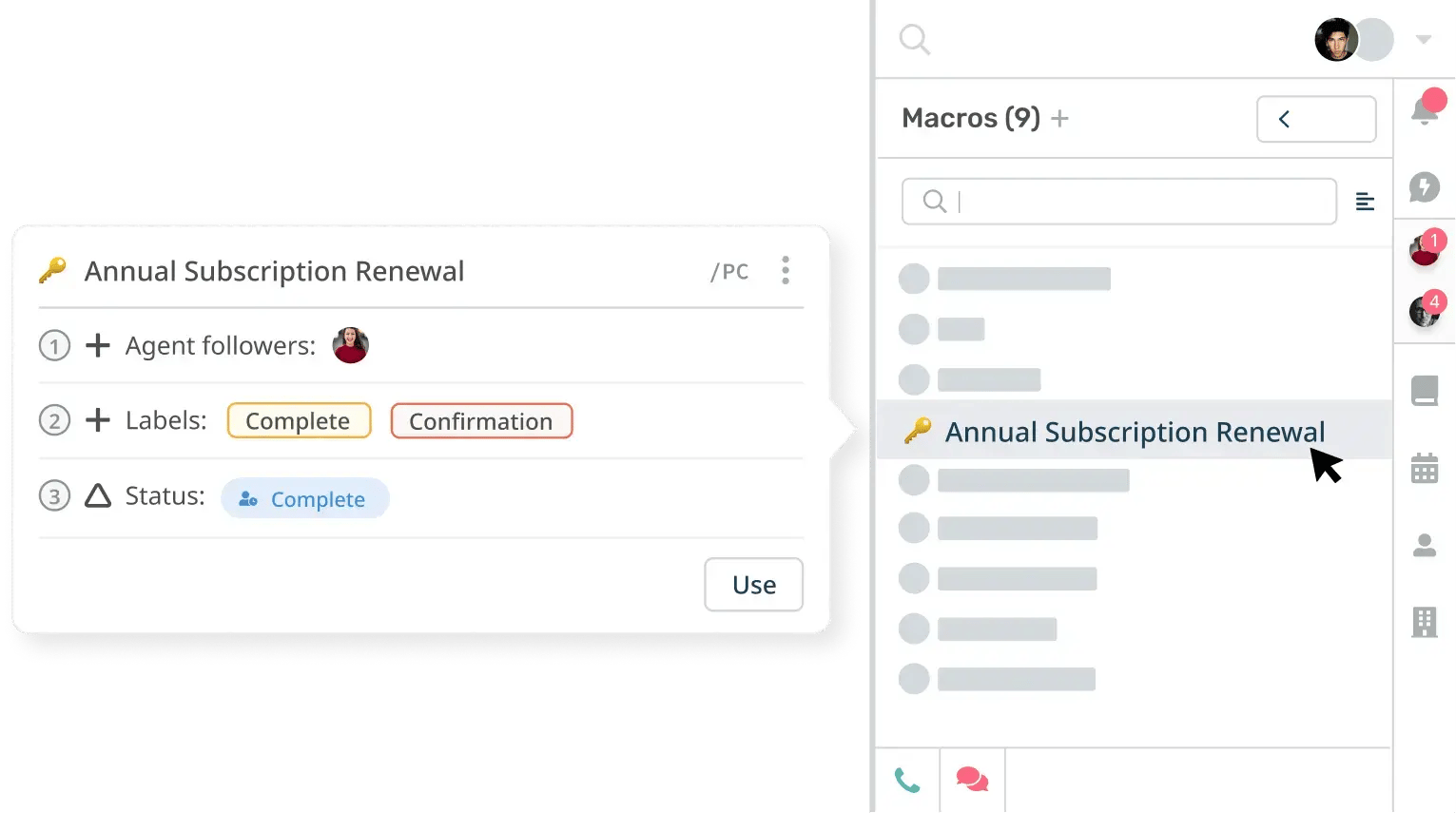
Streamline your agents' workflow for complex tasks by applying macros, a pre-defined sequence of actions, to tickets with a few clicks.