New Guide The Help Desk AI Maturity Journey: A Support Team’s Guide Download Now

CUSTOMIZATION

Construct your perfect help desk

Every organization works differently, so your help desk should too. With Deskpro’s flexible customization, you can design a support desk that fits your workflows, your teams, and your customers.

Custom Dynamic Forms

Collect relevant data from custom forms

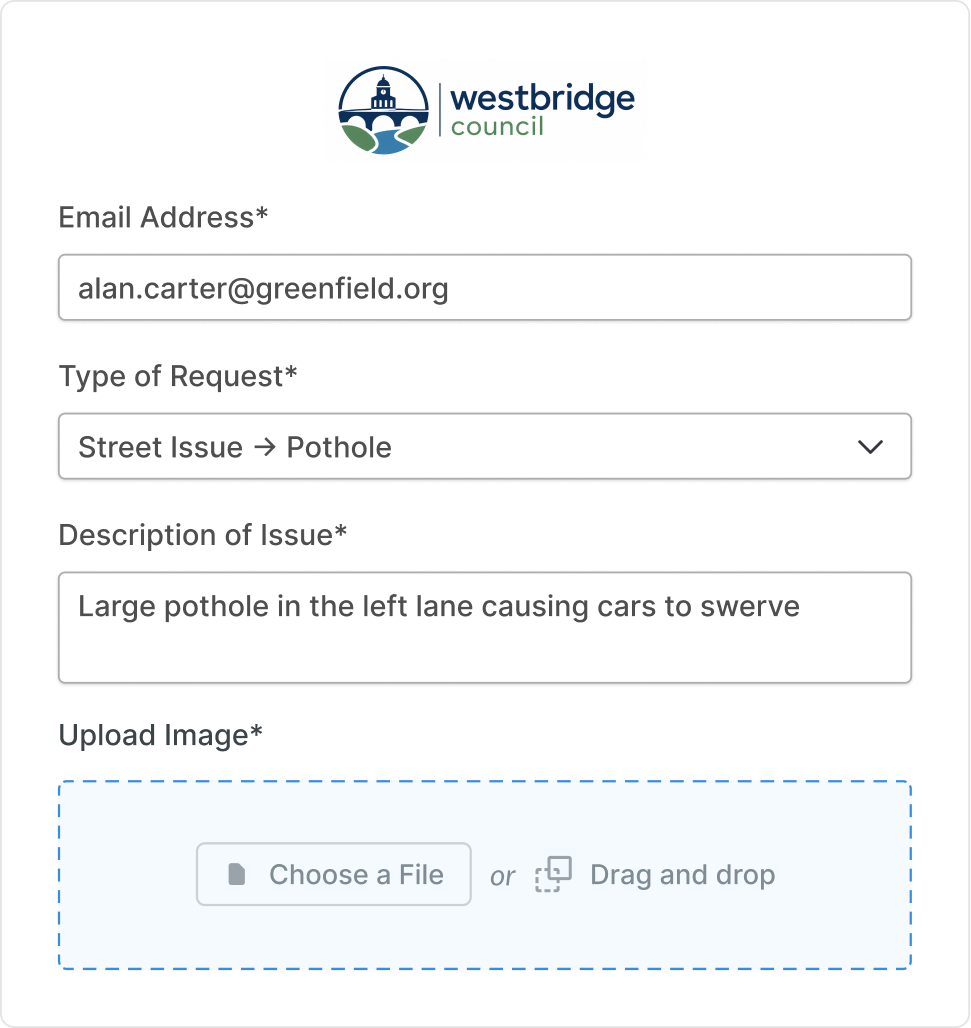
Create your own form layout; include specific fields to gather data from your users. Build dynamic forms that conditionally update based on the information users supply.

Customization - Dynamic Form-1
Customization - Accordion Permissions
Customization - Embedded Form
Customization - Dynamic Form-1

Custom form fields

Customization - Dynamic Form-1

Create fully custom form fields to gather the data your agents need to resolve issues, without having to request more information.

Custom permissions

Customization - Accordion Permissions

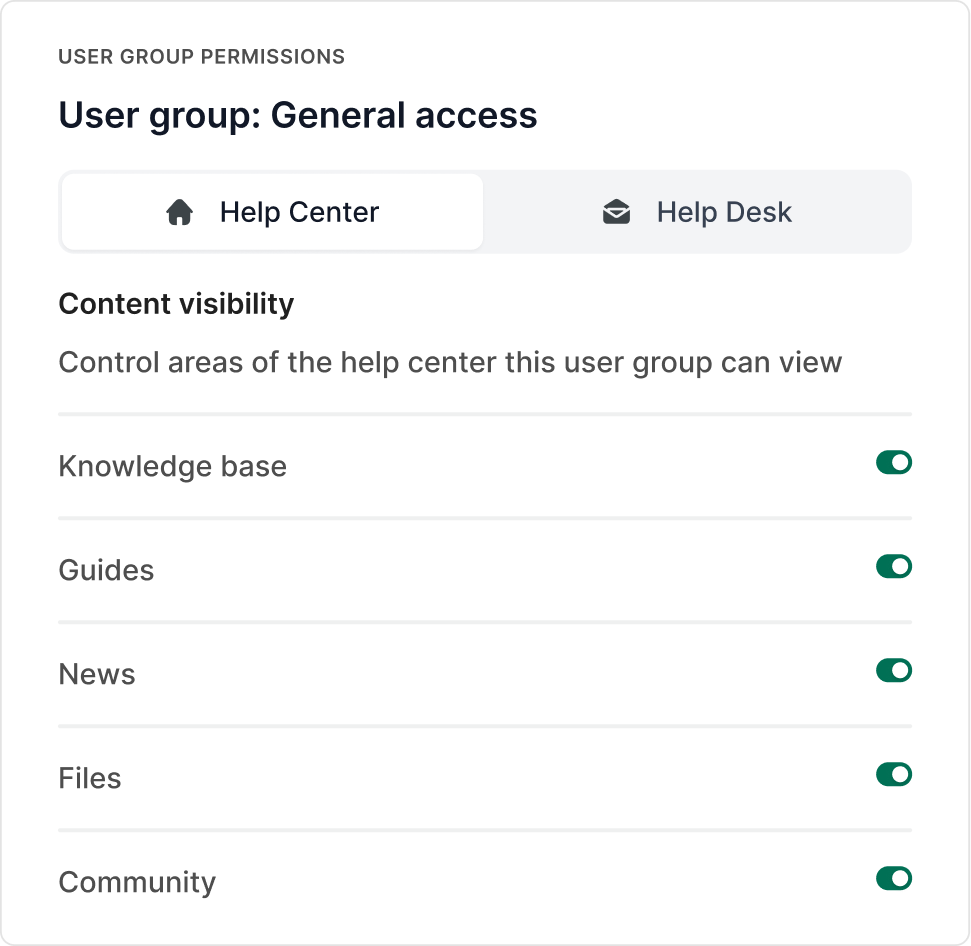
Control which users can submit tickets to specific departments with custom user group permissions.

Embed your form

Customization - Embedded Form

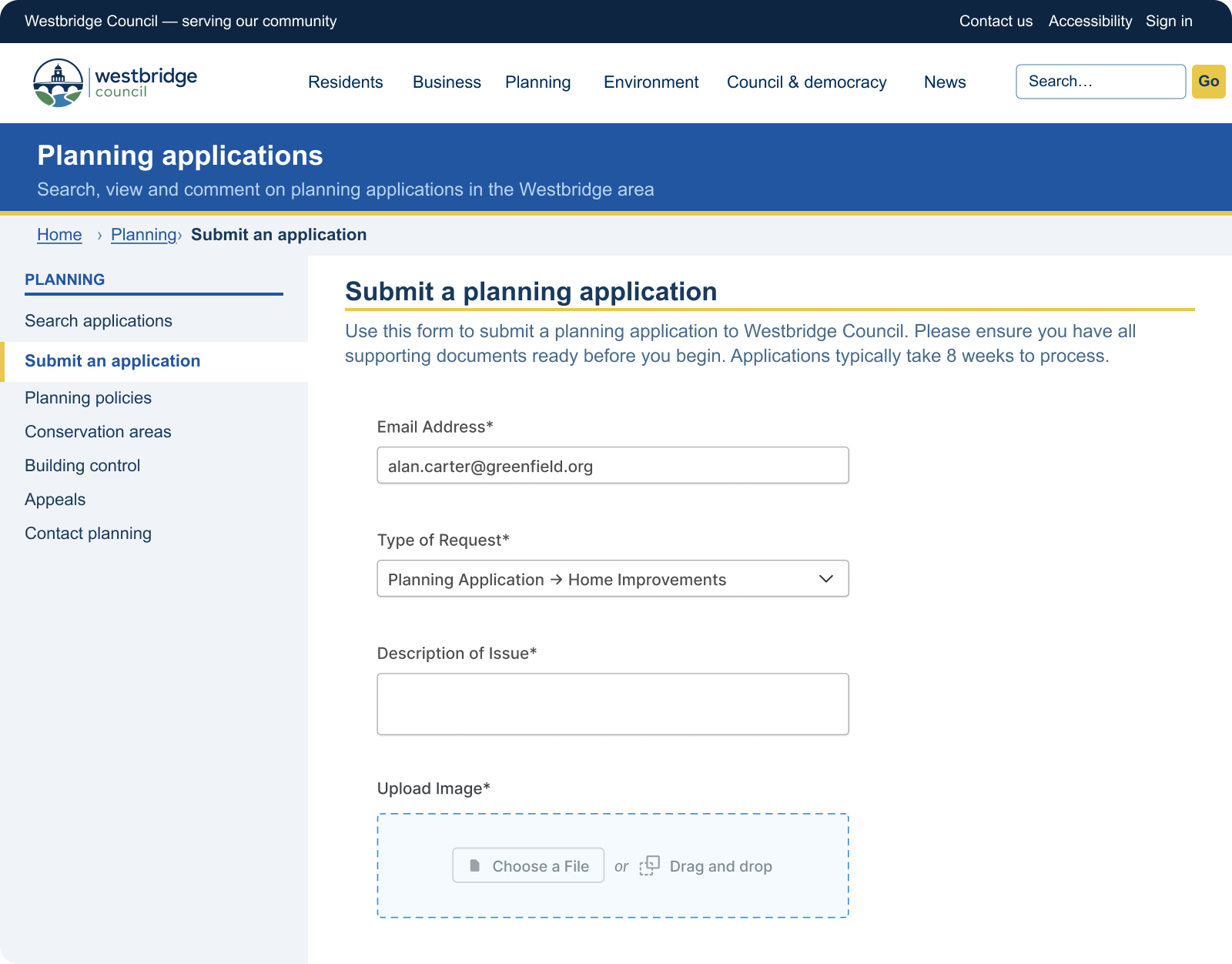
Add your form to any of your webpages across your site so users can easily find and submit a request.

Branded forms

Customization - Dynamic Form-1

Create distinct forms that fit your brand, or for your different services and products which will route your requests directly to the correct support team.
Custom Fields

Extract information using custom fields

Create custom fields so extra information can be stored in the CRM, forms, tickets, and chats. You can collect various types of information through these fields, which can be retrieved easily for future use.

  • list
    Forms

    Required fields prompt customers to add extra information that will be attached to their ticket.

  • people
    CRM

    Custom user fields collect and store information in the CRM that's remembered when a customer logs in.

  • email
    Tickets

    Compulsory fields on tickets require agents to enter additional information before they can respond.

  • message
    Chatbot

    Build a chatbot that collects information about user queries so agents know more about the issue when joining a chat.

Make Deskpro work the way your team does

Your help desk should fit how your team works, Deskpro gives you complete control offering customization without limits. Build any number of custom permission sets or automations.

Control access for users and agents

Determine who can access areas of your help desk and Help Center with permissions. You can restrict access to certain features by setting permissions for specific agents, departments or usergroups.

Create custom routing rules

Link multiple accounts and channels to route into your help desk; let your agents respond to support requests from one intuitive help desk solution.

automations

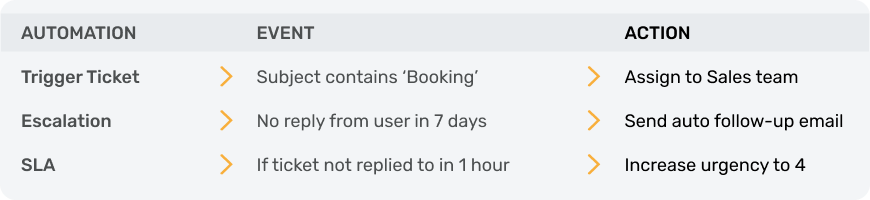
Build your own powerful automations

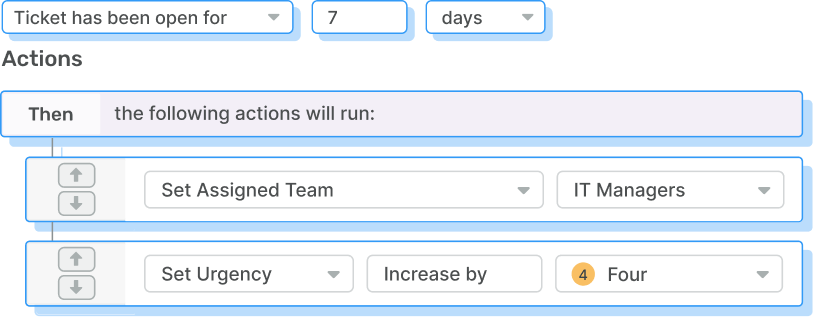
Automate processes in your help desk to ensure tickets are organized and don't fall through the cracks. Custom automations easily route tickets as you require.

Automations
escalations
slas

Triggers

Automations

Create automations to allocate new tickets to categories for auto-assignment to agents or teams based on the criteria you set.

Escalations

escalations

Automate the process for tickets left in a particular state for a set period so they aren't left unresolved.

SLAs

slas

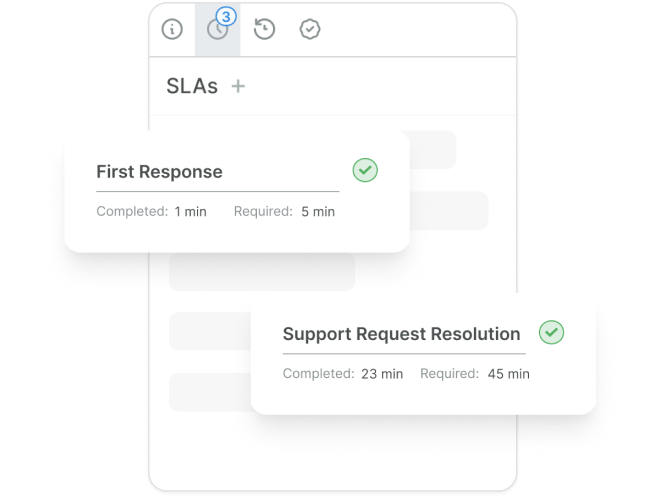
Create custom SLAs across departments and define rules across your organization to ensure agents meet ticket response expectations.

Ticket Management

Organize your help desk with custom criteria

Create custom values that organize tickets in the help desk, making it easier to find tickets by the criteria they meet.

Ticket lists

Categorize tickets with custom lists

Agents can create groups of tickets using an intelligent list builder to filter tickets by custom criteria.

Let agents create highly-specific ticket lists to show them the tickets that match the criteria instantly.

global search

Search the entire help desk with ease

Apply custom labels to tickets to enable quick search from the search bar in the agent interface.

You can filter your searches with Deskpro's saved search function; which enables agents and admins to create search categories within the agent interface.

Tickets are allocated to these categories by preset query fields that determine where a ticket is stored.

queues

Stay on top of all your tickets

Queues ensure agents stay on top of their allocated tickets.

Custom queues can be created to organize all incoming messages filtered by specific criteria.

 
  • inbox
    Email

    Add specific agents to your round robin to automatically distribute the workload fairly between agents.

  • message
    Chat

    Agents can accept a chat which assigns them a ticket or decline and put it back into the round robin.

  • phone
    Voice

    Auto-assistant and IVR route calls from customer input to the correct department where agents are automatically assigned to a call.

Gain clear insights into your organization

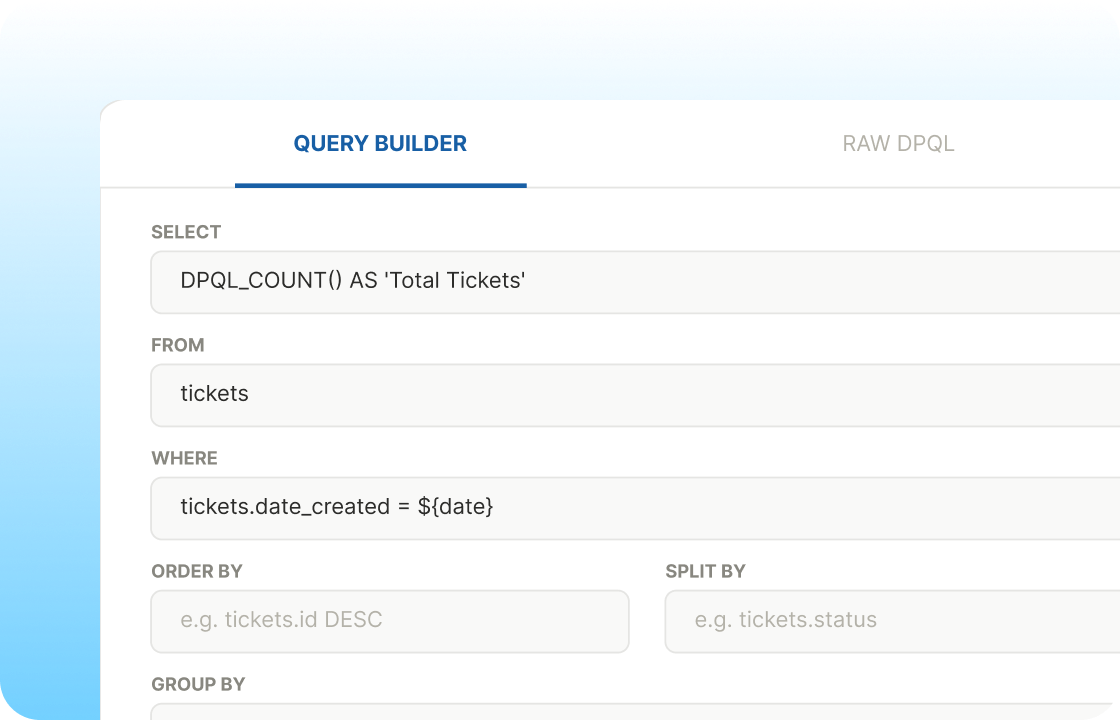
Use DPQL query language to generate a wide variety of reports for your organization; combine dozens of metrics to form highly-specific reports and gain rich insights into your performance.

Dashboards

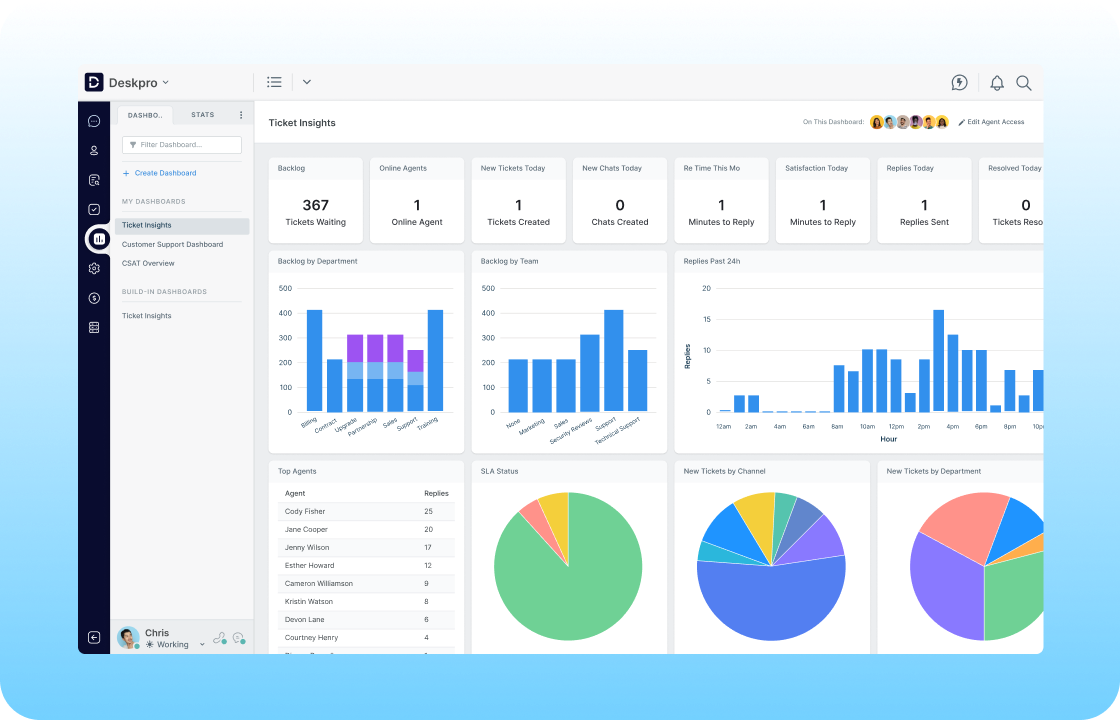
Dashboards

Live updates to your organization's statistics are available on curated dashboards; control how you want your data to be displayed, by teams, departments, or even individual agents.
Dashboard - Two column

Reports

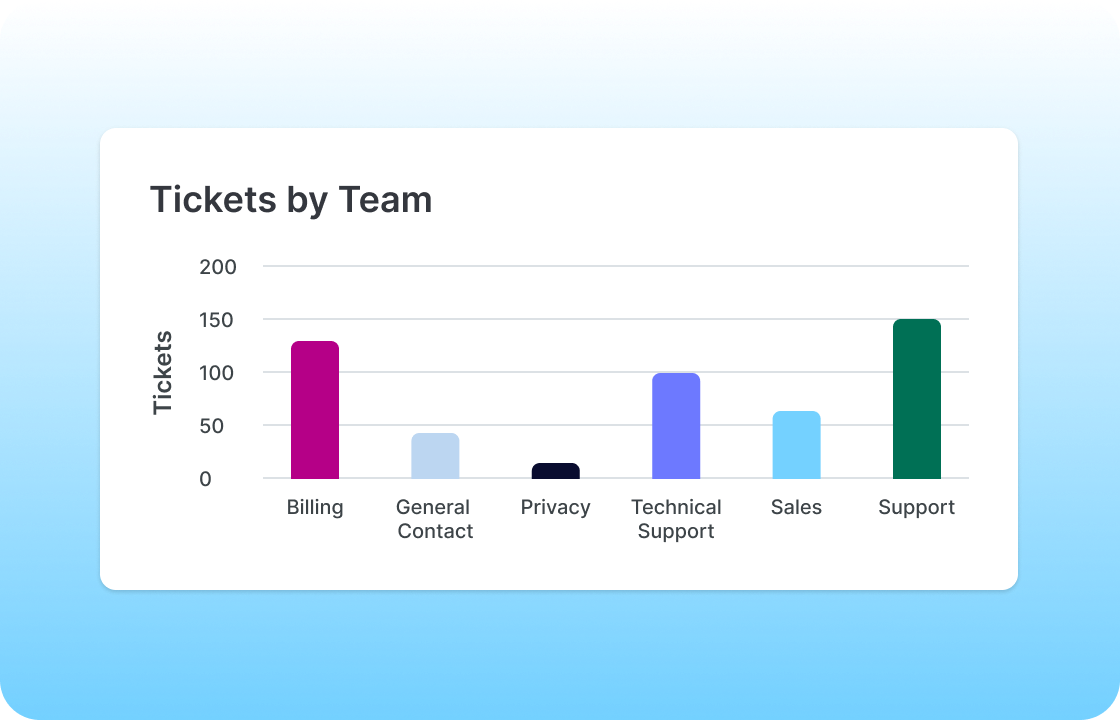
Reports

Create custom reports to view specific statistics for your organization by using a guided process or DPQL query language to retrieve data for particular sets of criteria.
Reports - Two column

DPQL

Custom reports builder

Create highly specific reports through Deskpro's stat builder. You can create and edit these reports either through the guided DPQL process or by editing the raw DPQL, the choice is yours.
DPQL - Two column

Permissions

Permissions

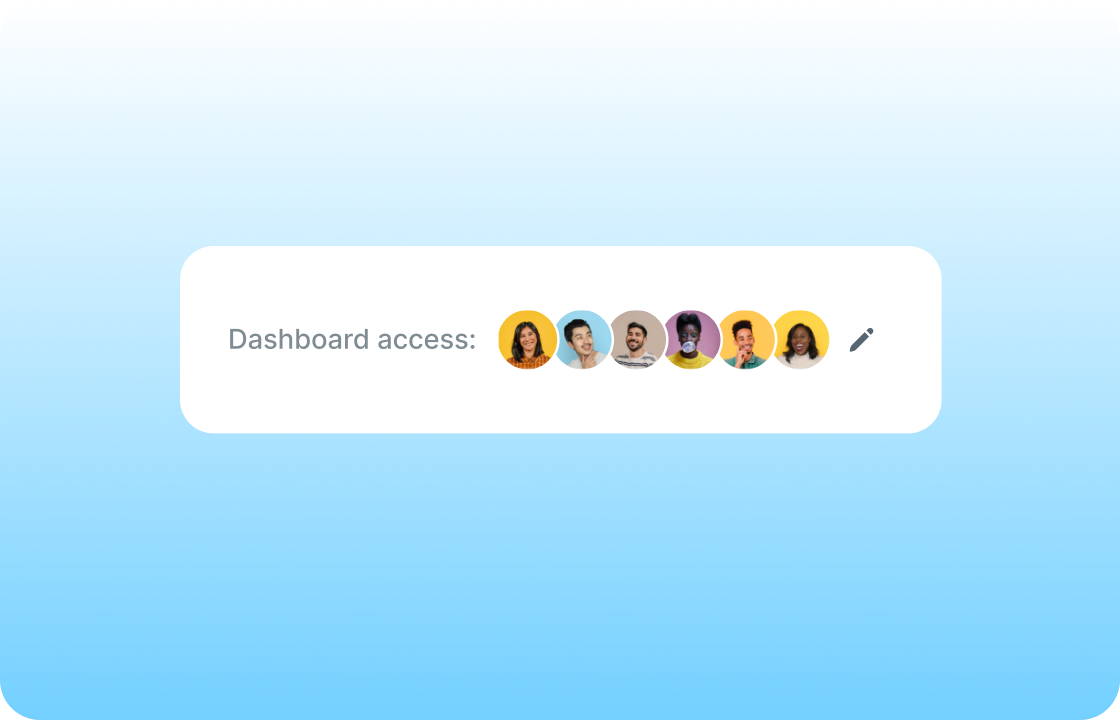
Admins control who can access the reports interface. Agents can be given view-only access or can build reports. You also control who can share reports with others.
reports permissions - Two column

automation

Workload automation and triage

Share workloads evenly across your agents and teams. Select a round robin to systematically assign tickets to the next agent in the queue.

Apply settings to determine how and when agents are selected; such as agent least utilized or skipping agents that aren't online. Perfect for managing ticket allocation even when staff are ill, on holiday, or working on other projects.

user satisfaction

Monitor satisfaction with feedback tools

Measure performance of agents alongside tracking customer satisfaction. With customizable surveys you can choose what specific factors to receive feedback on. Your customers will be able to rate and comment on the support service they receive.

A ticket's survey rating can be automatically added as a label making it searchable by rating category.

security

Choose how to secure your help desk and protect your data

Customize your help desk's security measures to protect your organization. Streamline log in processes with agent and customer authorization to help keep your database even more secure.

  • login
    SSO

    Configure multiple options for SSO to the Deskpro platform for both agents and customers when they are logged into external accounts.

  • link
    Link authentication sources

    Decide which log in routes you will allow from industry standards like Active Directory, LDAP and SAML, as well as social accounts.

  • lock
    Password settings

    Customize password policies for agents and users. Set a minimum password length, block reuse, and password expiry limits.

Integrations

Integrate with your current tech stack

You can introduce any number of apps and widgets from Deskpro's library of bespoke apps and integrations that will boost agent productivity.


  • apps
    App marketplace

    Connect to any of Deskpro's native or third party built apps, available via our apps marketplace.

  • service_toolbox
    Custom apps

    Code your own apps and widgets to be fully integrated into your help desk and extend your support capabilities using simple Javascript and HTML.

  • API
    API

    Easily retrieve, create and update your help desk's data; whether by automating a task or integrating your help desk with existing systems.