Reporting
Harness the power of customer service analytics
Explore Deskpro's comprehensive reporting and analytics capabilities to enhance your customer support.
Customize reports, track performance metrics, and utilize data-driven insights to improve your support processes.
Customizable reporting
Generate actionable insights from reports
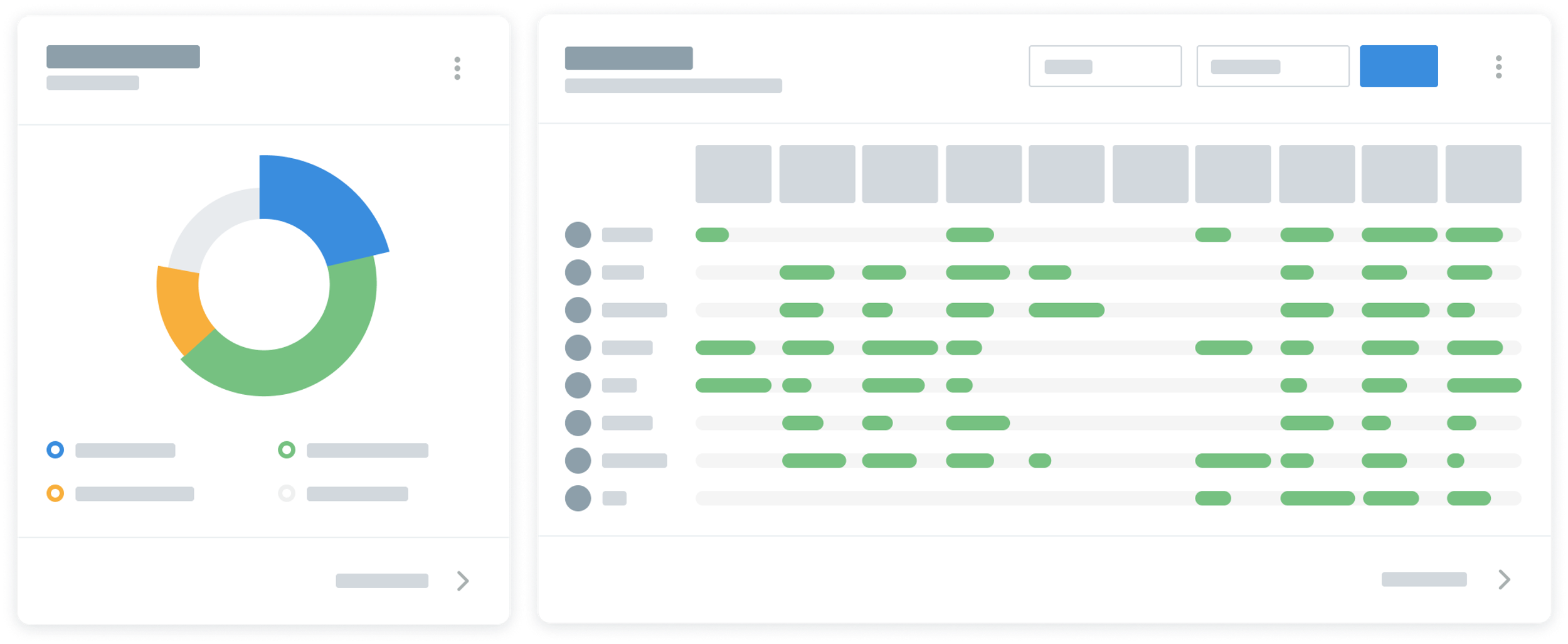
Construct a wide range of reports your organization can use to track performance. Using DPQL, you can build any reports to provide rich analytics for your organization and generate custom dashboards to share a precise overview.
Custom Reports
Built-in reports that analyze every metric
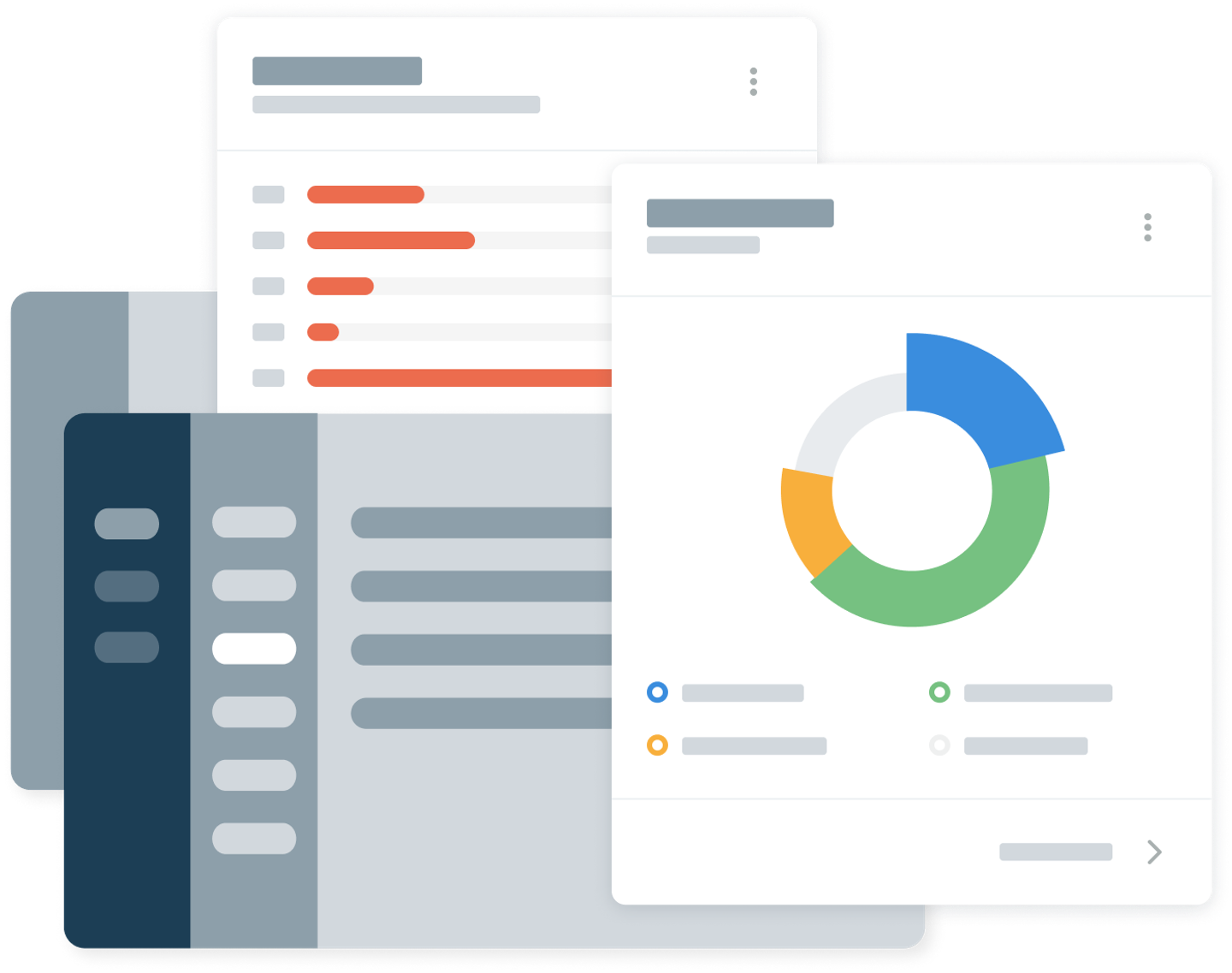
Deskpro offers 150+ built-in reports that can automatically track your help desk performance data; providing you with rich insights into your organization.
You can also combine dozens of metrics and stats to create highly specific reports for your organization by customizing these standard reports to display a wide variety of data combinations.
DPQL Query Language
Customizable reports for actionable insights
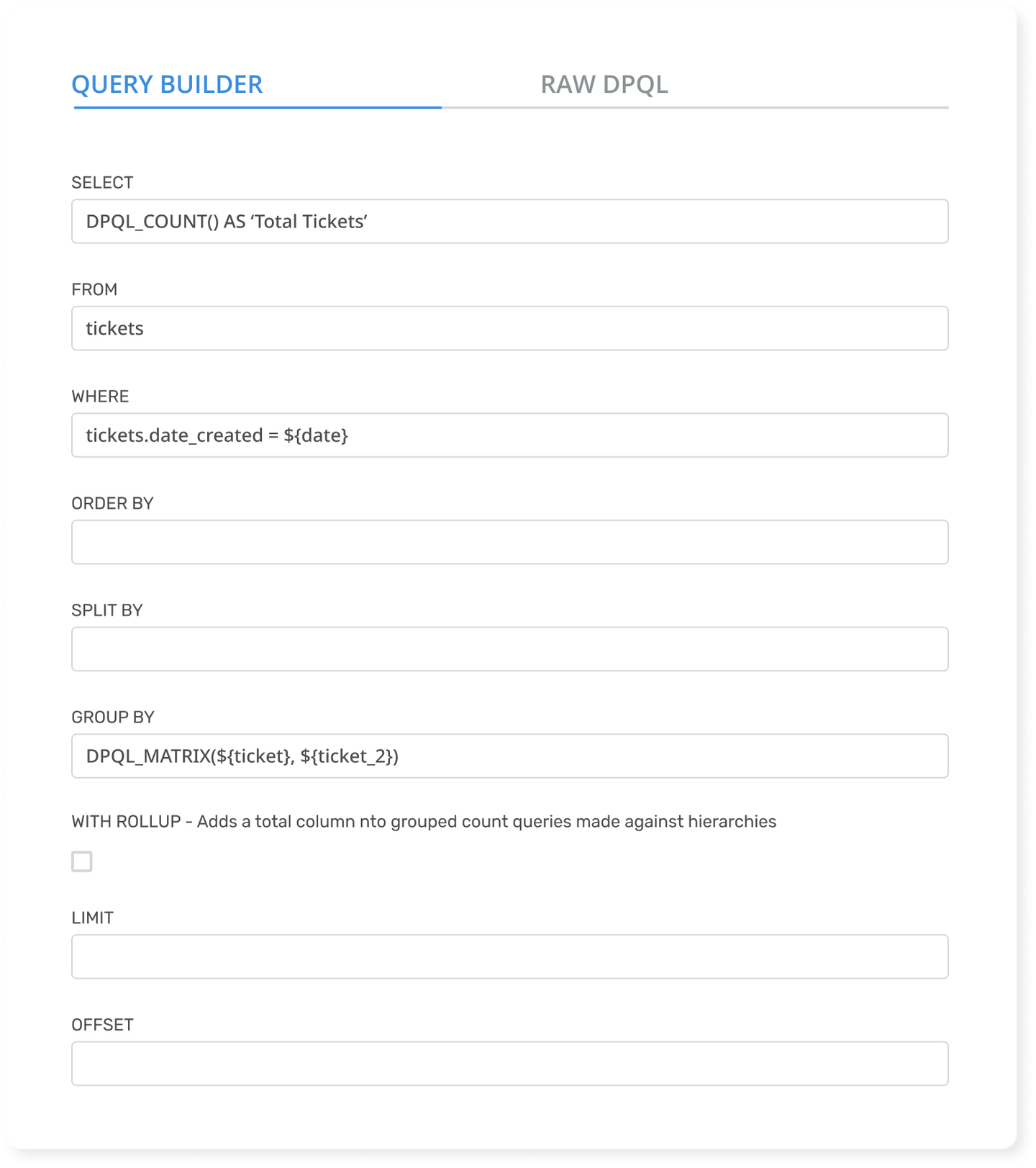
Using Deskpro's inbuilt query builder you can create highly specific reports for your organization through DPQL query language.
You can create and edit these reports either through the guided DPQL process or by editing the raw DPQL, the choice is yours.
These dynamic reports can be displayed in a variety of visual formats on your fully customizable dashboards.
"I like that the DPQL is similar to the SQL language for generating a query, so it’s not super complicated."Matteo Ferroni Co-Founder & CTO


Custom Dashboards
Display your data on custom dashboards
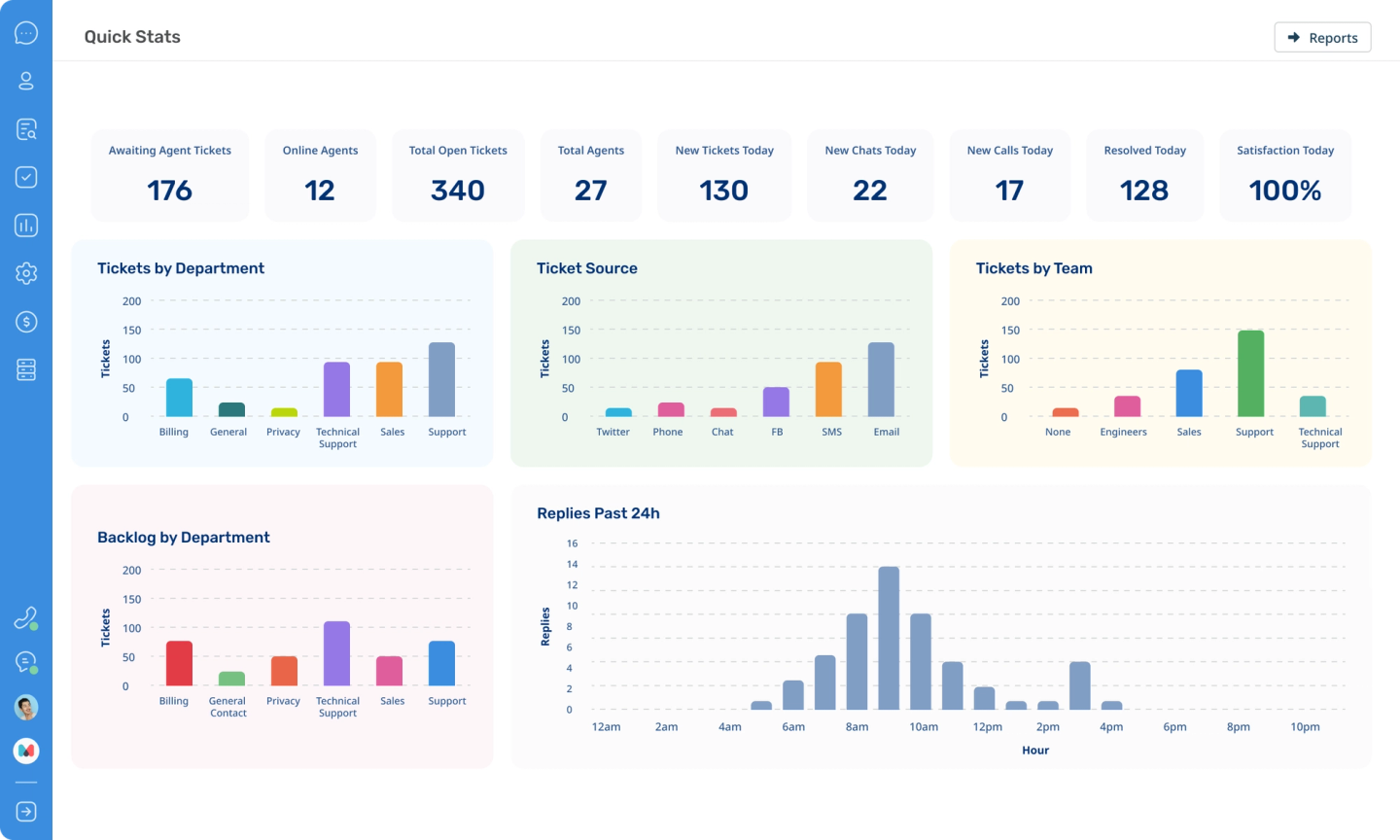
Create dashboards to display your data and metrics however you want.
Curate dashboards for individual teams or departments to show their performance. Or you build a dashboard for specific actions; how you organize your data is completely up to you.
Ticket Satisfaction
Use feedback to boost your support
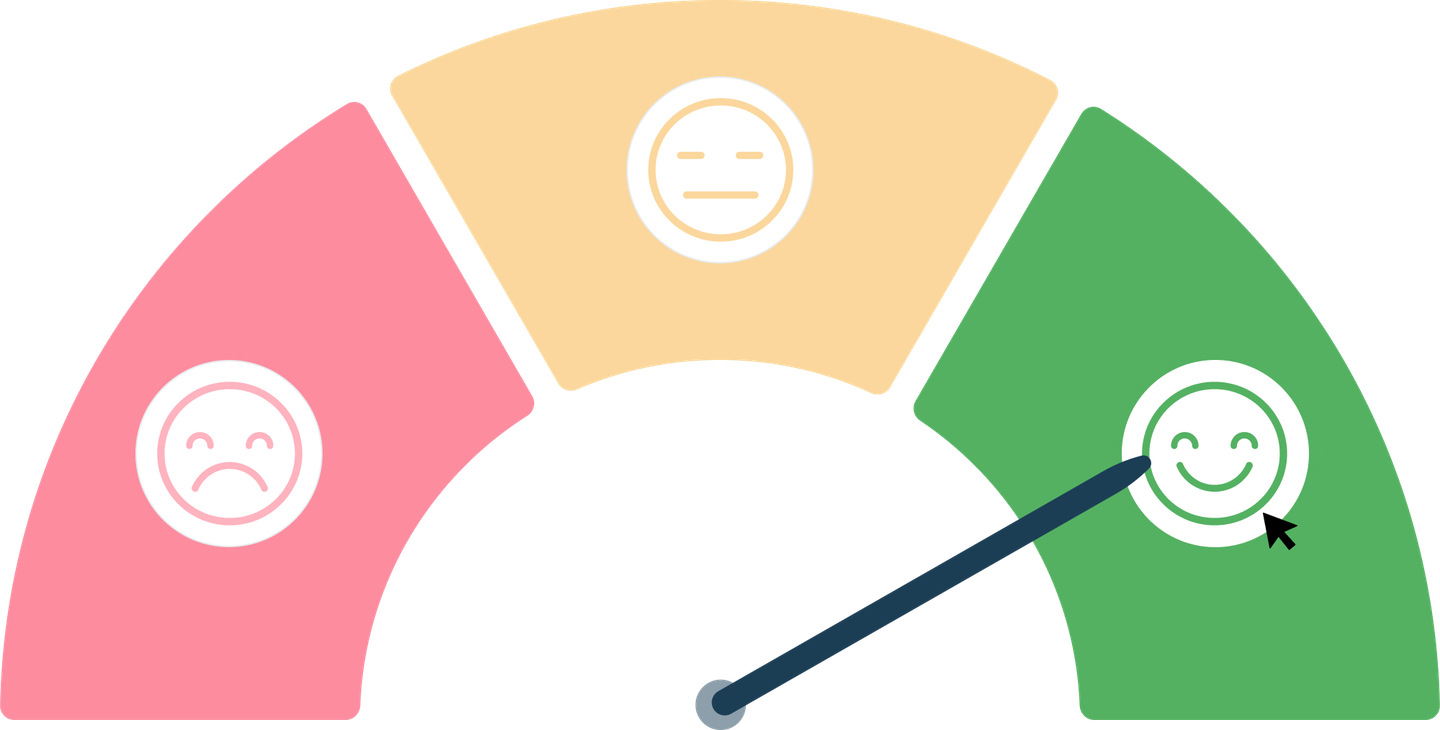
Use customer satisfaction scores to monitor your feedback across tickets and agents to reveal opportunities for improvement.
Insights into what customers like and dislike about your service can help you to improve your customer support.
Data Driven Performance
Analyze data and identify opportunities for improvement
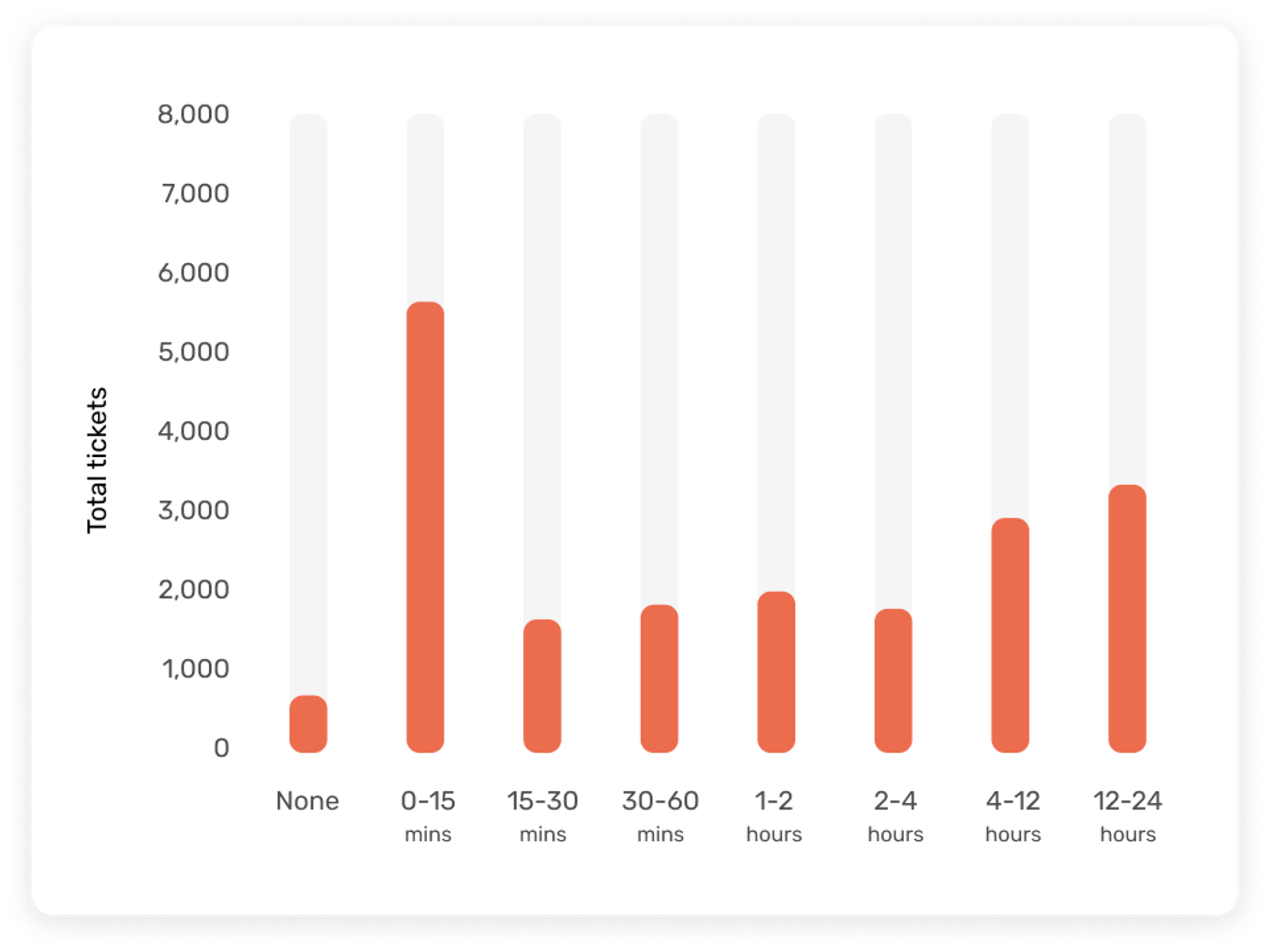
Monitor help desk performance with real-time updates to your statistics. Our built-in reports let you view ticket stats, agent activity, hours worked, time billed, and ticket satisfaction scores.
"Reports are just so easy to use. The different types of reports are great to take to stakeholders to reinforce why we're doing things or why we should change things."Adam Smeets Director of Information Systems


Track performance
Monitor what matters to your organization
Accurate reporting enables you to track your company's performance and keep a tab on your agent activity. Storing all your important information in one convenient location makes all your processes more efficient.

Track your activity
Track agents' actions and manage billing
Track chargeable agent time automatically in our reports component. Update your billing rates with accurate agent timings or identify a flat-rate to change customers. This also enables you to accurately audit your agents actions across your help desk.
Need to know who to send an invoice to at the end of the month? Store exactly the information you need using the same powerful custom fields system as tickets and CRM.

Control Access
Always stay up to date
Your reports will automatically update to display current stats and you can create settings so an overview of your reports is sent to those who need to regularly monitor your help desk's performance.
Keep your analytics on a need-to-know basis by controlling who has access to reports in admin settings. Allow access to all so agents are accountable for their own activity, or keep access strictly for management to track their agents.

 “Deskpro is a great tool and helps our teams collaborate better. We make data-driven decisions using the reports to keep improving for our users.”Robert Tanka / Head of Technical Operations, NEC


 “The reports interface is easy, it’s not rocket science and there are so many predefined reports.”Stefan Urdl / Corporate Director of IT, Vienna House


 “I use reporting to see how fast we can get to resolutions or to work out our average response time. ”Brian Thomason / IT Systems Engineer, Emprint


 “I can run reports for my team performance and I know that the tool is very rich. I love Deskpro.”Liliana Carou / Customer Service Supervisor, Flexible Autos